
A Gym and Fitness Invoice Template should make services and charges easy to review, whether you bill for personal training, gym sessions, or other fitness services. The designs below include options tagged for fitness, gyms, and personal trainers, as well as simple styles that can suit wellness businesses. Choose a free template or preview a Pro option first. Create your invoice in your browser, change the colours, add your logo and payment details, then download it as a PDF. You can adjust the Gym and Fitness Invoice Template to suit your business and use any currency.
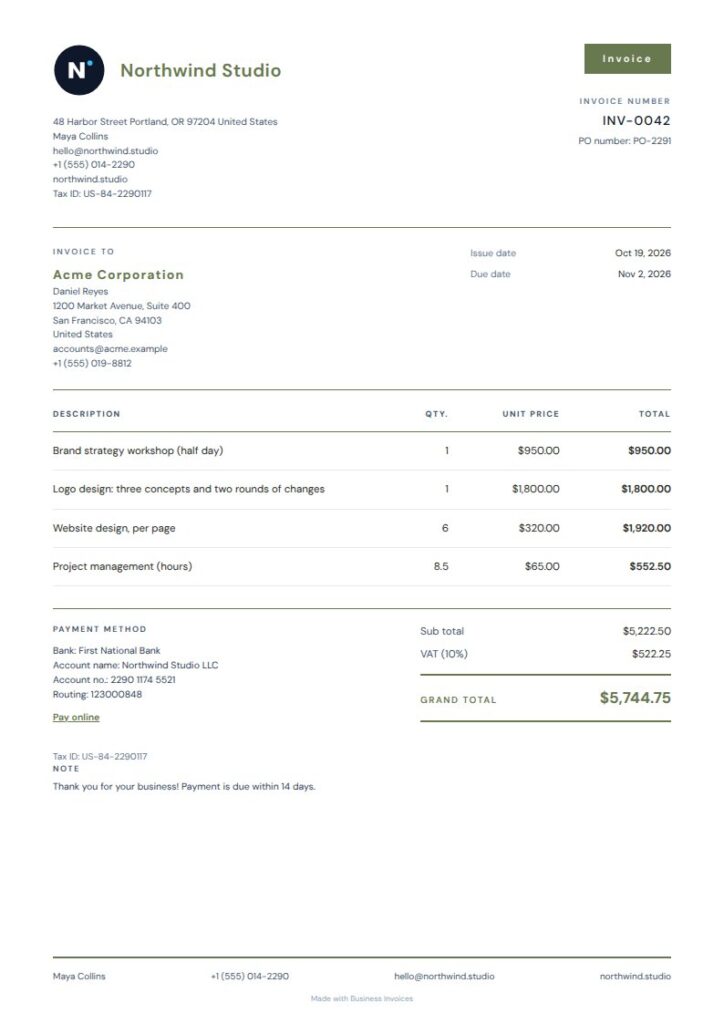
Olive Plain Gym and Fitness Invoice Template
Olive Plain is a straightforward free Gym and Fitness Invoice Template. Its tags include fitness, gym, and personal trainer, and the open layout leaves plenty of room in the item ledger. Subtle olive rules and a compact masthead keep the invoice professional without crowding the page. It can work for a personal trainer billing for sessions or a gym listing several services on one invoice.
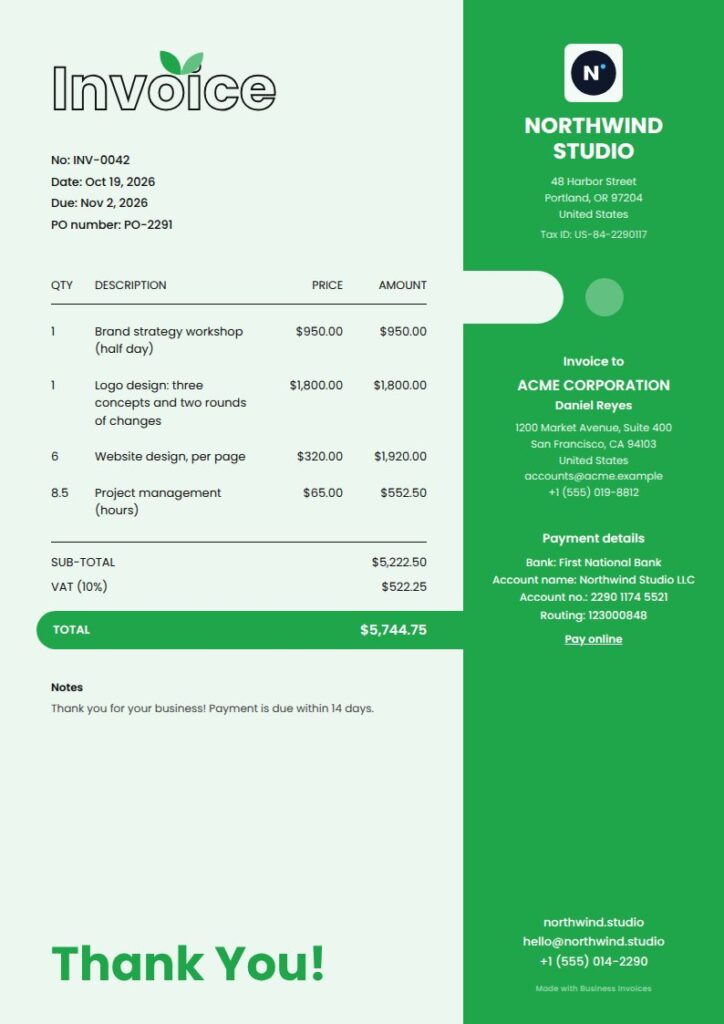
Fresh Gym and Fitness Invoice Template
Fresh gives a fitness invoice a lively look, with a coloured side panel, rounded cut-out, outlined title, and total bar that extends into the panel. Its tags include fitness, gym, and personal trainer. The split-page design makes the invoice distinctive while leaving room for sessions or other billed items. Fresh is a Pro template that you can preview before choosing.
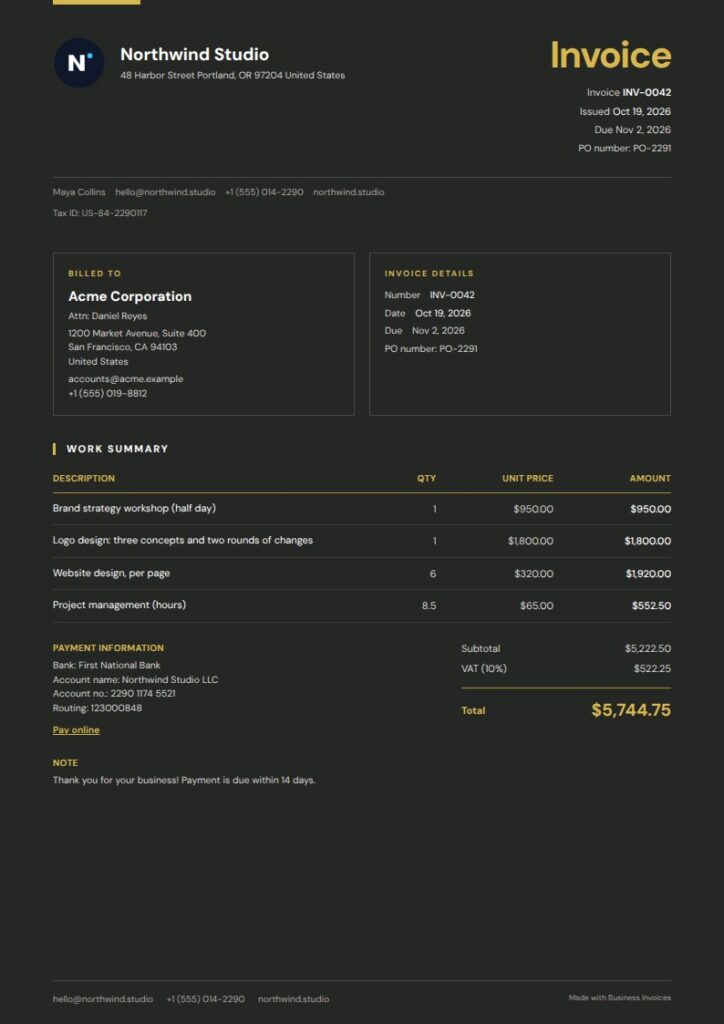
Citron Night Gym and Fitness Invoice Template
For a darker look, Citron Night pairs midnight charcoal with a slim citron masthead, open ledger rows, and a compact summary. Its tags include fitness, gym, and personal trainer, so it can suit training services as well as gym invoices. There’s room to list billed items, and the summary makes the amount due easy to find. This free option has a restrained, modern style.
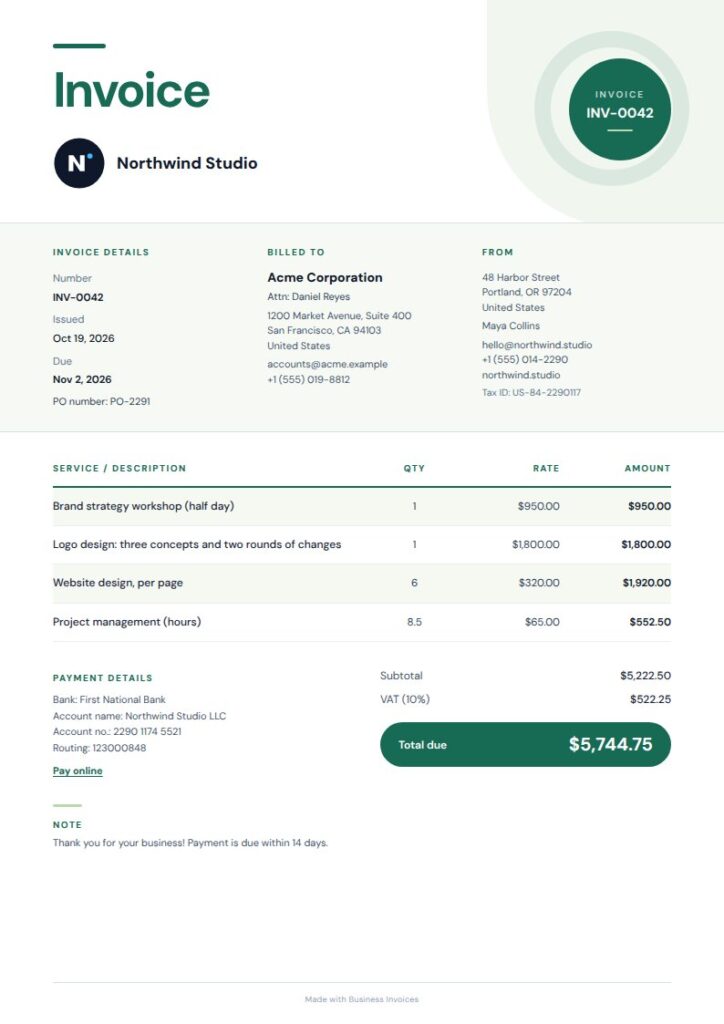
Verdant Grand Gym and Fitness Invoice Template
Verdant Grand pairs an oversized title and botanical tones with a tidy ledger and compact total panel. Its tags include fitness, gym, and personal trainer, making it a fit for businesses that prefer a fresh green palette. The ledger gives billed services a clear place, while the total panel draws attention to the final amount. This Pro template is available to preview before you choose it.
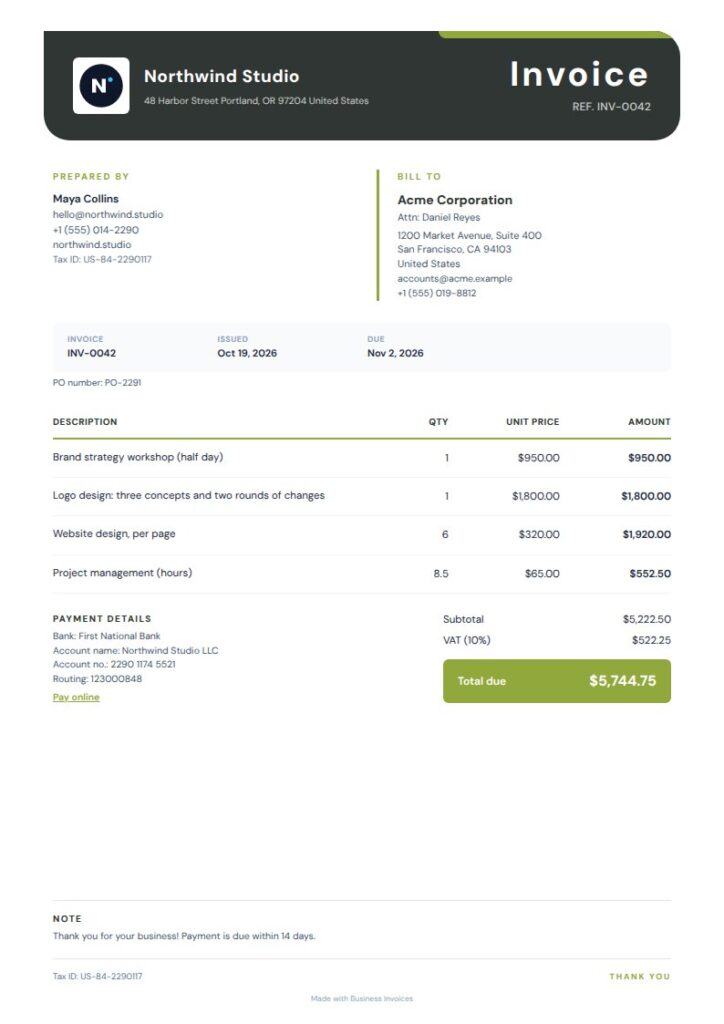
Moss Lime Gym and Fitness Invoice Template
Moss Lime pairs a charcoal masthead with muted olive accents for a grounded, modern look. It’s tagged for fitness, gyms, and personal trainers, so it directly matches this keyword. The tidy ledger can help organize session charges and other services without extra visual detail. Choose it if you want a professional Gym and Fitness Invoice Template with green accents. It’s a Pro template you can preview first.
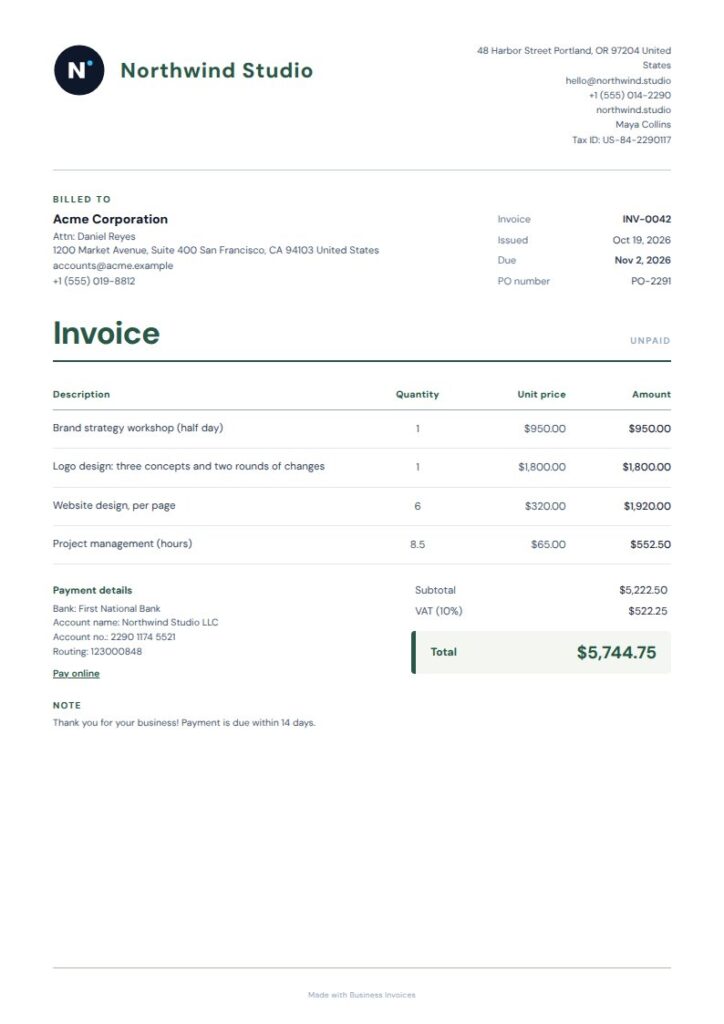
Sage Tint Gym and Fitness Invoice Template
Sage Tint has a softer, wellness-focused style, with a forest-green masthead, compact invoice details, and a lightly tinted total panel. Its tags focus on spa, wellness, massage, and healthcare rather than gym services, but its calm look can suit fitness professionals who prefer a less sporty design. Use the details area for invoice information and the ledger for charges. Sage Tint is free to use.
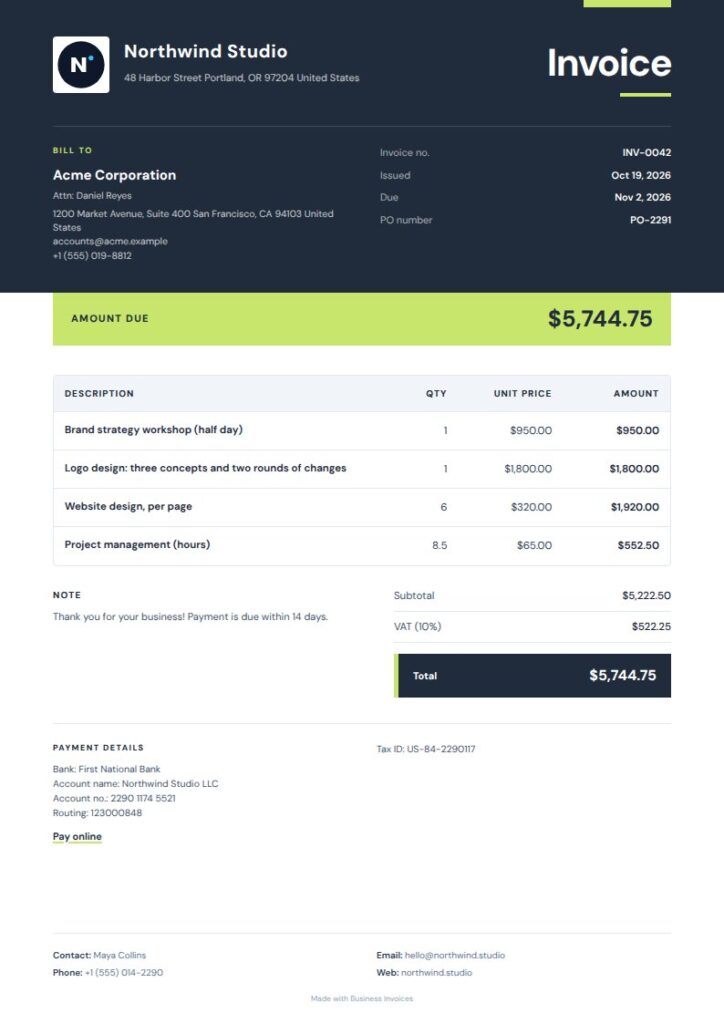
Nightfall Lime Gym and Fitness Invoice Template
Nightfall Lime sets bright citron accents against an ink-dark masthead for a high-contrast look. Its tags include fitness, gym, and personal trainer, making it a Pro option for training businesses. The bold header and total band highlight key invoice details, while the rest of the layout stays measured. Preview it to see if the darker palette suits your brand.
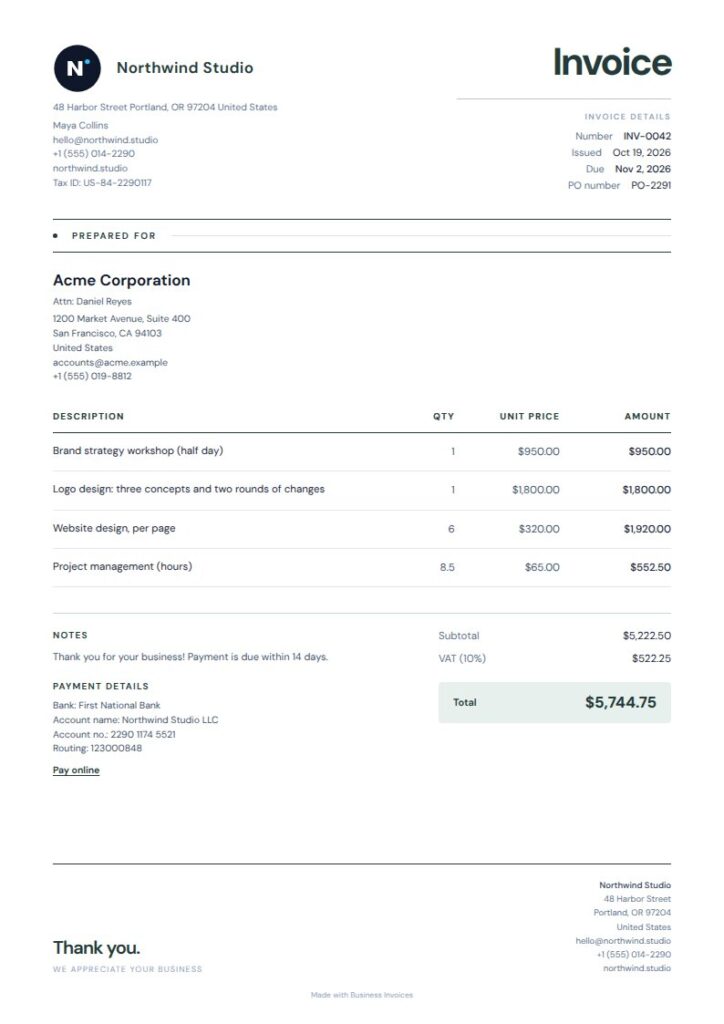
Quiet Mint Gym and Fitness Invoice Template
Quiet Mint is a light, understated option with a compact masthead, fine rules, and a muted teal total panel. Its tags include spa, wellness, and massage, so it can suit fitness professionals with a calm wellness brand, though it isn’t specifically tagged for gyms. The simple layout keeps invoice details and charges easy to read. This free template’s colours can be changed.
What to include on a fitness invoice
Include your business and client details, the invoice date, and a clear description of each service. A personal trainer might list sessions separately, while a gym could show memberships or other services as distinct line items.
Add the amounts due and any payment or bank details you want clients to use. You can also include your logo and extra fields to match the way your fitness business bills clients.
How to choose a gym invoice design
Choose a layout that makes service descriptions and the total easy to find. A spacious ledger can help if you bill for several sessions, while a compact summary keeps the amount due in view.
You can change the colours of any template and use any currency. Free templates are available to everyone, and you can preview Pro templates before choosing one.
FAQs
Can I create a gym or personal training invoice for free?
Yes. You can make unlimited invoices with Business Invoices for free, and everyone can use the free templates. Choose a design, enter the details in your browser, and download the finished invoice as a PDF.
What details should a personal training invoice include?
Include your business and client details, the date, and clear descriptions of the services you’re billing for. You can add payment or bank details, your logo, and any extra fields you need. Listing each service on a separate line can help clients see the charges.
Can I change the colours or add my gym logo?
Yes. You can change the colours of every template and add your logo. You can also include payment or bank details and extra fields, so the invoice shows the information your gym or fitness business needs.
Can I invoice clients in different currencies?
Business Invoices supports any currency. Choose the one you need for the invoice and enter your charges. Create the invoice in your browser, then download it as a PDF.