
A Web Development Invoice should show clients what work you completed and what they owe. These templates suit web developers, freelancers, and software or IT service providers, with designs ranging from simple ledgers to tech-inspired layouts. Pick a Web Development Invoice style that suits your business, then list project work such as development, maintenance, or other agreed services. Create and download a PDF invoice in your browser, change the template colours, and add your own details.
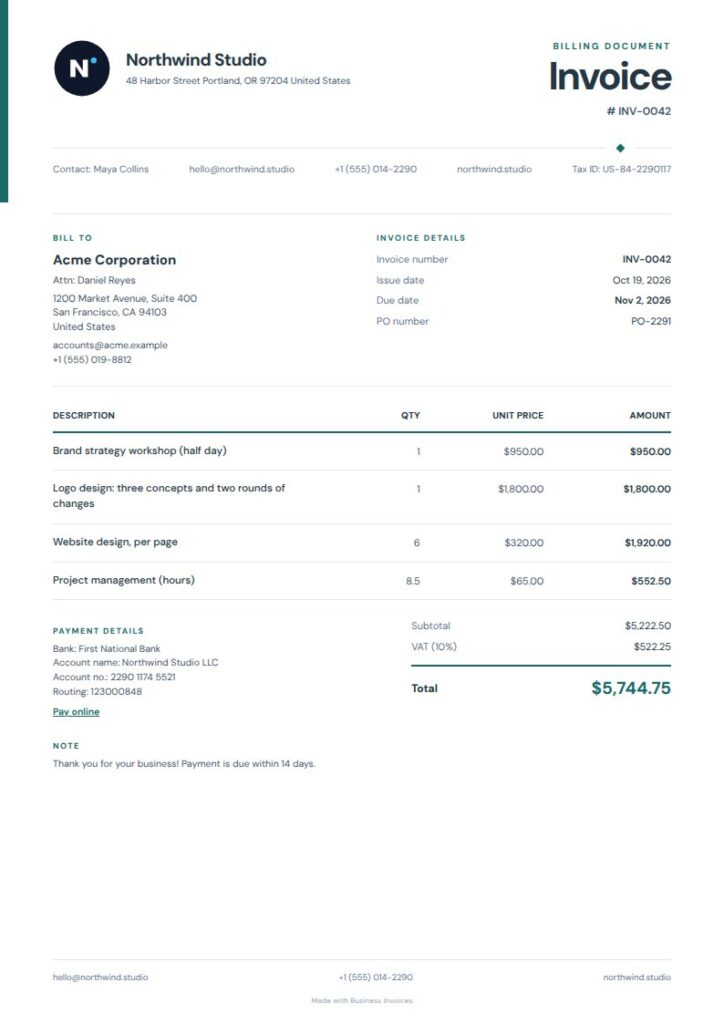
Quiet Rail Web Development Invoice
Quiet Rail is a good fit for a Web Development Invoice, with tags for web development, software, and IT services. Its narrow colour rail and open metadata area give the page structure without crowding the item ledger. Use it to list project tasks or service charges clearly. The restrained teal, navy, and blue palette also suits a straightforward business invoice.
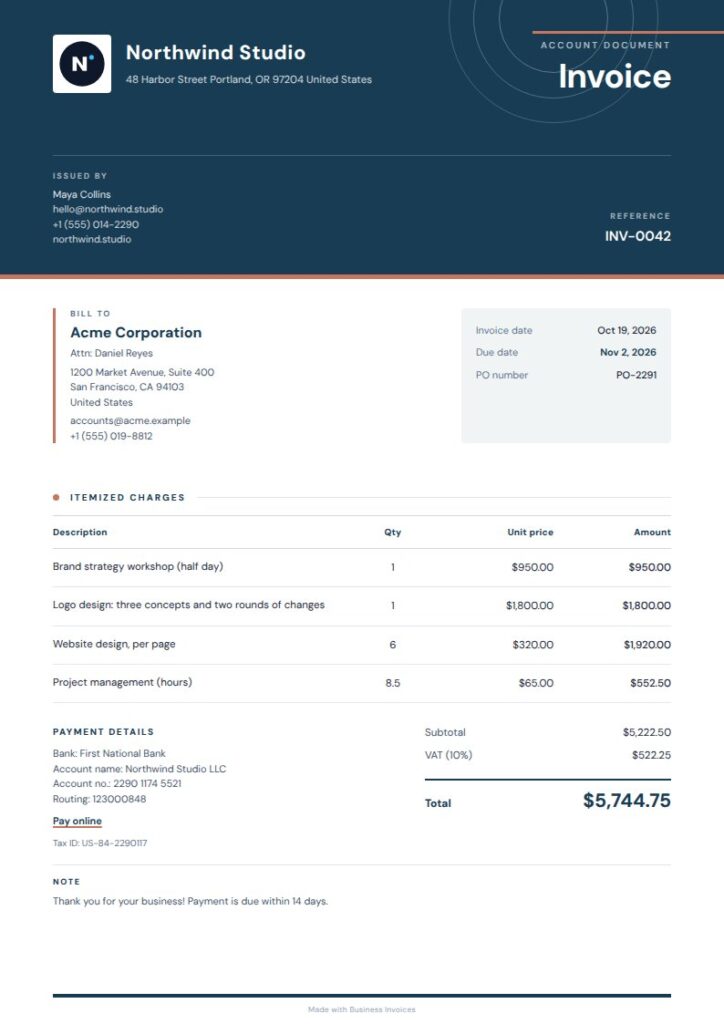
Orbit Web Development Invoice
Orbit has tags for web development, software, IT services, tech, startups, and agencies, giving it a tech-focused feel. A deep-blue masthead and fine-line orbit details set it apart, while the layout stays crisp and paper-like. It can suit a developer or agency billing a client who likes a contemporary design without a crowded page.
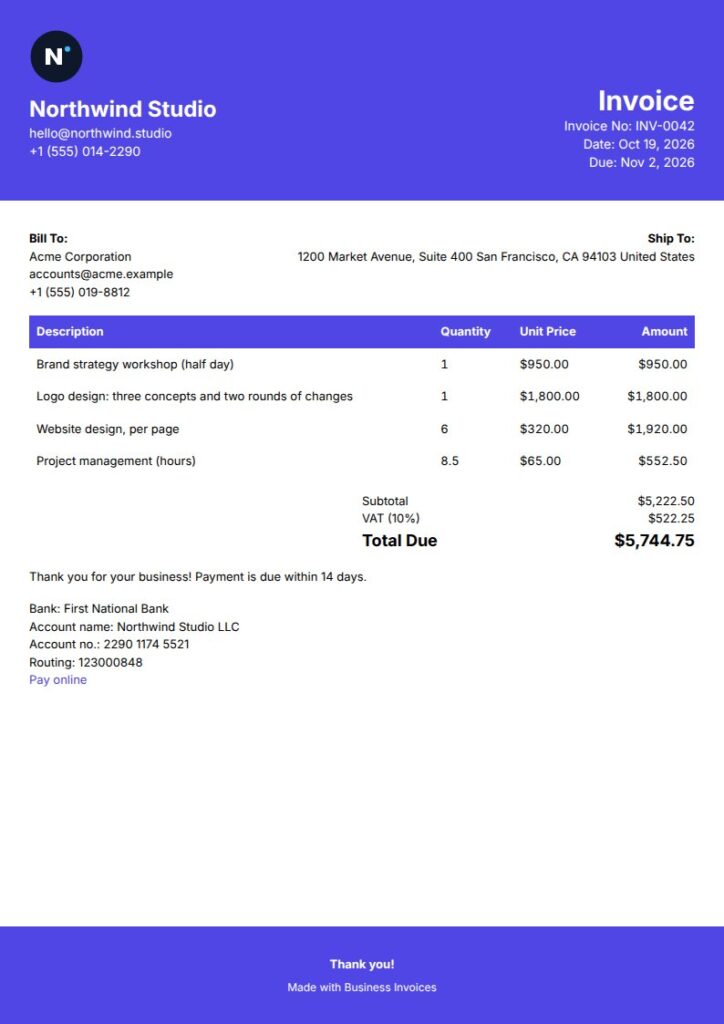
Headline Web Development Invoice
Headline combines web development and software tags with an indigo headline and filled table header. It’s a good choice if you want the charges to stand out while keeping the rest of the invoice simple. The signature line adds a formal detail for client billing, and the clean, friendly layout works for independent developers and professional service providers.
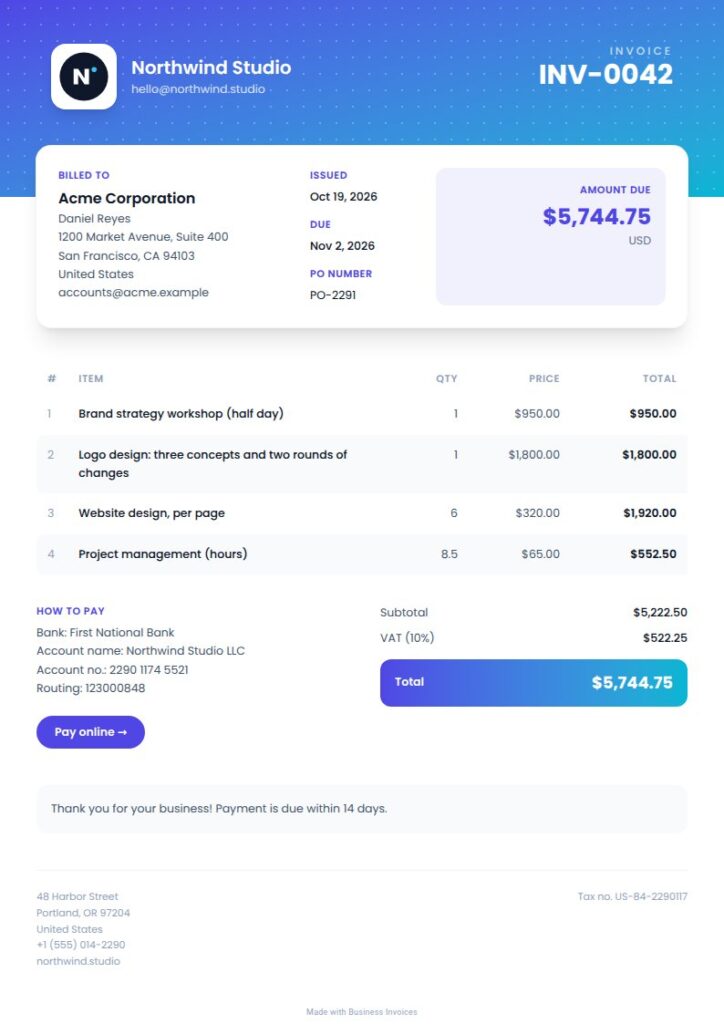
Modern Web Development Invoice
Modern is tagged for web development, software, IT services, tech, SaaS, and creative agencies, so it suits a range of digital businesses. A gradient header, patterned detail, striped rows, and total band give the invoice a brighter, contemporary look. Choose it for a Web Development Invoice with more visual character that still presents item rows and the amount clearly.
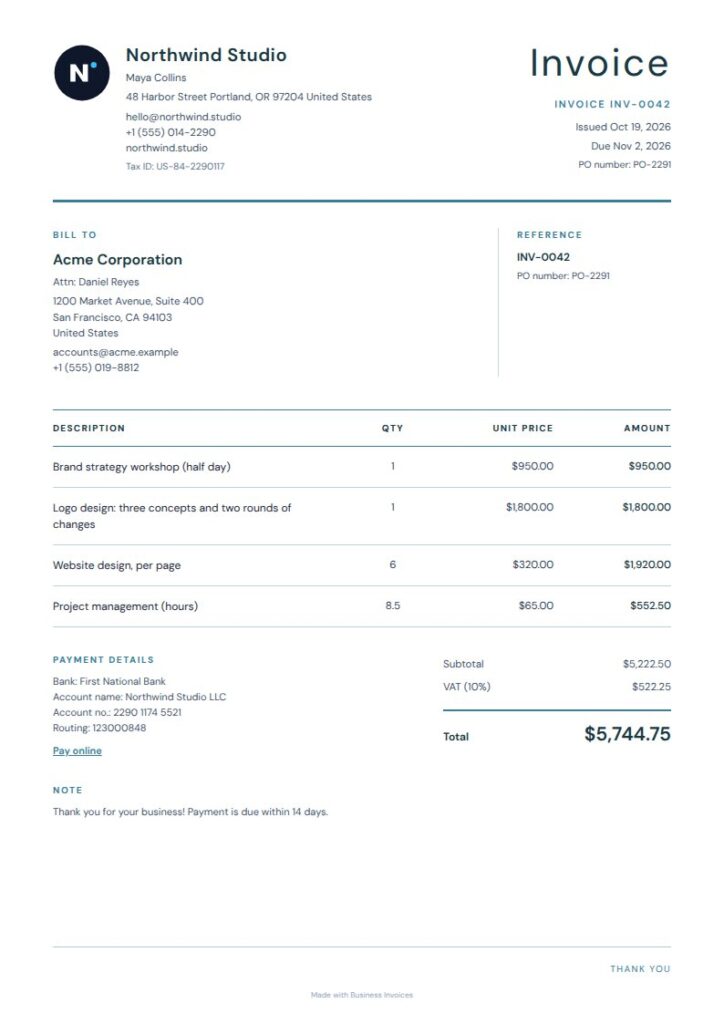
Blue Rules Web Development Invoice
Blue Rules has tags for web development, software, and IT services. Its airy layout uses fine blue rules and a compact details rail, while the quiet payment summary and minimal styling keep attention on the client information and billed work. It’s a practical choice for developers who prefer a light, organized invoice over a decorative one.
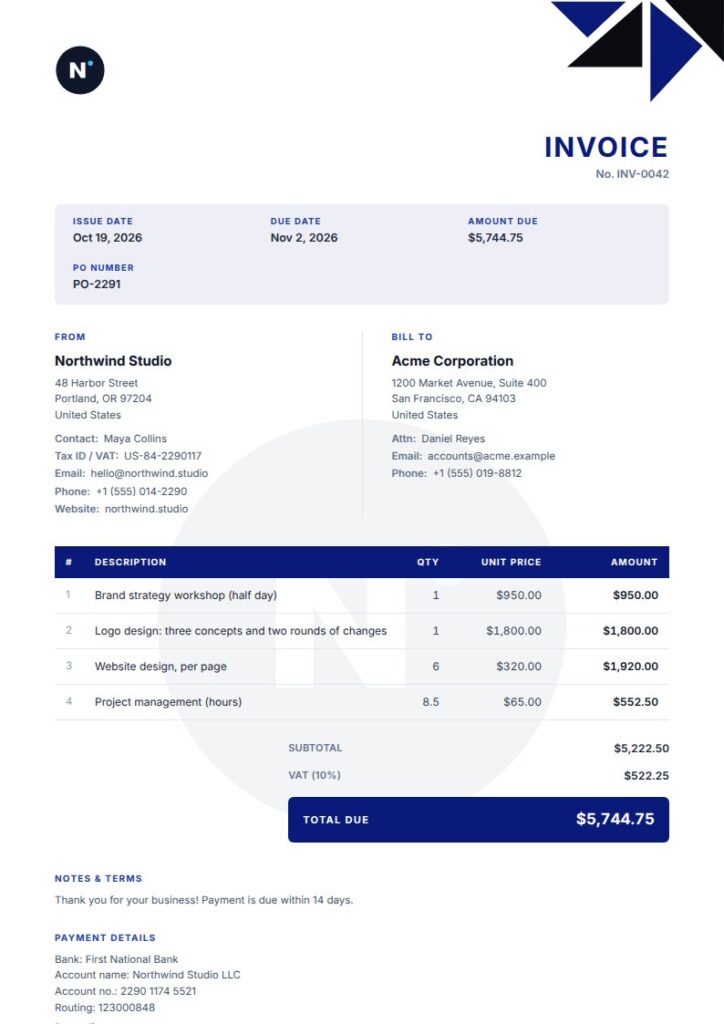
Corporate Web Development Invoice
Corporate is tagged for web development, software, IT services, consulting, and professional services. An accent info bar, geometric corner, and bold table give the invoice a structured business look. A faded logo watermark and signature line add visual detail. This Pro option may suit an agency or developer who wants a more formal way to present client invoices.
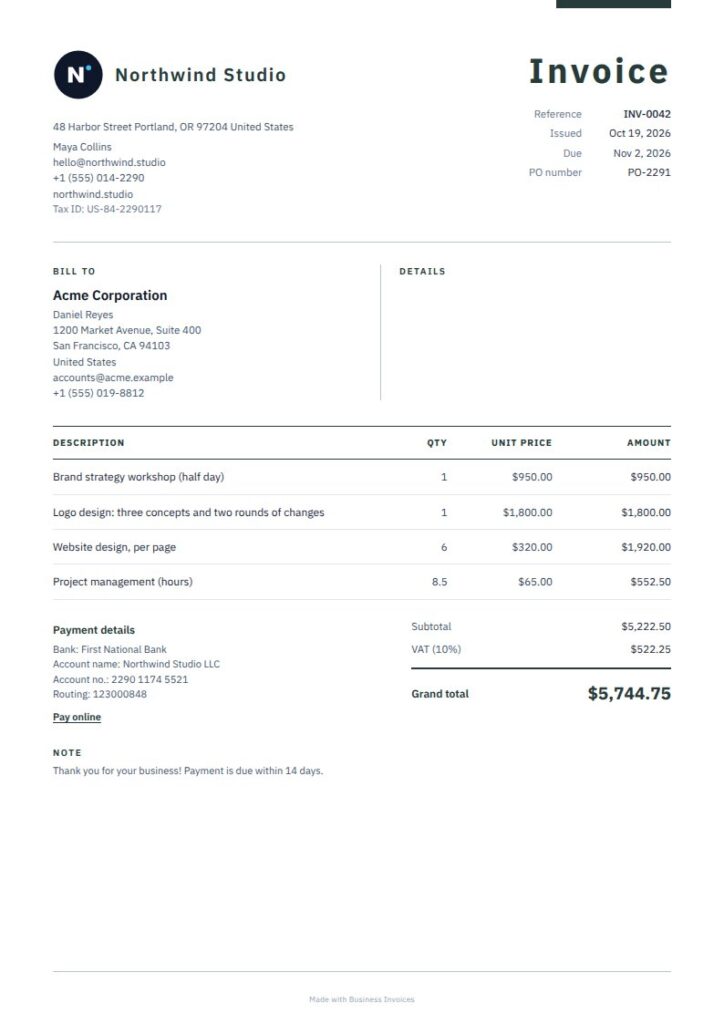
Teal Plex Web Development Invoice
Teal Plex is tagged for web development, software, and IT services, making it a relevant free option for digital project billing. Its typewriter-inspired style, open masthead, and ruled item ledger add character while keeping charges orderly. The compact payment close keeps the page focused, making this a good choice for a clean invoice with a distinct but restrained look.
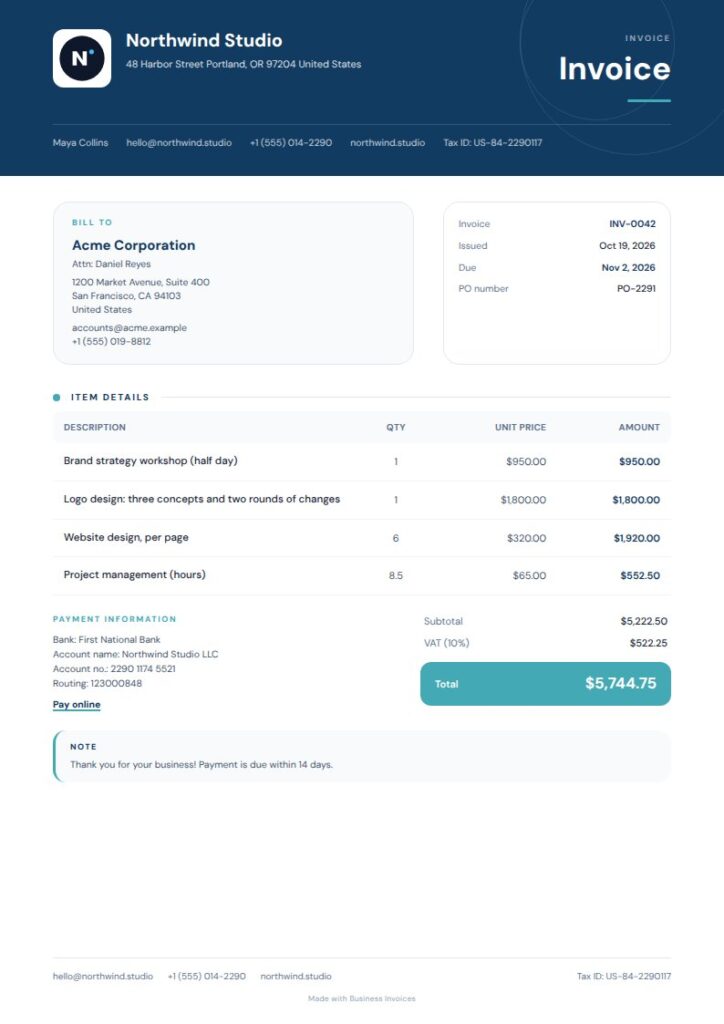
Tidal Rounded Web Development Invoice
Tidal Rounded has tags for web development, software, IT services, tech, and SaaS. Its deep ocean header, rounded details, and aqua total accent give it more character than a plain ledger, while the bold table keeps billed items prominent. It can suit a software business or developer looking for a polished invoice that puts the total in clear view.
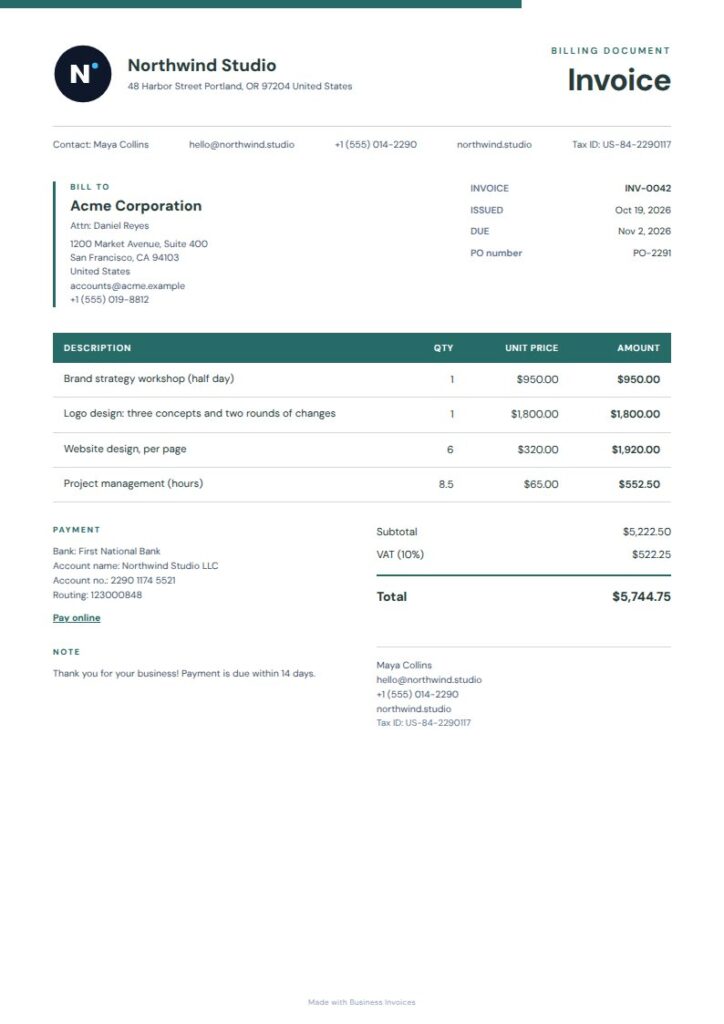
Teal Summary Web Development Invoice
Teal Summary is a free template tagged for web development, software, and IT services. Its offset company masthead, teal rules, and filled table header establish a clear visual order, while the compact summary rail keeps the page tidy. It suits developers who want a professional look and a clear place for project charges and the amount due.
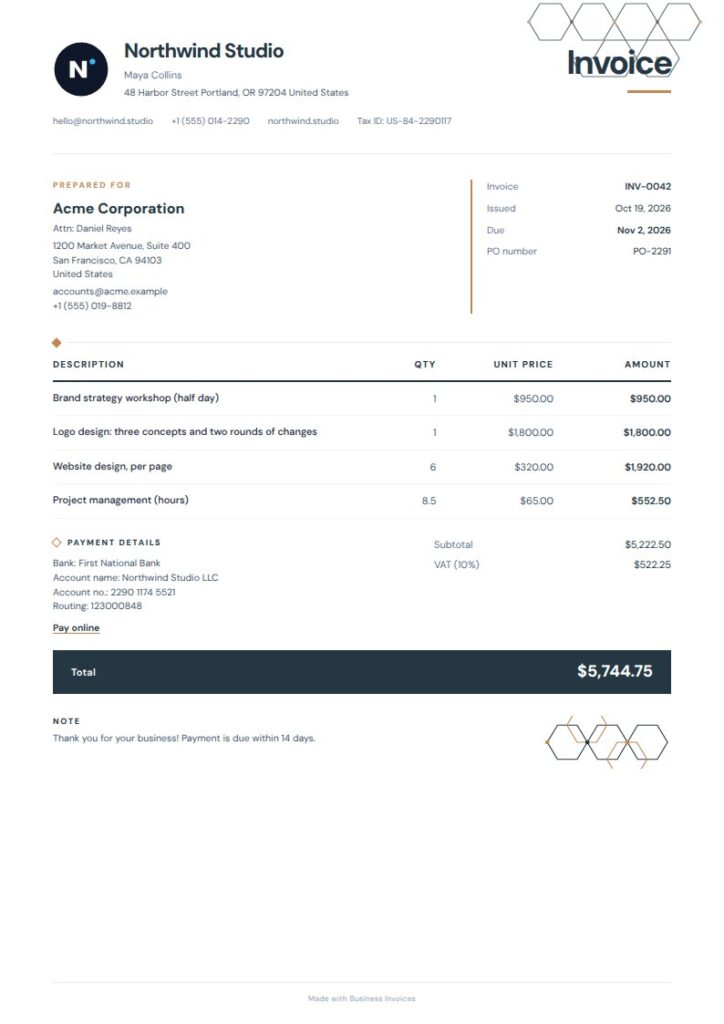
Hexline Web Development Invoice
Hexline is tagged for web development, software, and IT services, as well as tech, SaaS, and engineering. Its compact masthead and fine geometric accents add a subtle technical feel, while the ink-dark total bar makes the final amount stand out. It’s a good choice for a developer who wants a current-looking invoice without a busy layout.
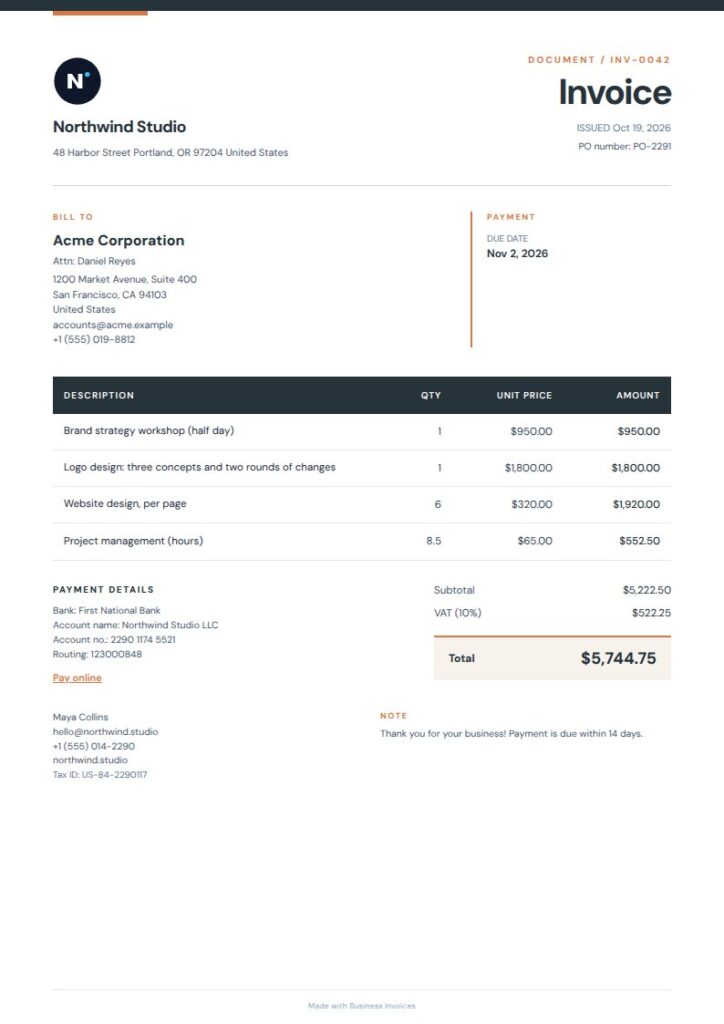
Charcoal Geo Web Development Invoice
Charcoal Geo is tagged for web development, software, and IT services, along with trade-related services. Its charcoal masthead, warm geometric accent, and structured fine-lined rows offer a grounded alternative to brighter tech designs. The orderly rows work well for invoices with several distinct charges, and the professional styling suits business clients.
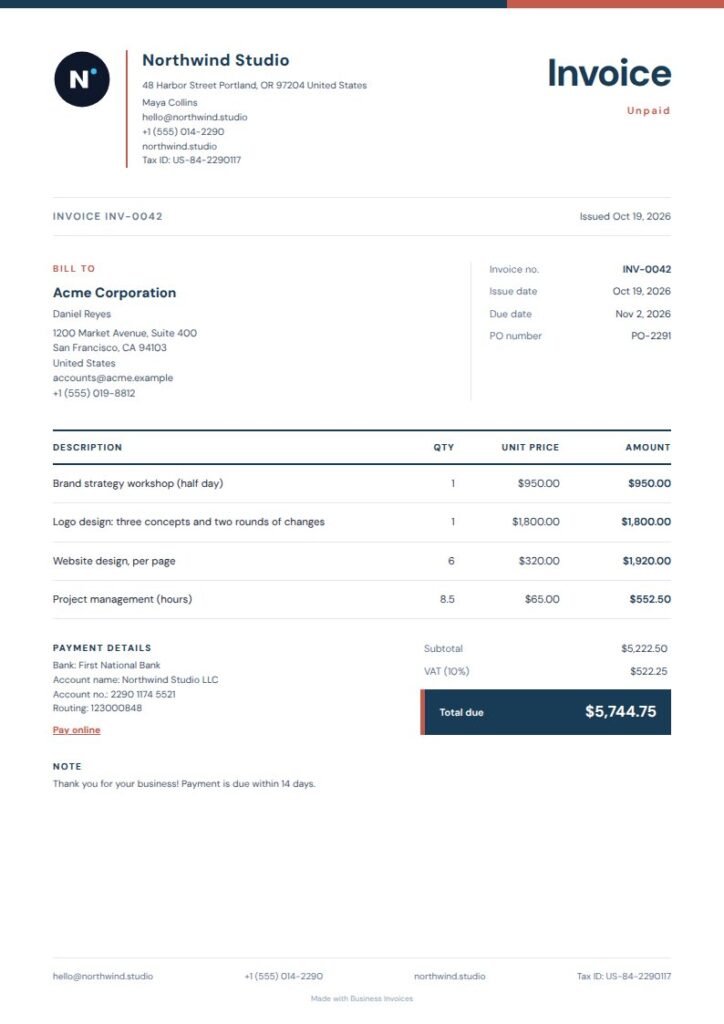
Slim Ice Web Development Invoice
Slim Ice is tagged for web development, software, IT services, freelance work, and professional services. Its slim colour rail, ruled item rows, and compact ledger-style summary make for a clean page suited to independent developers and small teams. This Pro template is a good fit if you want a restrained invoice with room for clients to read the charges and summary.
What to include on a web development invoice
Describe each service in plain language, such as development work, site updates, or maintenance, and show the charge for each item. Add your client and business details, invoice information, payment or bank details, and any extra fields the client needs to identify the project.
You can add your logo and extra fields to a Business Invoices template. Change the template colours as needed. The invoice maker works with any currency.
FAQs
How do I make a Web Development Invoice?
Choose a template and fill it in using your browser. Add the client and business details, describe the work in invoice line items, and enter the payment or bank details you want to show. Add your logo or extra fields if needed, then download the completed invoice as a PDF.
What should I list as web development invoice line items?
Describe the work you billed for, such as a development task, site update, or maintenance service. Put separate services on separate lines when that makes the charges clearer. You can add extra fields to the template if you need to include more project details.
Can I change a template to match my web development business?
Yes. You can change the colours on every template and add your logo, payment or bank details, and extra fields of your own. This lets you adjust the invoice to suit your business and the information you want clients to see.
Are there free invoice templates for web developers?
Yes. Free templates are available to everyone, and you can make invoices for free without a limit. Pro templates are included in the Pro plan. Anyone can preview them before deciding which one to use.