
A VAT invoice template should make seller and customer details, item descriptions, totals, and VAT information easy to find. The designs below offer clear ledgers, structured detail areas, and compact layouts for different kinds of work. Choose a VAT invoice template with enough room for your figures, then add the payment or bank details and any extra fields you need. Business Invoices is an online invoice maker. Create an invoice in your browser and download it as a PDF. You can use any currency and change the template colours.
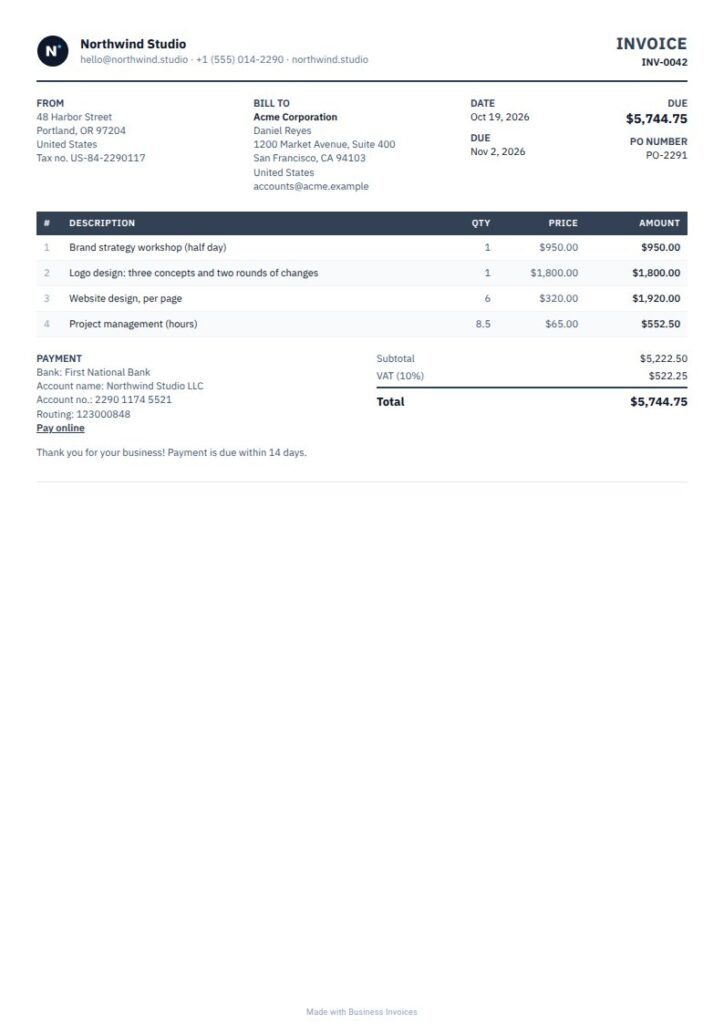
Compact Vat invoice template
If your invoices have many items, Compact is designed to fit long invoices on fewer pages. Its dense layout and bold striped table keep line items and figures together, making a VAT invoice easier to review. It’s a practical choice for repeated or detailed charges, with the option to add your own VAT fields. This is a free template.
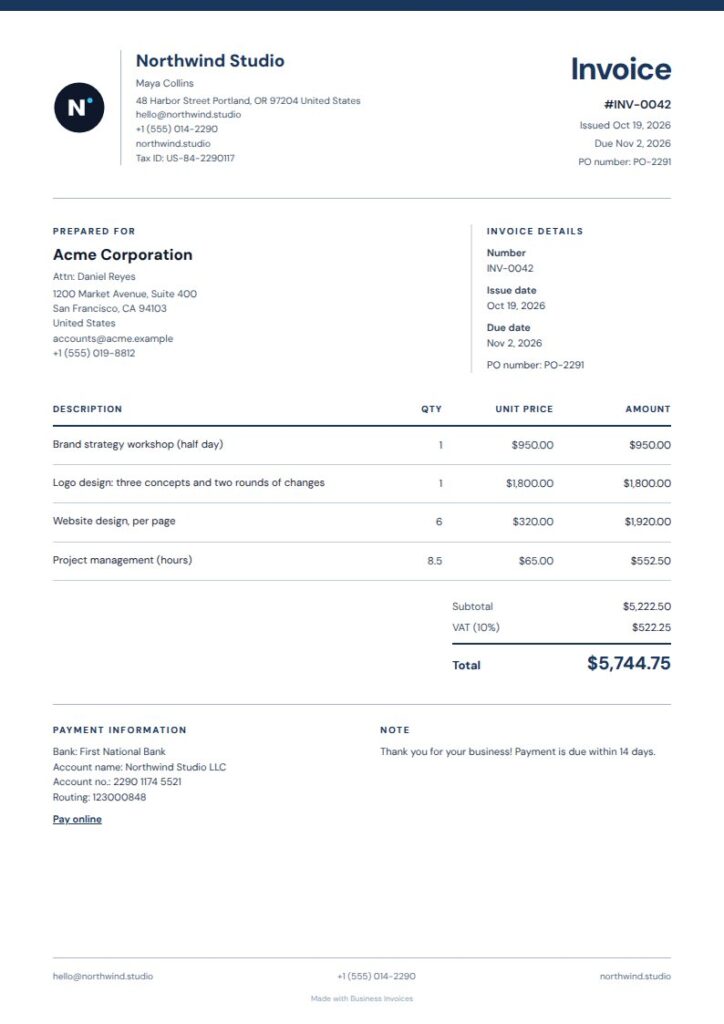
Navy Columns Vat invoice template
A VAT invoice often needs clear line items as well as readable customer and invoice details. Navy Columns gives metadata and the item ledger separate areas, with open columns for details and ruled rows for charges. Its calm, professional look may suit consulting or financial services, as its tags suggest. The simple layout keeps the information in focus. This is a free template.
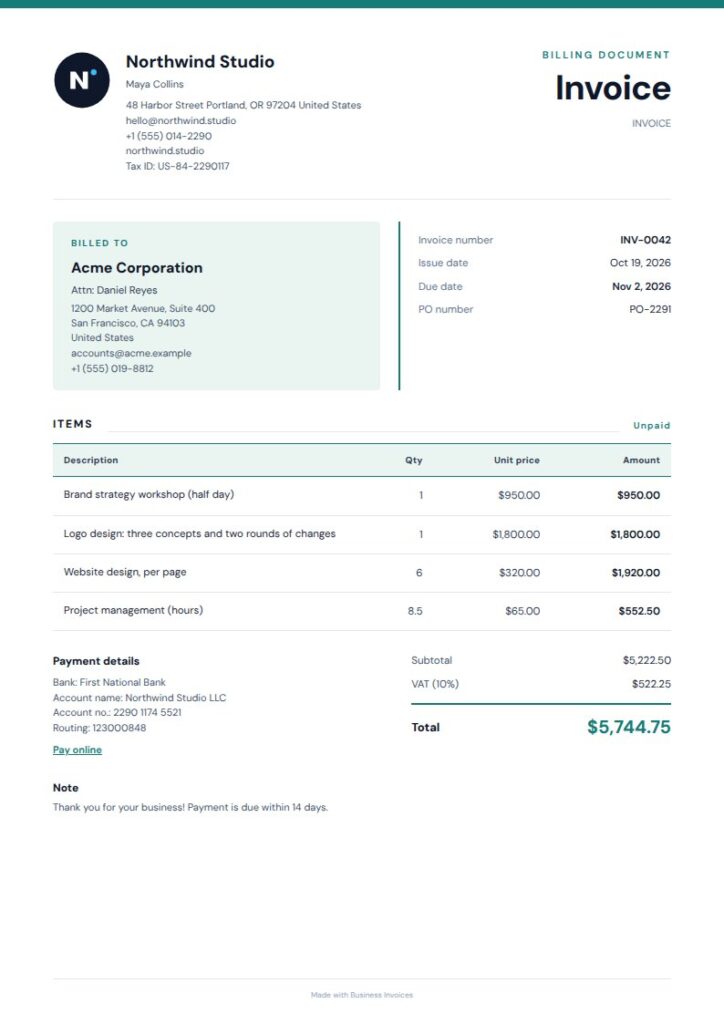
Tinted Cards Vat invoice template
Softly tinted detail cards sit above a ruled item ledger in Tinted Cards, separating invoice information from charges without crowding the page. This structure can help customers scan the details and follow the figures on a VAT invoice. Its professional style is tagged for consulting, medical, and freelance work. Add the fields you need for VAT details. This is a free template.
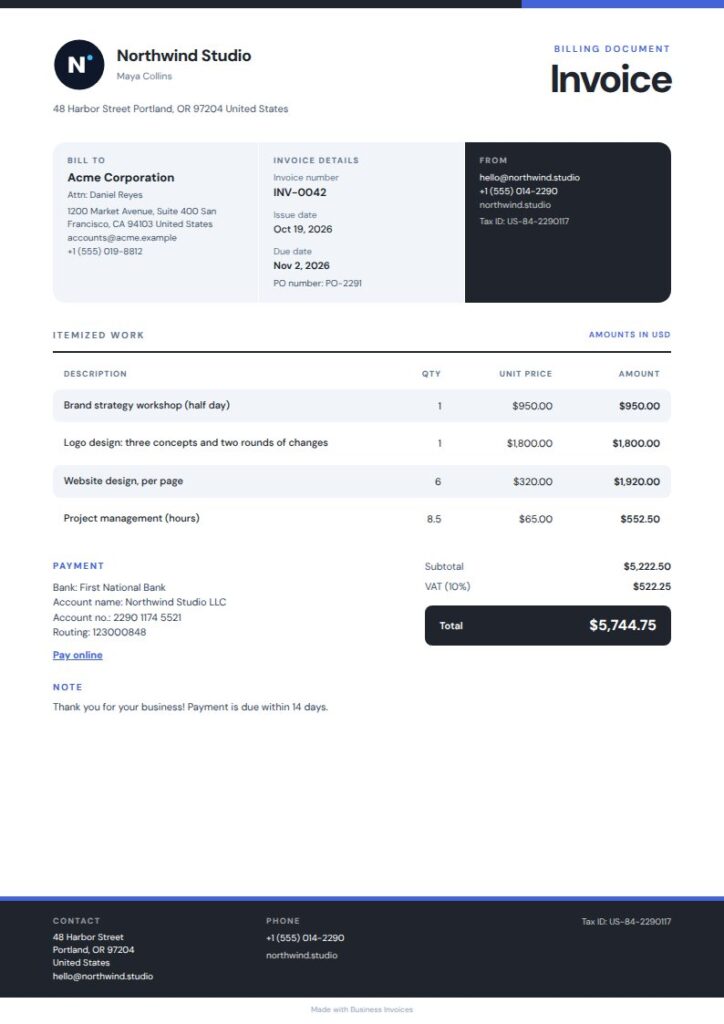
Slate Stripe Vat invoice template
Slate Stripe pairs a compact identity rail with soft row bands and dark total chips for a crisp, businesslike page. The stripes help distinguish individual items, and the total has a clear place at the end. Its retail, wholesale, and logistics tags point to uses where invoices may include several charges. This is a free template.
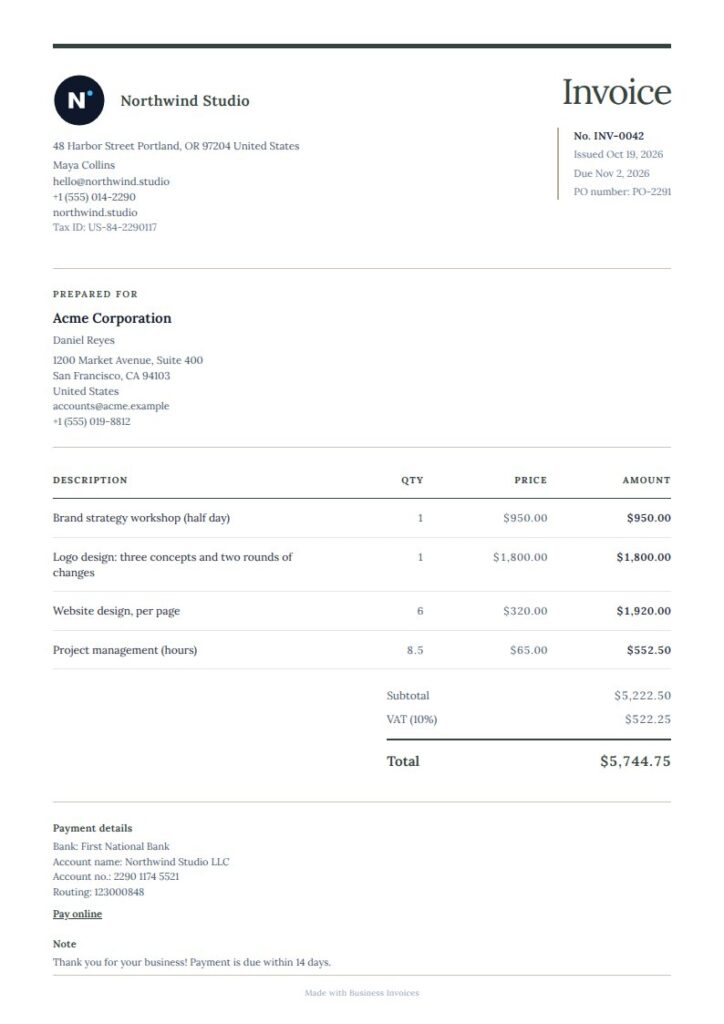
Quiet Serif Vat invoice template
For a traditional service invoice, Quiet Serif uses a fine-framed header and generously spaced item rows. The open layout gives invoice details and charges room, while its restrained style suits the legal, consulting, and freelance categories in its tags. Add your own VAT fields and payment information to fit the invoice you need. This is a free template.
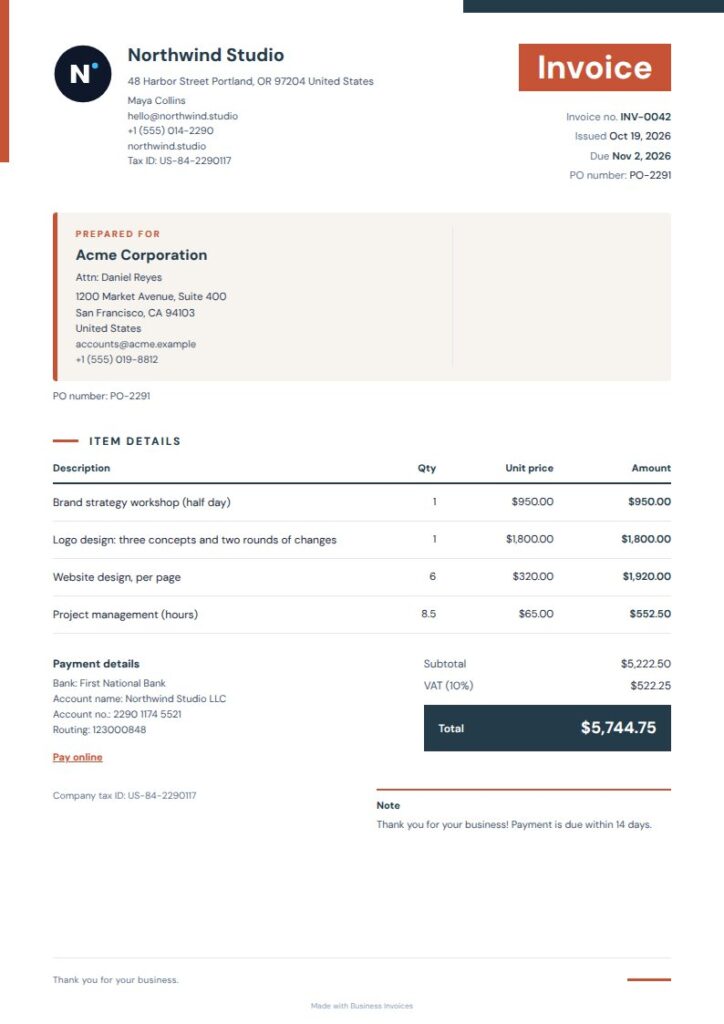
Warm Geometric Vat invoice template
Warm Geometric pairs a compact masthead with a summary panel and ruled layout. The summary area can make the final figures easy to spot on a VAT invoice, and the page remains straightforward for customers to read. Its tags include trades and retail, making it an option for service or product charges. This is a free template.
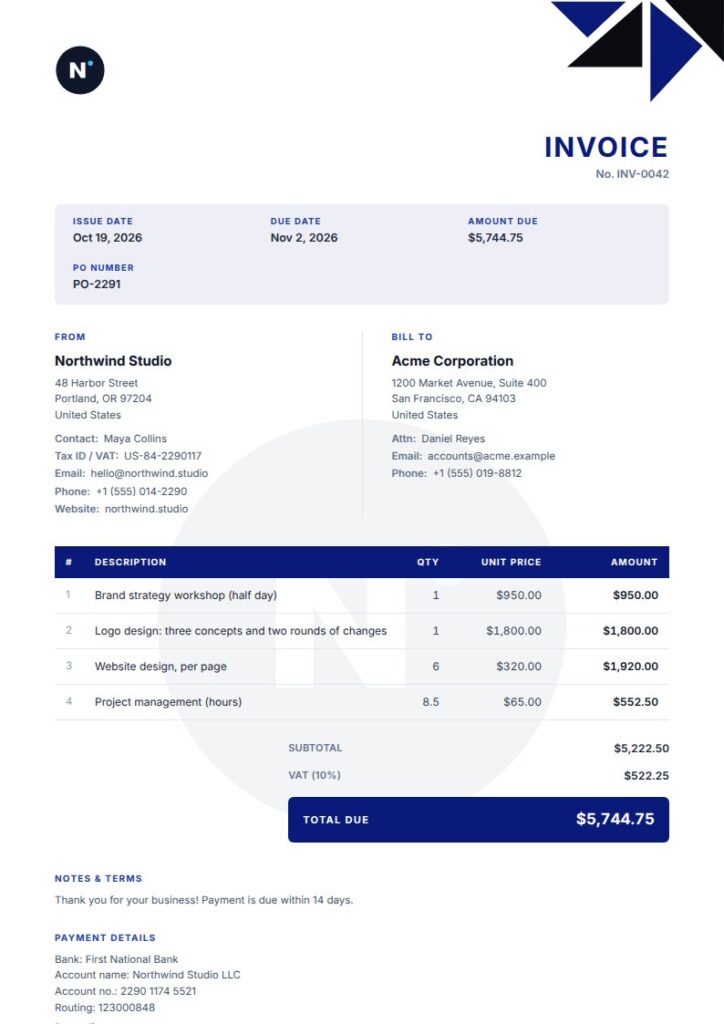
Corporate Vat invoice template
Corporate has a polished business look, with an accent information bar, a bold table, and a signature line. These areas organize invoice details, item charges, and the closing section on one page. Its tags include consulting, finance, legal, and software services, so it may suit professional businesses preparing VAT invoices. This is a Pro template, and you can preview it first.
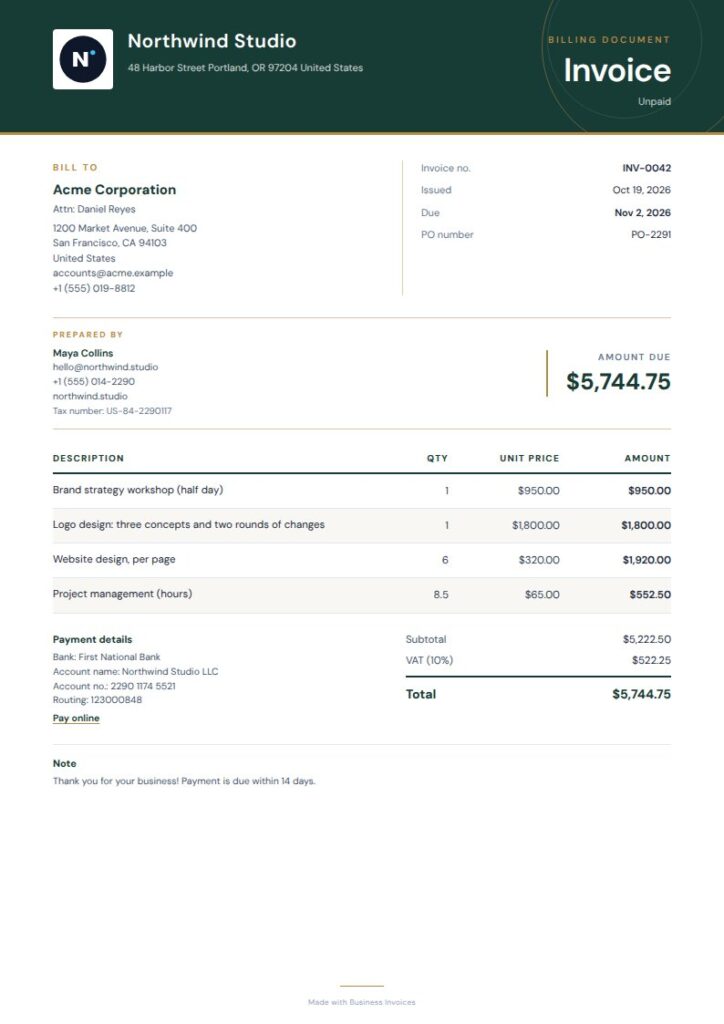
Gilded Green Vat invoice template
Gilded Green has an ivory page, deep-green masthead, fine rules, and a compact ledger-style layout. The ruled ledger gives item details a clear place, while the compact design keeps invoice information together. Its legal and finance tags make it a composed choice for professional work. This is a Pro template, which you can preview before using.
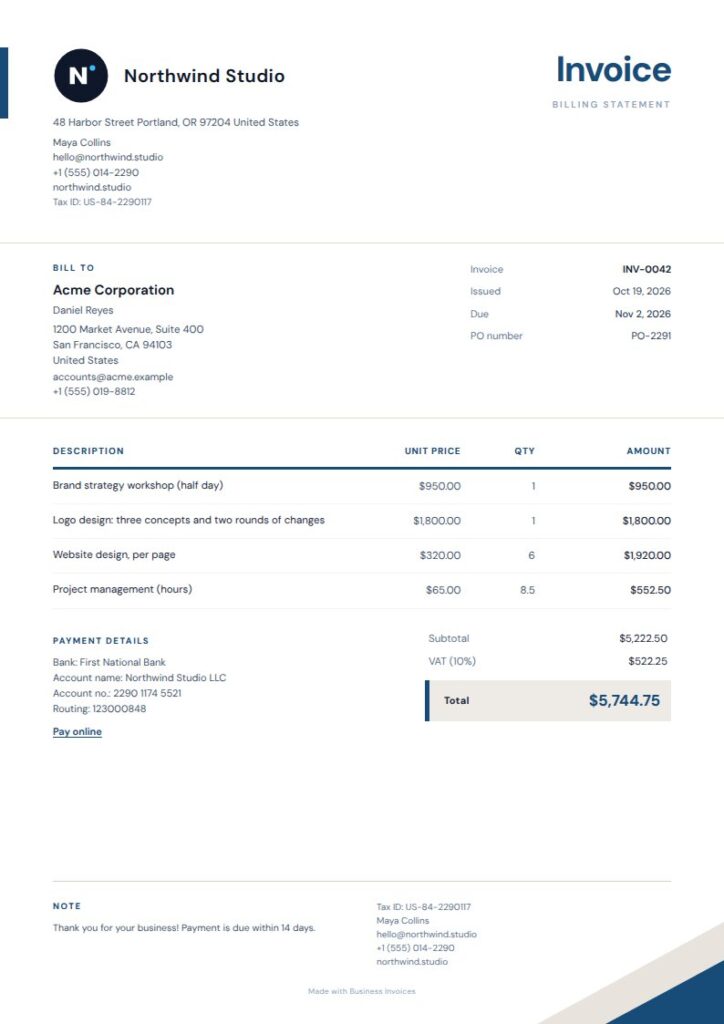
Terracotta Sign Vat invoice template
Terracotta Sign is tagged for construction, plumbing, electrical work, and consulting, so it may suit trade or professional services. Its compact identity header and ruled item list keep key information and charges organized, while a total band gives the invoice a defined close. Add extra fields for the details you need. This is a Pro template, available to preview first.
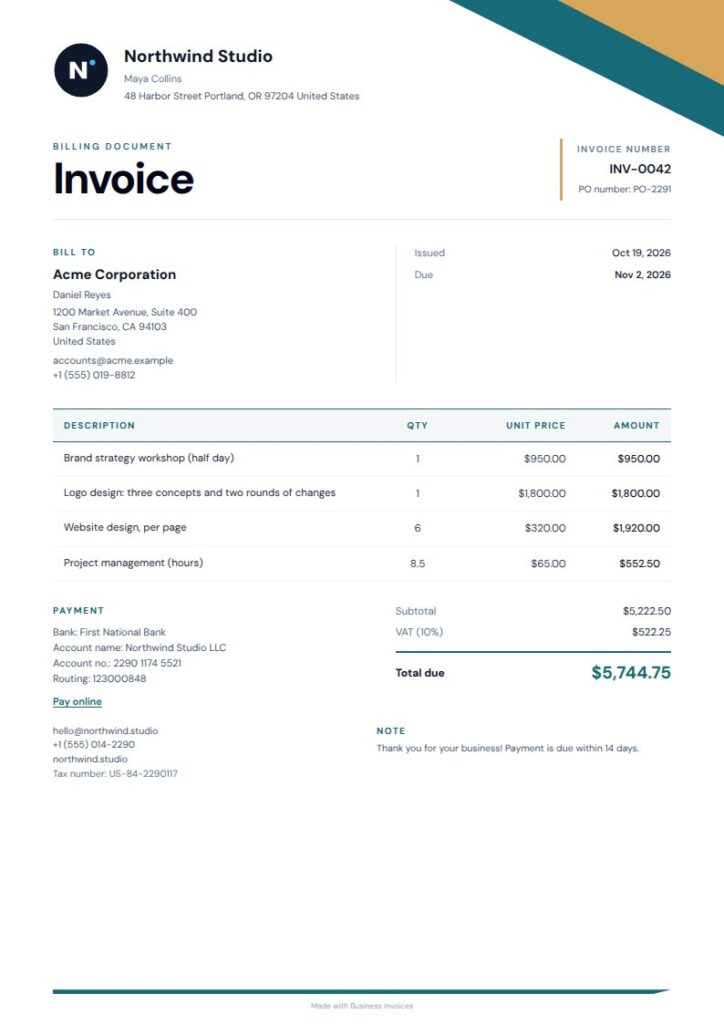
Gold Angle Vat invoice template
Gold Angle combines open editorial spacing, an offset colour rail, and a compact ledger table. The design stands out while keeping charges in a clearly defined area. Its real-estate, consulting, and finance tags make it an option for professional invoices where a tidy, formal presentation matters. It’s a Pro template, and you can preview it before using it.
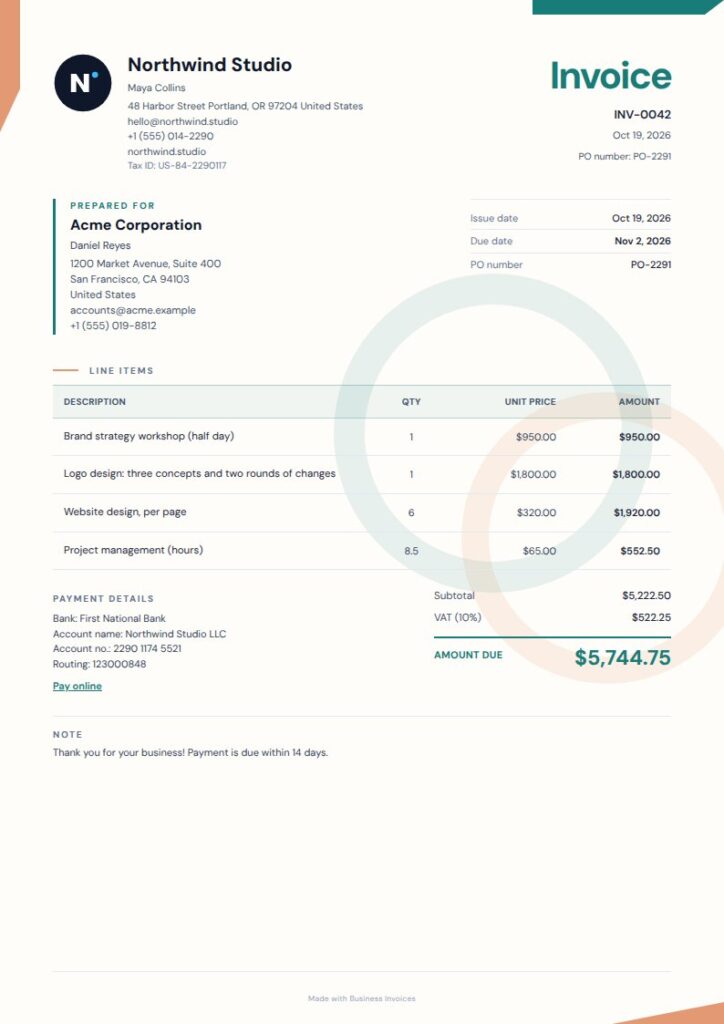
Orbit Ledger Vat invoice template
Orbit Ledger pairs a compact details rail and bold item table with light geometric decoration. The ruled table separates individual charges, while the details rail groups other invoice information. Its tags include logistics and technology, so it may suit businesses in those fields. This is a Pro template, and you can preview it first.
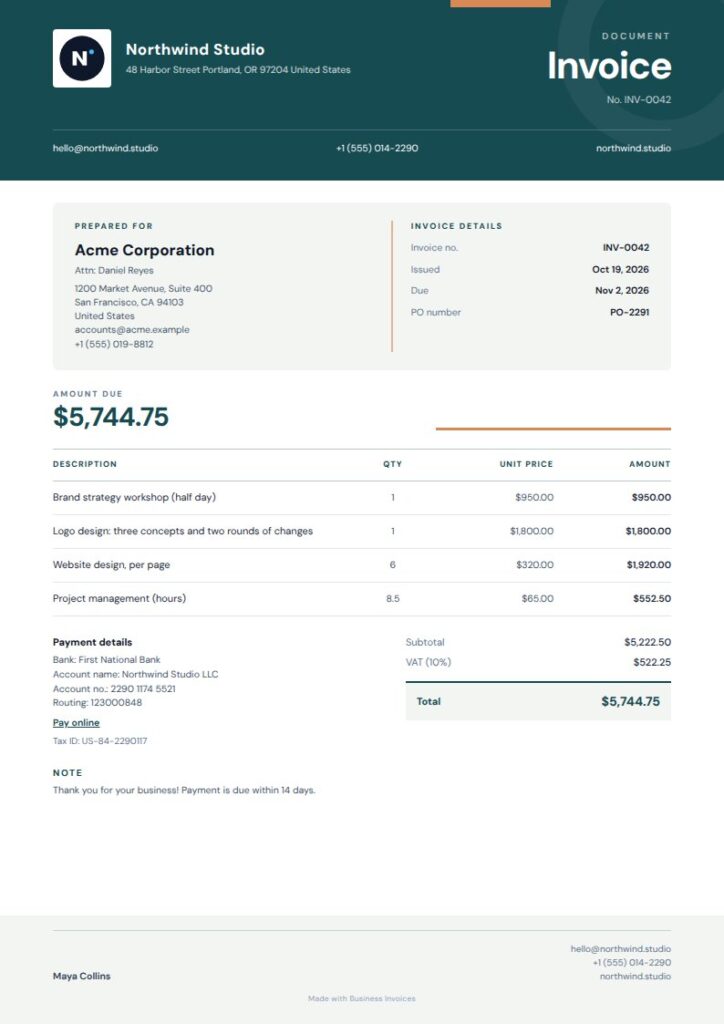
Copper Masthead Vat invoice template
Copper Masthead has an open two-column details panel, a compact editorial layout, and a total band. These features give the invoice a clear order, from identity and details through to the amount due. Its tags include consulting, trades, and property, making it an option for service businesses. This is a Pro template; preview it before choosing it.
What to include on a VAT invoice
Include clear seller and customer details, an invoice date or reference if needed, descriptions of the goods or services, and the amounts charged. Add the VAT information and payment details relevant to your invoice. Use extra fields if the template needs more space.
VAT requirements can depend on where you do business and your circumstances. Check the rules that apply to you instead of relying on a template to determine what information is legally required.
Customising your invoice
In Business Invoices, you can change a template’s colours, add your logo, and include payment or bank details and your own extra fields. Create the invoice in your browser and download it as a PDF. Any currency is supported.
Making invoices is free and unlimited, and anyone can use the free templates. Pro templates are part of the Pro plan, but you can preview them first.
FAQs
Can I use these designs as a VAT invoice template?
These designs provide areas for invoice details, line items, and totals. Add the VAT information and any other fields your invoice needs. The template itself doesn’t confirm that an invoice meets the rules where you operate, so check the requirements that apply to your business.
What VAT information should I add to an invoice?
That depends on the rules and circumstances that apply to your business. Use the available fields for the VAT information required in your situation, and add extra fields if needed. If you’re unsure what must appear, check an authoritative source for your location or ask a qualified adviser.
Can I add my logo and payment details?
Yes. You can add your logo, payment or bank details, and your own extra fields to a template. You can also change its colours. This lets you include the invoice information you need while keeping the design and layout you chose.
Can I download my VAT invoice as a PDF?
Yes. Business Invoices lets you create an invoice in your browser and download it as a PDF. Invoice making is free and unlimited, and free templates are available to everyone. Pro templates are part of the Pro plan and can be previewed first.