
An invoice template for builders should make every project charge easy to follow, from labour and materials to the total due. A clear item table, along with space for your business and customer details, keeps the bill practical. These free and Pro options include templates tagged for construction, contractors and trades, as well as simple ledger layouts that can work for building jobs. Pick an invoice template for builders that suits how you present your work, then add your logo, payment details and any extra fields you need. Create the invoice in your browser and download it as a PDF.
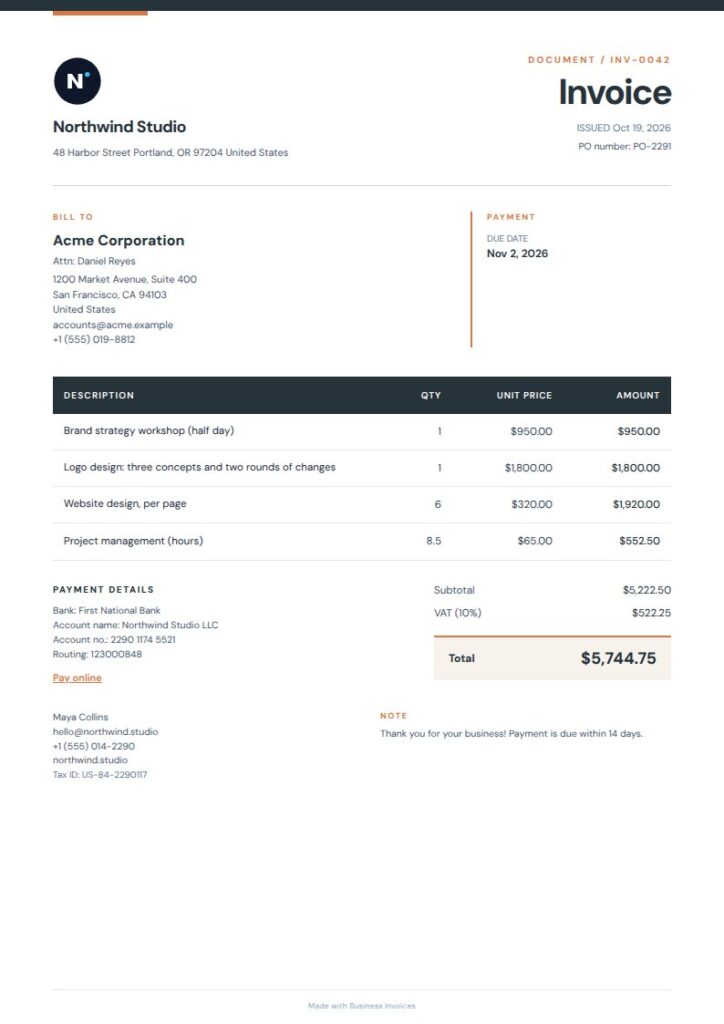
Charcoal Geo invoice template for builders
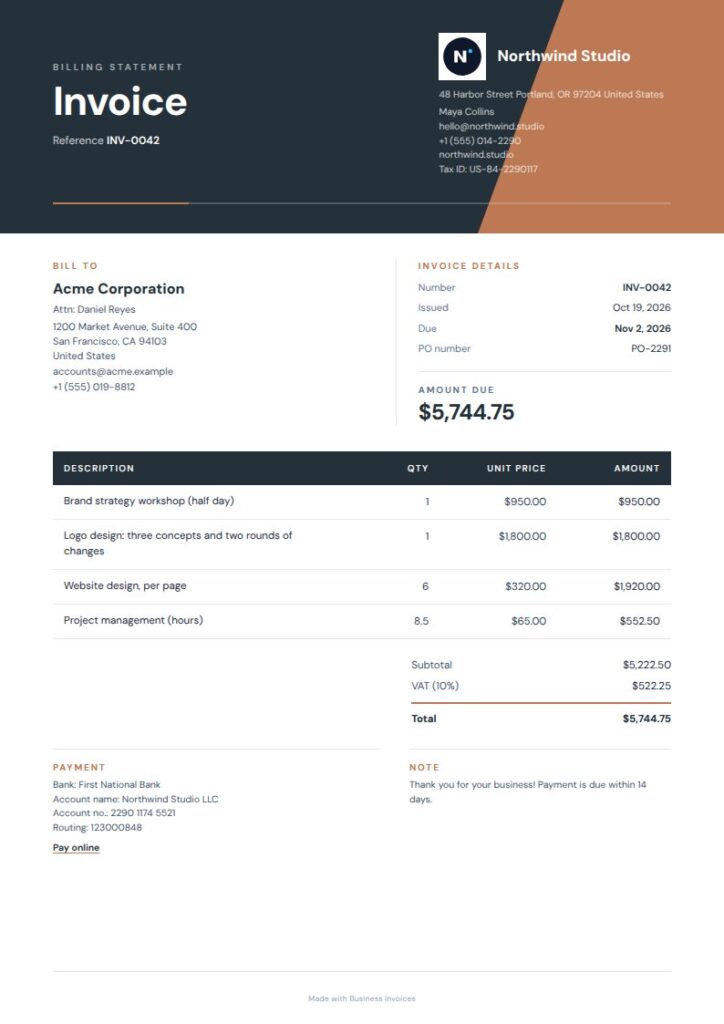
Charcoal Geo is a direct fit for building and trade work, with tags for construction, contractor, plumbing, electrical and handyman. Its charcoal masthead and warm geometric accent give the invoice a distinct look. Fine-lined rows provide space to separate labour, materials or individual job tasks. The template is free to use, and you can change the colours and add your business details.
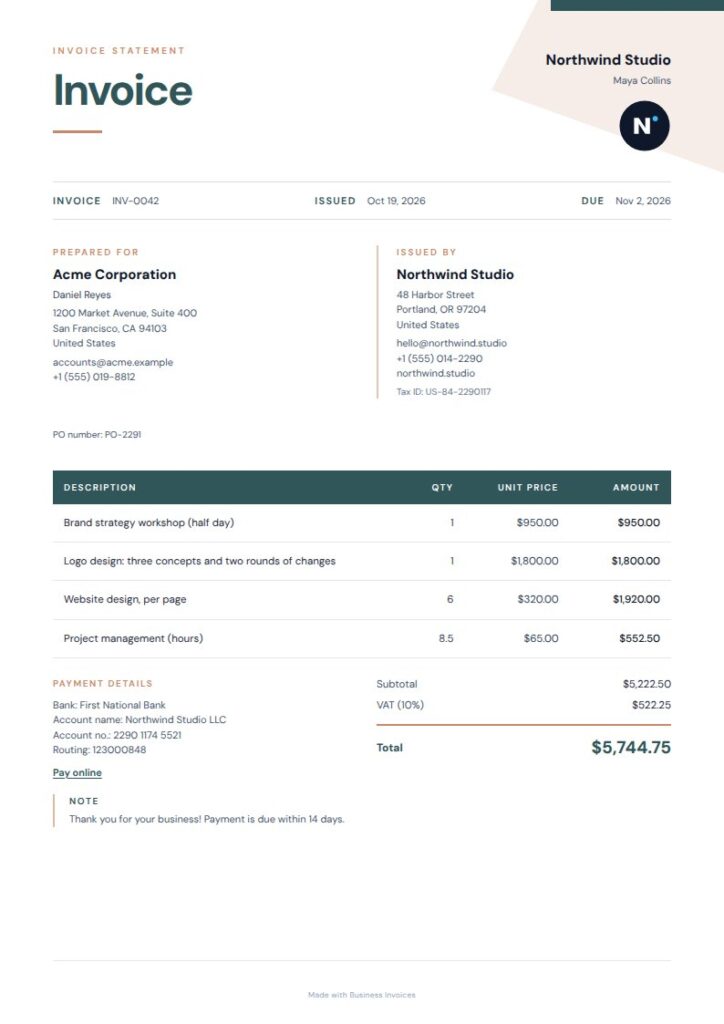
Slate Bold invoice template for builders
Slate Bold is tagged for construction and contractor work, and suits builders who want a more prominent design. An offset colour block, compact details and fine-lined item ledger give project charges a clear structure. This is a Pro template, which you can preview before choosing. Change the colours and add your logo, payment details and extra fields.
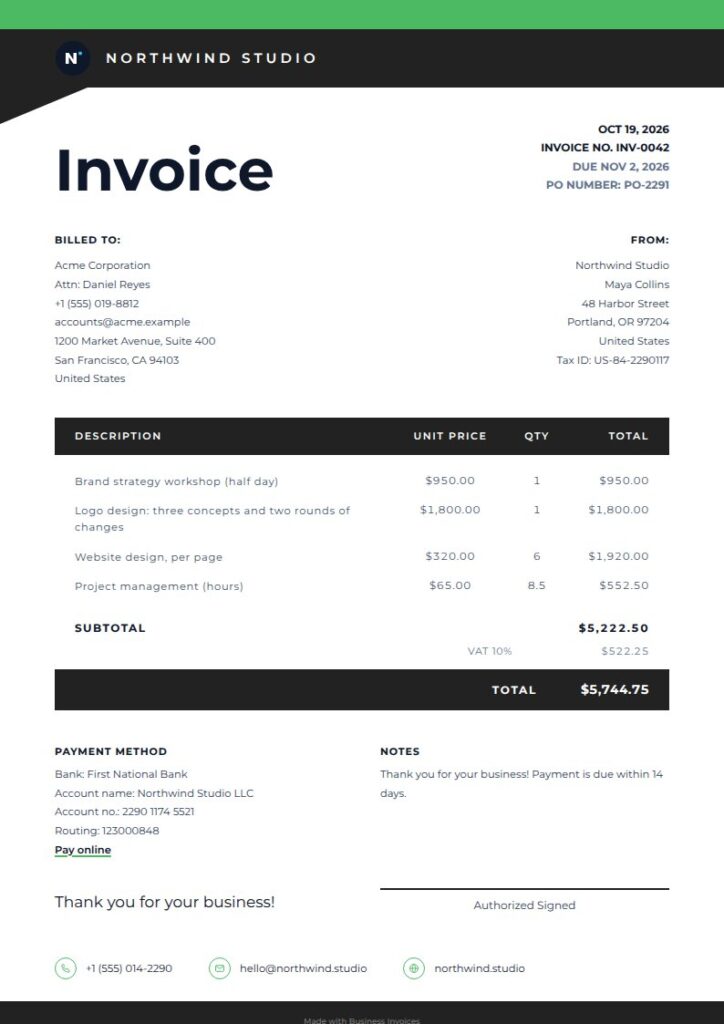
Contrast invoice template for builders
Contrast is tagged for construction, contractor and trades, so it’s a good match for building services. A bold header and table, total bar and signature line set out the job details, item charges and amount due. The dark footer creates another distinct area on the page. This Pro template is available to preview, and you can adjust its colours and fields.
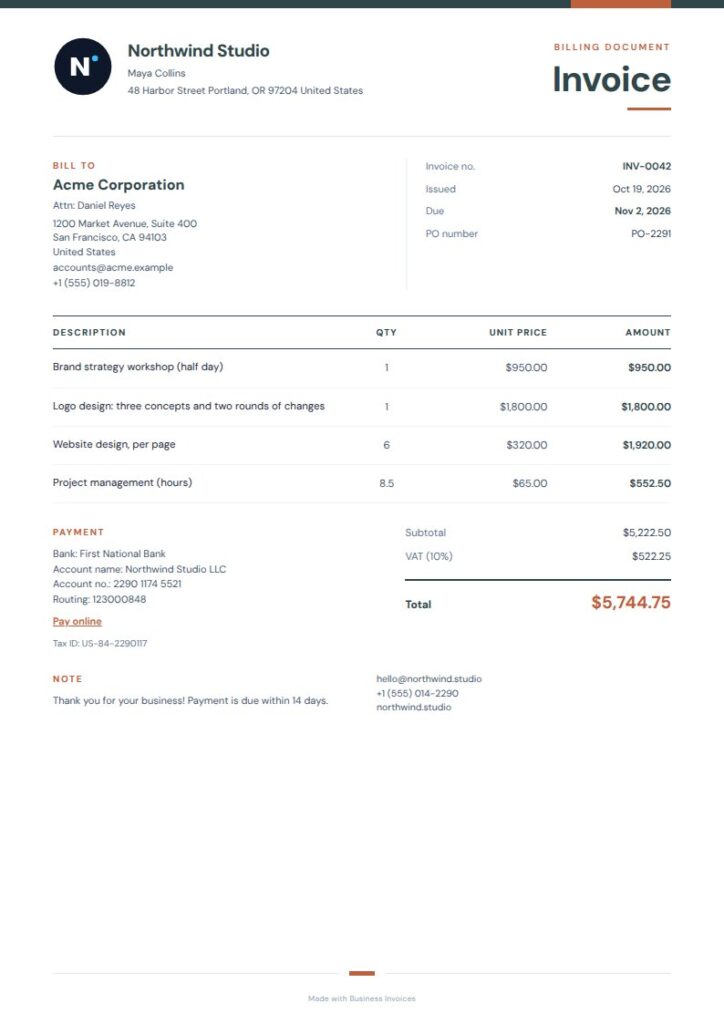
Slate Rust invoice template for builders
Slate Rust is tagged for trades, plumbing, electrical and handyman work, all of which can overlap with building projects. Its compact slate masthead, rust accents and open item table give the invoice an industrial feel without crowding the charges. This free template suits builders who prefer a simple ledger layout. Change the colours to fit your business, and add your logo or payment information.
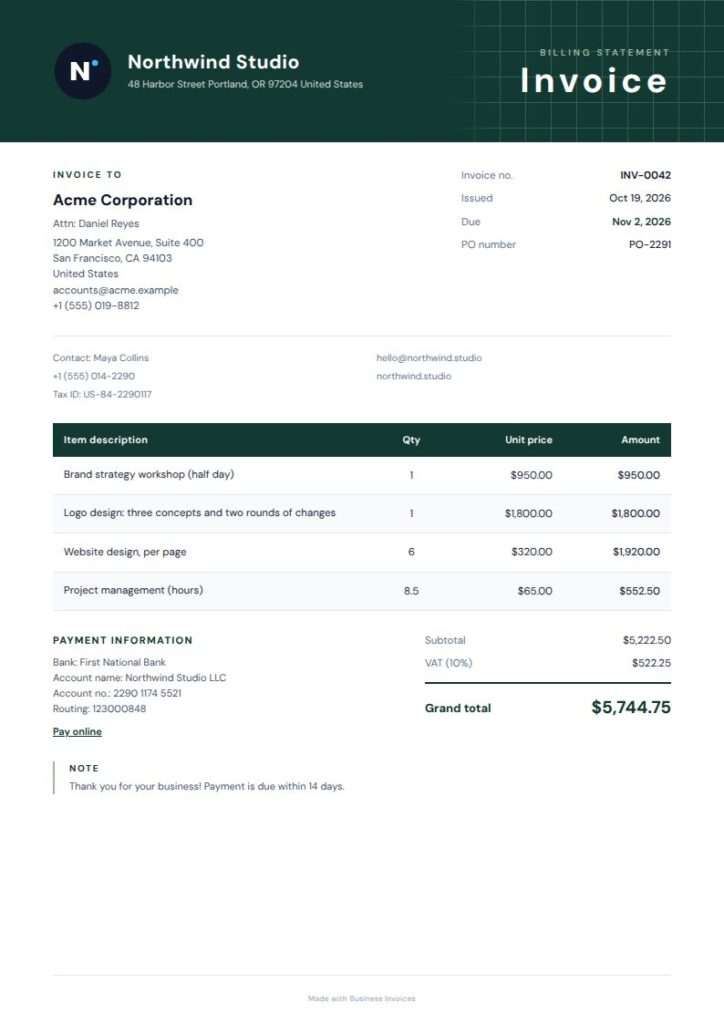
Gridline invoice template for builders
Gridline pairs a quiet grid with evergreen accents and a spacious editorial layout for an architectural look. Its tags include architecture, construction and contractor, covering the wider building and design field. The bold table and striped rows help distinguish item charges. Gridline is a Pro template that anyone can preview before use, and its colours are adjustable.
Ink Bold invoice template for builders
Ink Bold is tagged for construction and contractor work, making it a clear fit for builder invoices. A deep ink masthead, warm paper tones and precise ruled details give the page a professional look and organize line items. The bold table and total band draw attention to the charges and final amount. This Pro option can be previewed first, then adapted with your business colours and details.
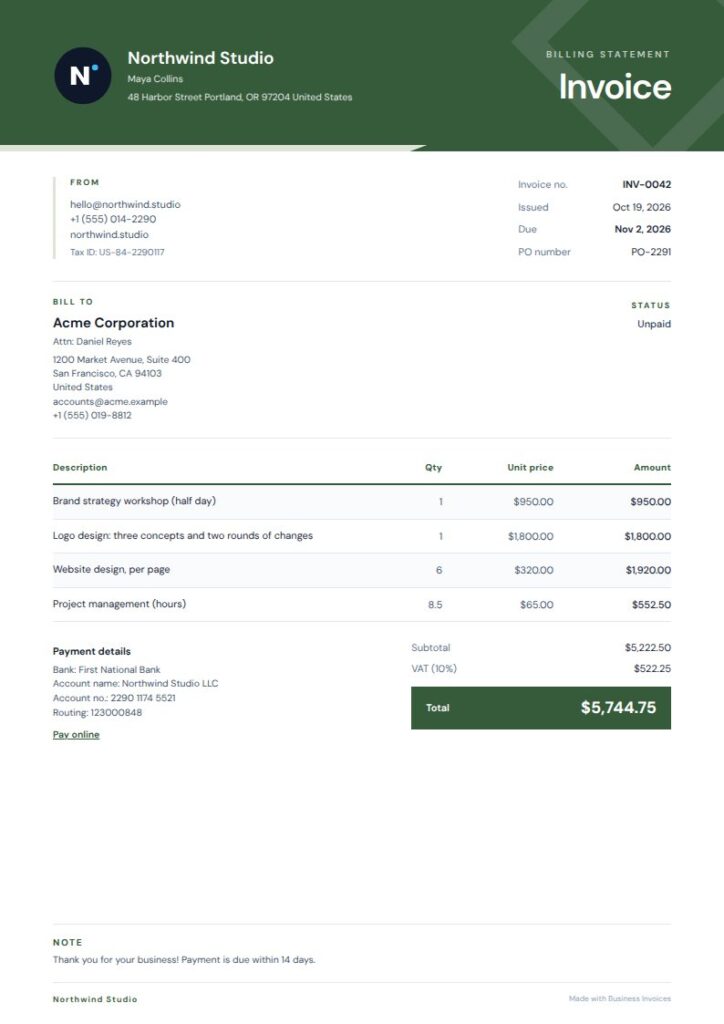
Forest Angle invoice template for builders
Forest Angle combines construction and contractor tags with an angled, forest-toned masthead. Open detail columns and striped, finely ruled line items give you a practical way to describe work and list charges. Its green and mint palette suits builders looking for a natural, grounded style. Preview this Pro template before use, and change its colours to suit your business.
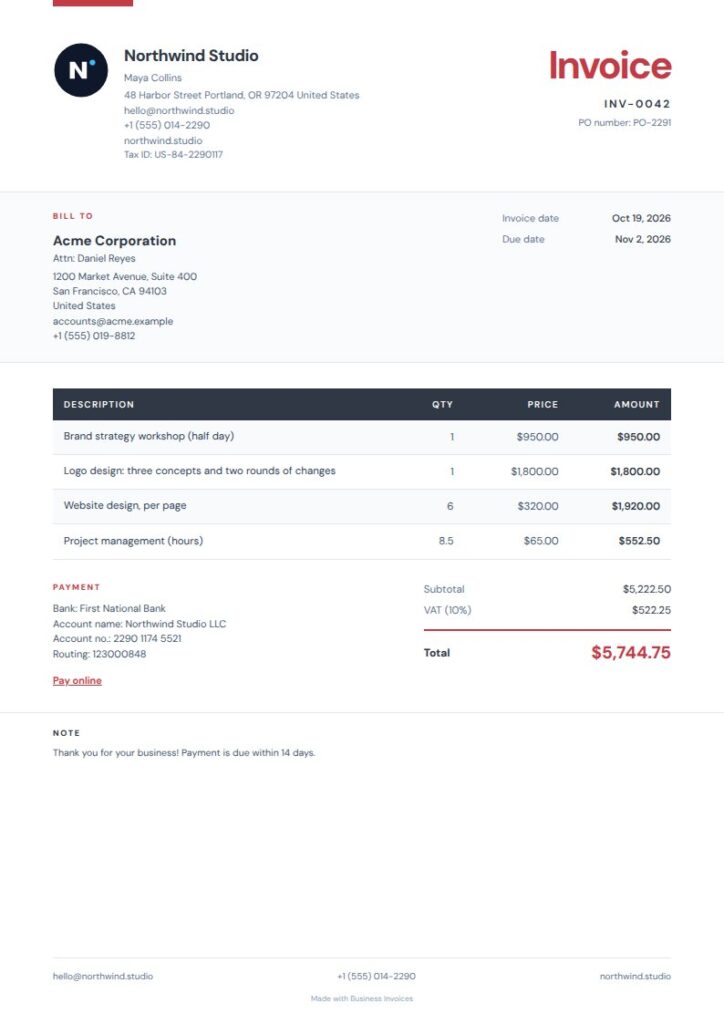
Red Navy invoice template for builders
Red Navy is tagged for auto repair, mechanics and garages, not construction. Still, its clear bold table and striped rows make it a practical free option for builders listing job charges. Spacious details and a charcoal ledger keep the focus on the work and amounts. Red and navy accents add contrast to the straightforward layout. Add your logo and payment details as needed.
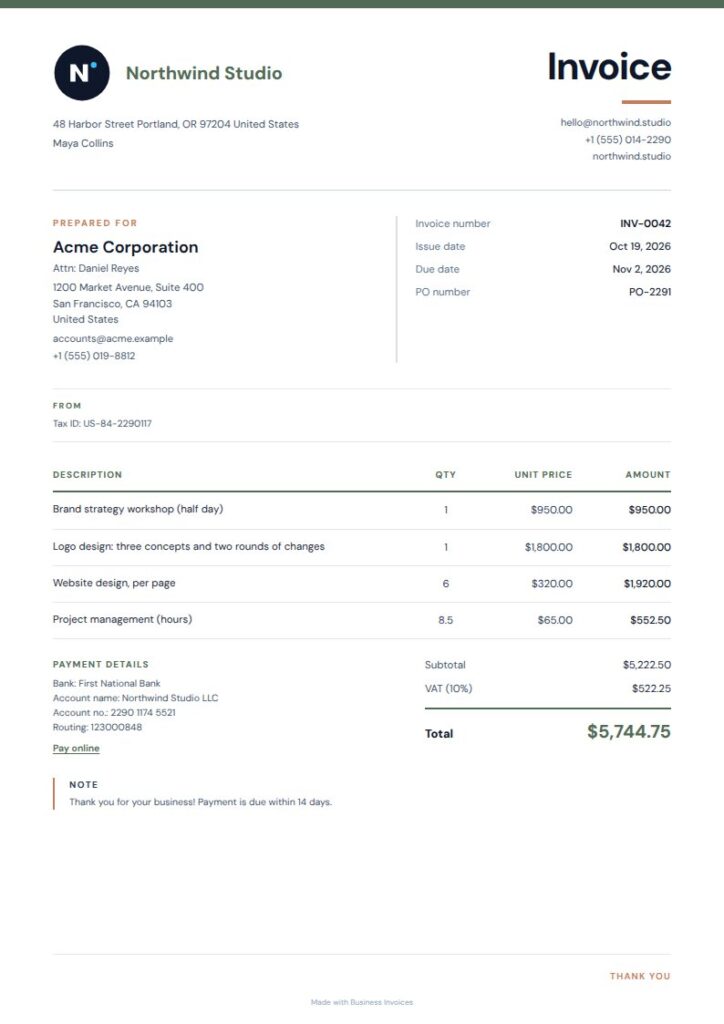
Grove Plain invoice template for builders
Grove Plain is tagged for landscaping, gardening and lawn care, so it may suit builders working on outdoor projects. Open item rows and a compact summary panel give project charges and the total a tidy layout. The crisp editorial style stays simple, while moss-toned colour adds character. This free template lets you change the colours and include your logo or extra fields.
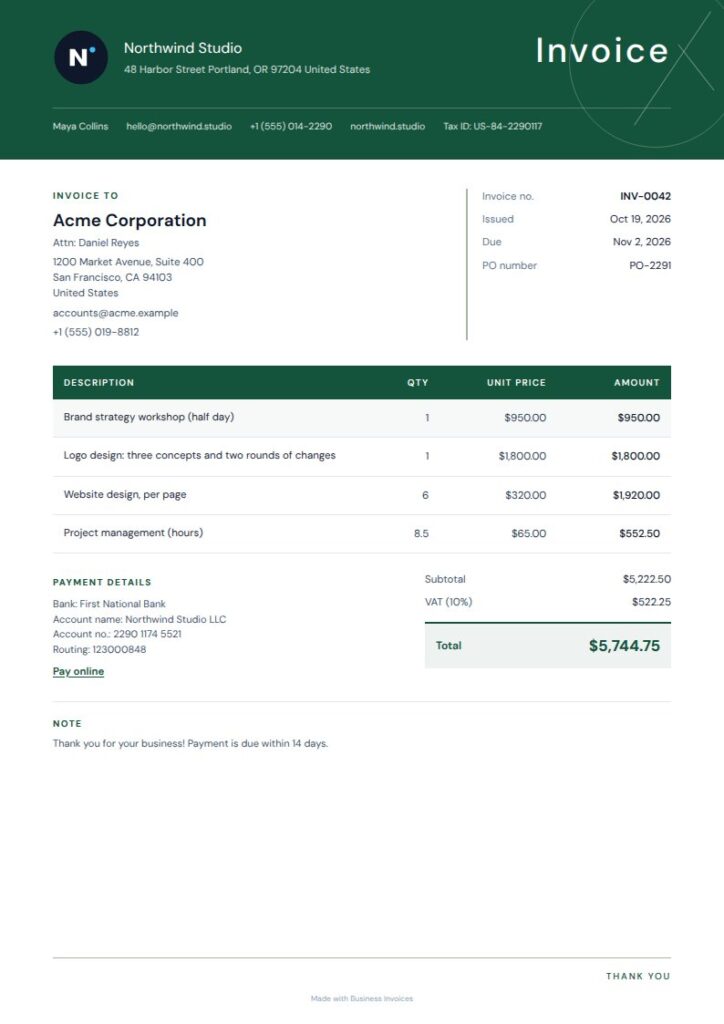
Verdant Curve invoice template for builders
Verdant Curve is tagged for landscaping, gardening and lawn care, making it relevant to builders who also take on garden projects. Its deep green masthead, open client details and crisp ruled table give the invoice a calm, organized look. The bold table helps charges stand out. Preview this Pro design, then change its colours and add the details your business needs.
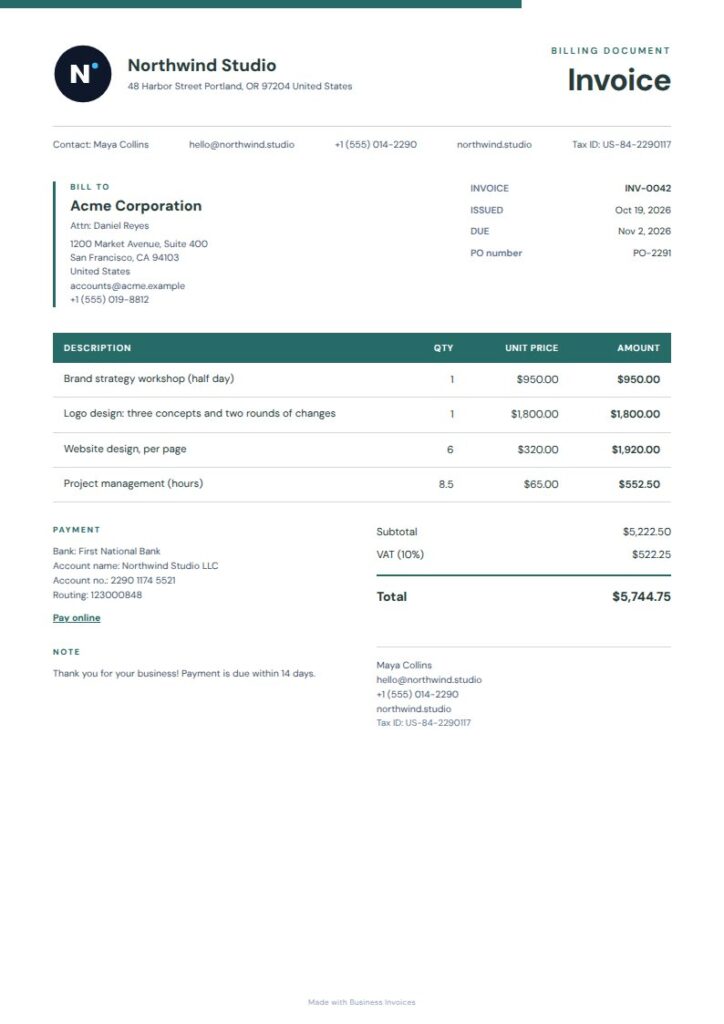
Teal Summary invoice template for builders
Teal Summary isn’t tagged specifically for building work, but its filled table header, teal rules and compact summary rail give builder charges and totals a useful structure. The offset company masthead makes your business easy to identify, and the bold table defines each line item. This free template has a clean, practical layout. Add your logo, payment or bank details, and extra fields.
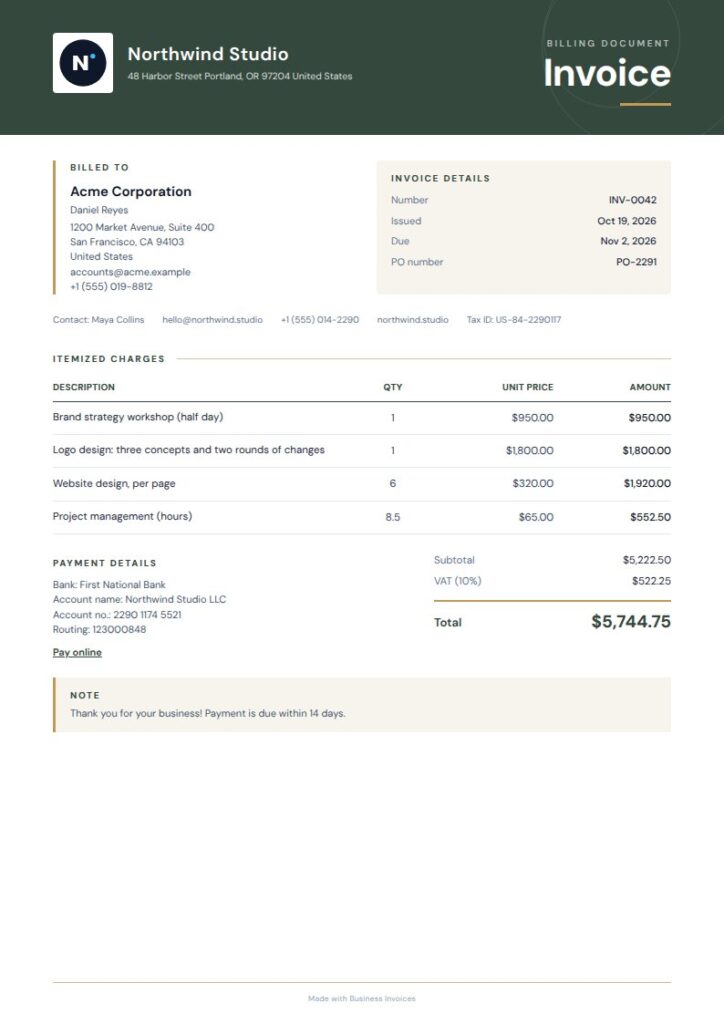
Moss Masthead invoice template for builders
Moss Masthead is tagged for landscaping and gardening, so it can work for builders whose projects include outdoor work. Its curved green masthead, warm paper accents and bold total band make the invoice easy to scan and highlight the amount due. Preview this Pro template first, then change its colours and add your business and payment details.
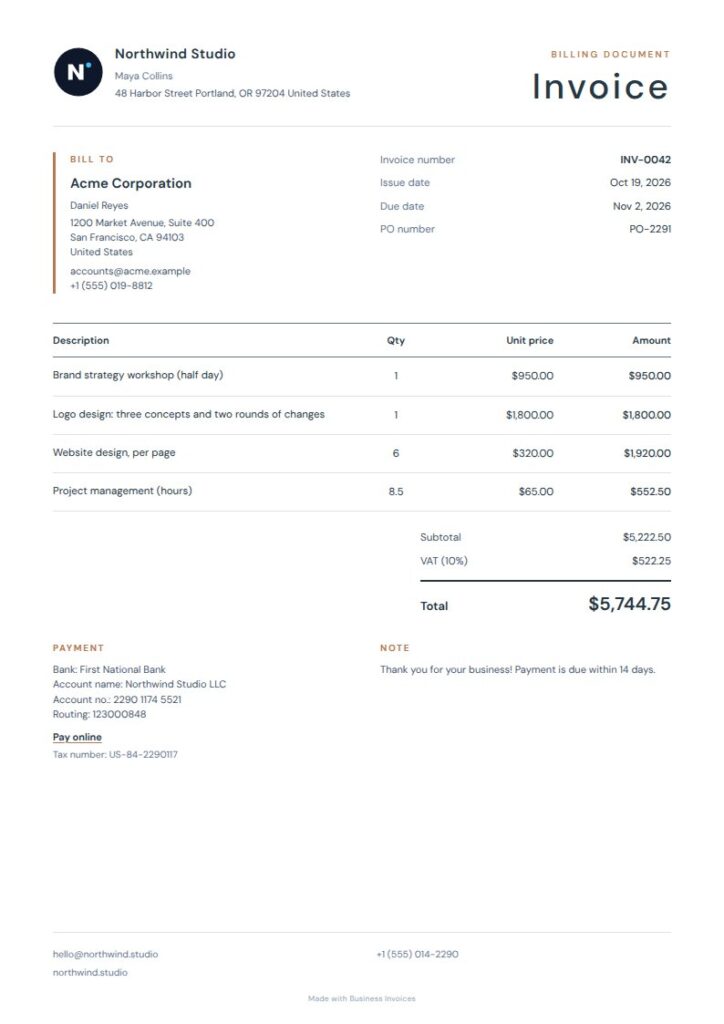
Quiet Navy Clay invoice template for builders
Quiet Navy Clay has a real-estate and property tag, making it a possible fit for builders invoicing for property-related work. Its centered heading, fine-ruled table and airy editorial layout keep project details and charges organized without a heavy design. Navy and copper accents give it a professional finish. This free template can be adjusted with your logo, preferred colours, payment details and extra fields.
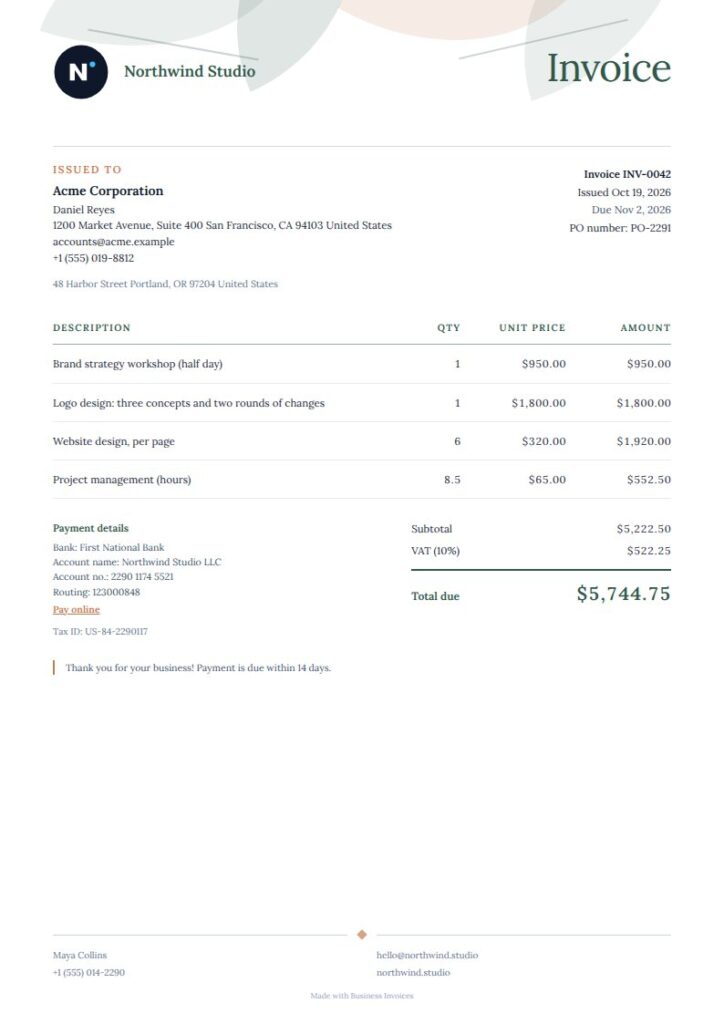
Verdant Serif invoice template for builders
Verdant Serif is tagged for landscaping, gardening and lawn care, which makes it a reasonable choice for builders working on grounds or outdoor improvements. Its compact ledger table and airy layout leave clear space for work and charges, while a botanical border gives the invoice a distinctive style. This free template can be changed to use different colours, your logo and any extra fields you need.
What to include on a builder invoice
Add clear business and customer details, then list each job task or charge on a separate line where practical. Show the amounts and make the total easy to find.
Include your preferred payment or bank details and any extra project fields you need. You can add these details and your logo to the templates, which support any currency.
FAQs
What should a builder invoice include?
Include your business and customer details, a clear description of the work, individual charges and the amount due. Add payment or bank details so the customer knows how to pay. You can also add your logo and extra fields for project information that matters to your business.
Can I use an invoice template for building materials and labour?
Yes. List charges on separate lines in the item table, such as labour, materials or different parts of a job. You can add extra fields to include project details that help explain the invoice to your customer.
Can I change the colours and add my builder business logo?
Yes. You can change the colours in every template and add your logo. You can also include payment or bank details and extra fields, so the invoice has the information you need for your building work.
Are builder invoice templates free?
Creating invoices is free and unlimited, and everyone can use the free templates. Pro templates are included in the Pro plan, but anyone can preview them first. Choose a template, create your invoice in a browser and download it as a PDF.