
A Euro Invoice Template gives you a clear way to show charges in euros. Business Invoices is an online invoice maker where you can create an invoice in your browser and download it as a PDF. Choose a design, set the currency to euros, and add your invoice details. These Euro Invoice Template options include free and Pro designs that you can preview before choosing. Change any template’s colours, add your logo and payment or bank details, and include any extra fields you need.
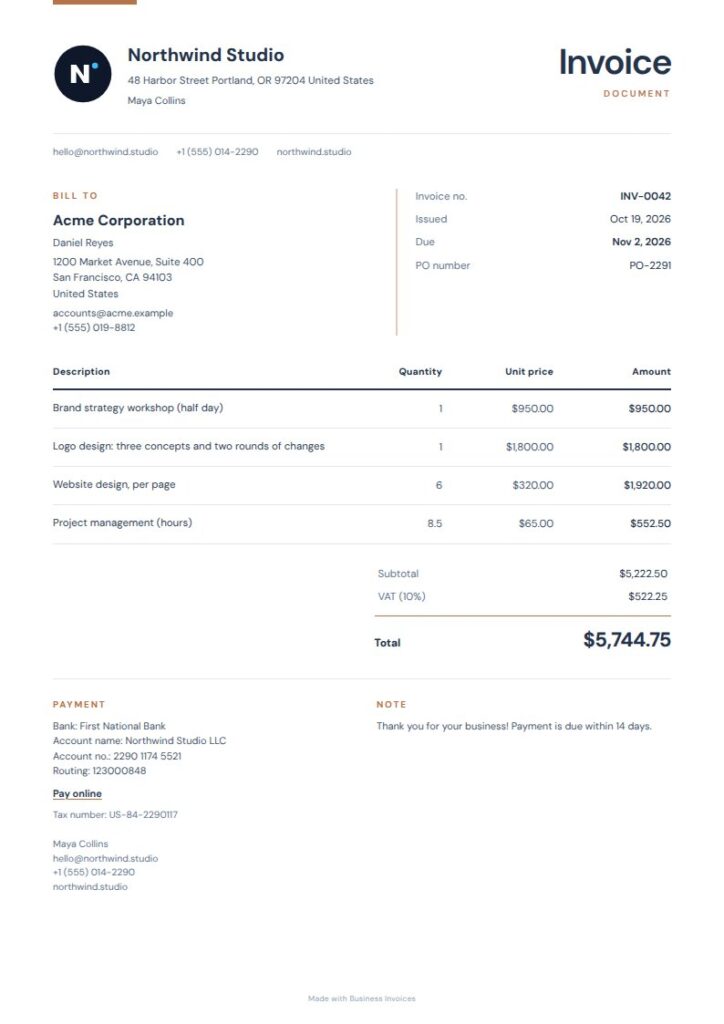
Ink Copper Euro Invoice Template
Ink Copper has a deep ink palette, subtle copper accents, and neatly grouped details. Its clear layout helps clients find the sender, recipient, line items, and amount due without distraction. The finance and professional-services tags make it a natural fit for consultants and service providers. This free template’s colours can be changed to suit your branding.
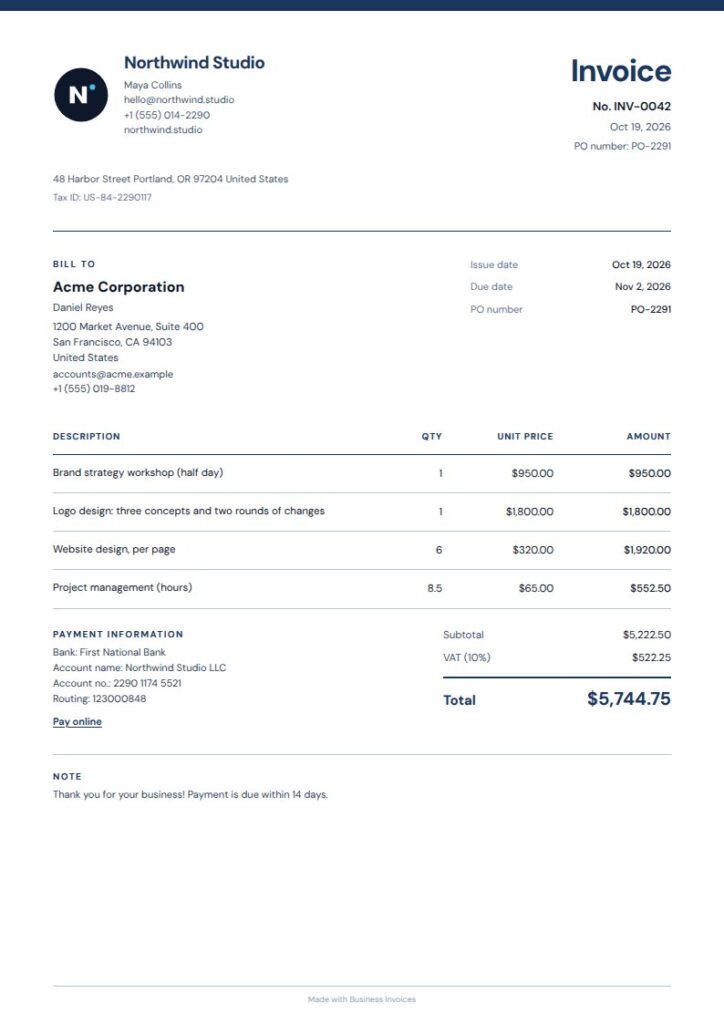
Navy Blue Euro Invoice Template
Navy Blue keeps the page easy to read, with an ink-blue rule, open typography, and precise table lines. Euro-denominated charges have room to stand out, while the invoice details remain easy to scan. Its finance and consulting tags suit professional billing, and the education tags point to another possible use. The design is free, and you can change its colours and add your business details.
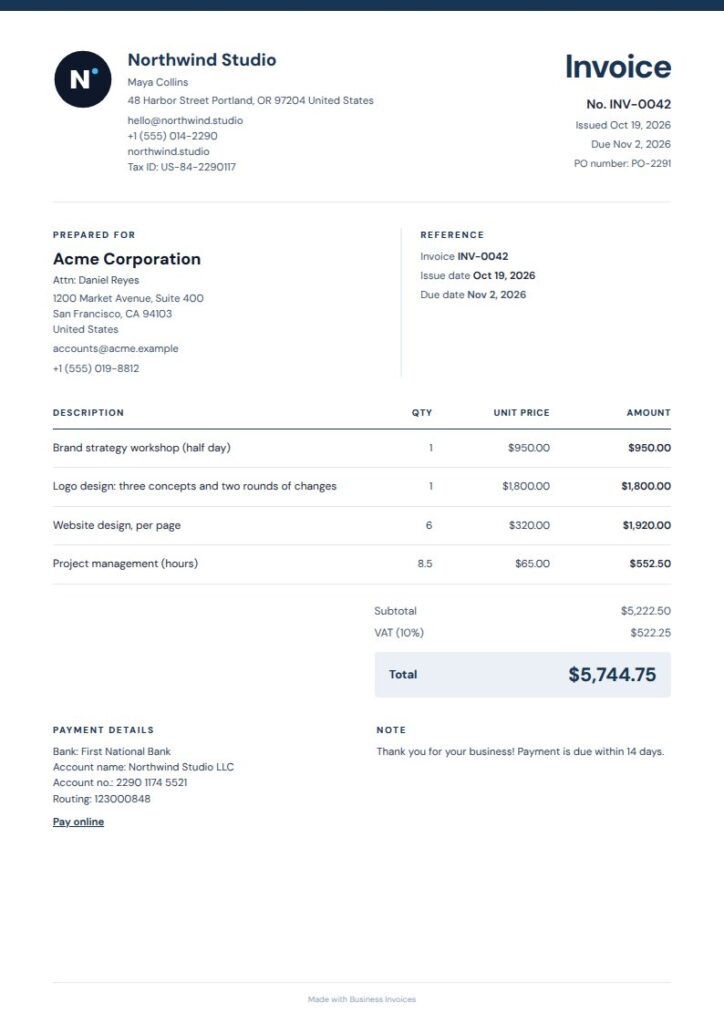
Midnight Rule Euro Invoice Template
Midnight Rule uses a narrow midnight rule, open typography, and a blue-gray total panel for a cool, uncluttered look. Its compact structure makes the amount due clear on an invoice in euros. The freelancer, consultant, and legal-professional tags suggest a range of service work. This free template can be customized with your colours, logo, payment details, and extra fields.
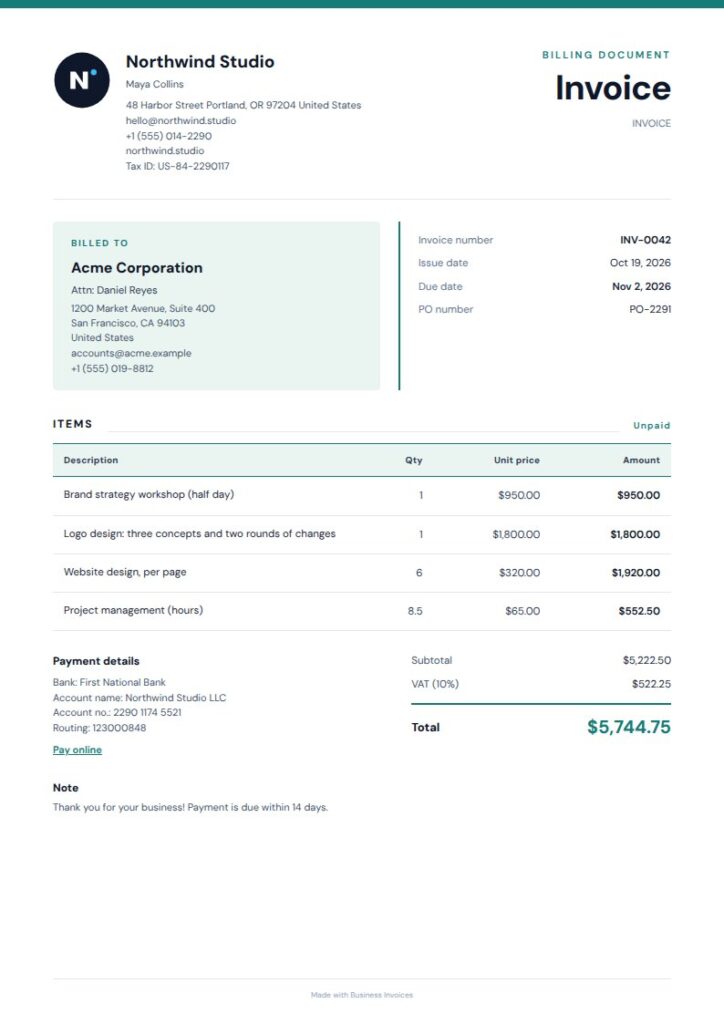
Tinted Cards Euro Invoice Template
Tinted Cards sets softly shaded detail cards above a ruled item ledger. The sender and client information stays distinct from charges and totals, while the page still feels calm and professional. Its consulting, medical, and freelancer tags point to several possible uses. This free template lets you set the colours and add the fields your invoice needs.
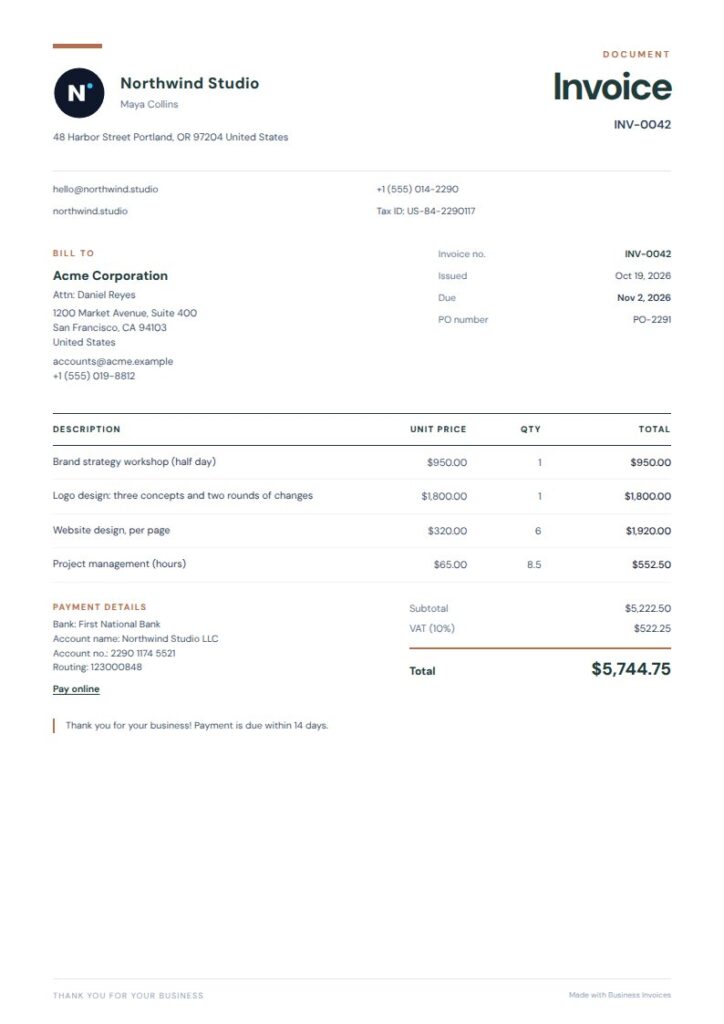
Teal Terracotta Euro Invoice Template
Teal Terracotta pairs an oversized heading with fine rules and a restrained teal accent. Its open layout gives euro-priced work a clear place on the page and creates a professional first impression without heavy styling. The freelancer, interior-design, and consulting tags make it a natural fit for independent service businesses. This free option lets you adjust the colours, add your logo, and include payment or bank details.
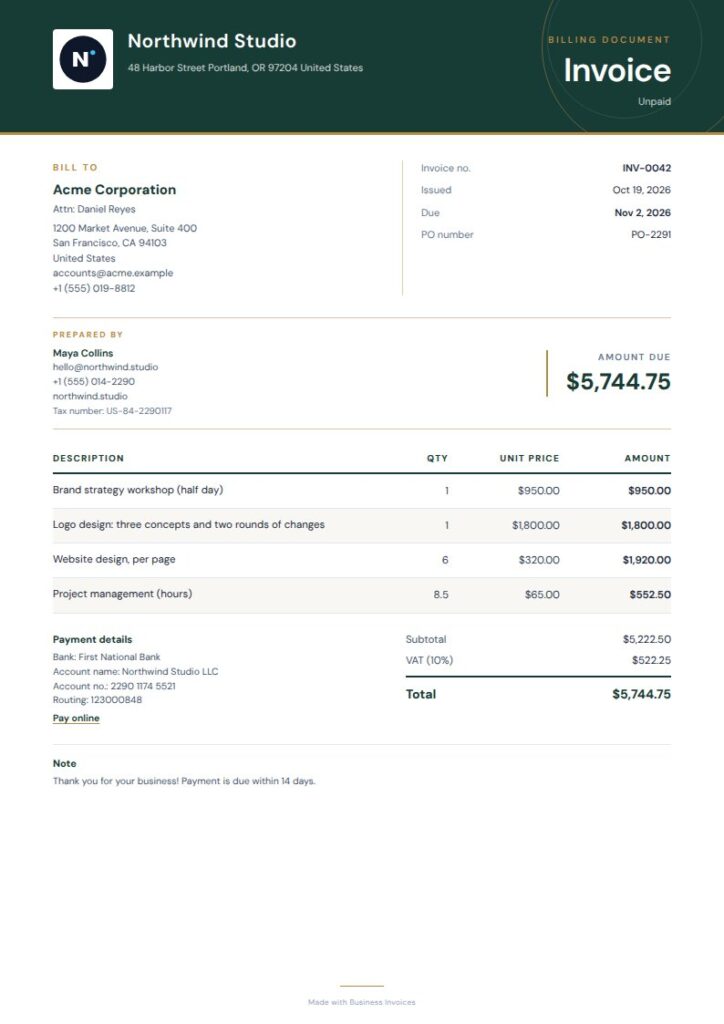
Gilded Green Euro Invoice Template
Gilded Green has an ivory page, deep-green masthead, fine brass rules, and a compact ledger layout. Its formal look can suit euro invoices for finance, legal, or hospitality work, as reflected in its tags. The ledger keeps billed items together in a familiar format. This Pro template can be previewed before you choose it, and you can change its colours and add your invoice details.
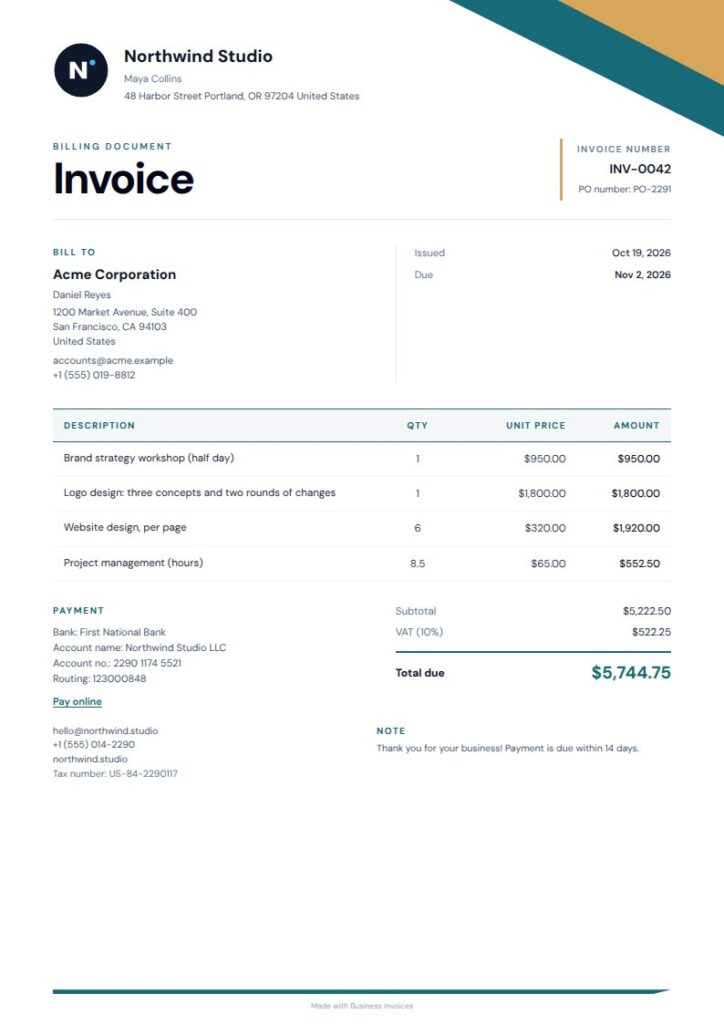
Gold Angle Euro Invoice Template
Gold Angle combines an offset colour rail and geometric details with open spacing and a compact ledger table. It gives euro-denominated services a polished presentation while keeping the invoice easy to follow. Its real-estate, consulting, and finance tags suit business and professional billing. You can preview this Pro template first, then change the colours and add a logo, payment or bank details, and extra fields.
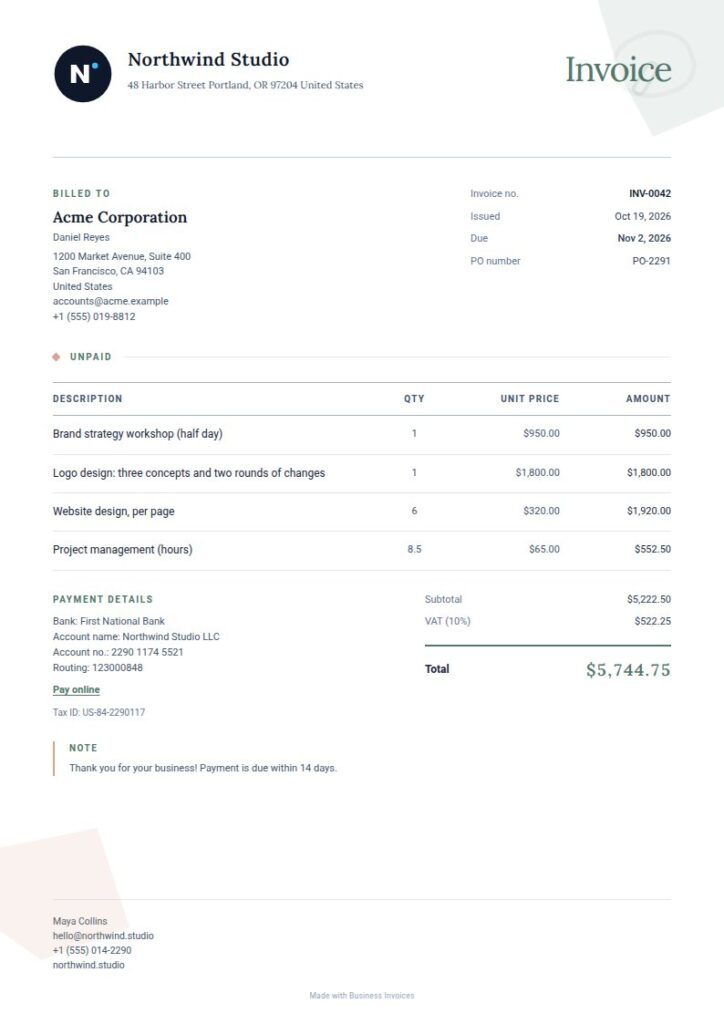
Quiet Shapes Euro Invoice Template
Quiet Shapes uses open margins, fine rules, and abstract sage forms in the corners. Its understated styling suits a euro invoice that should feel professional without a strong colour treatment. The consulting, graphic-design, and interior-design tags suggest uses across creative and advisory work. This Pro template can be previewed before you choose it, then customized with your colours and invoice information.
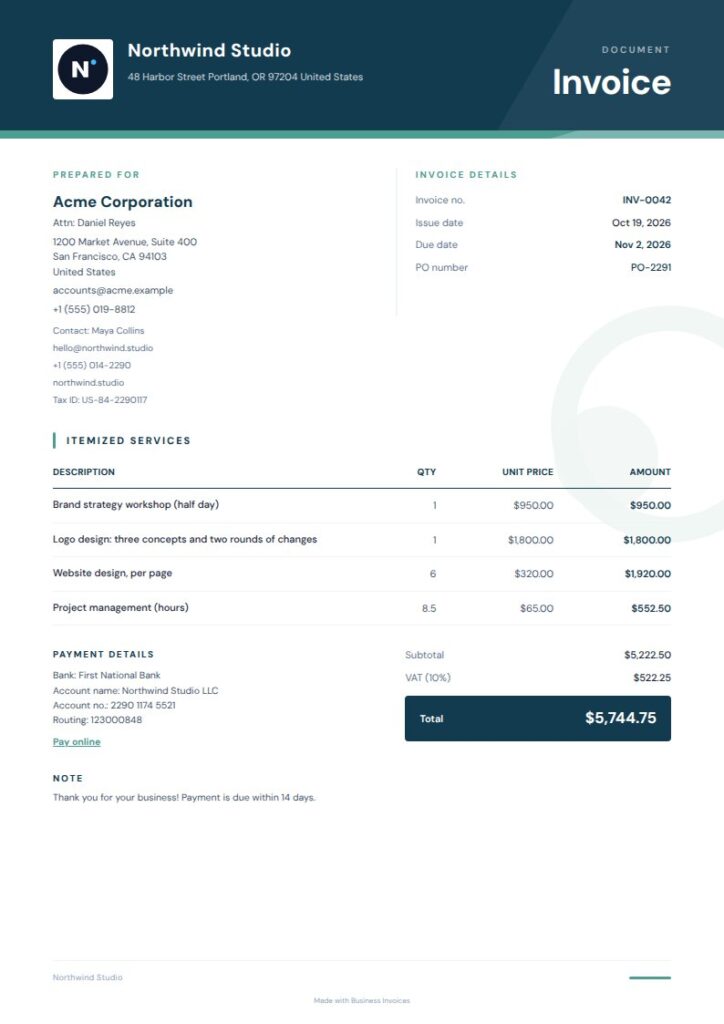
Tidal Wave Euro Invoice Template
Tidal Wave pairs a midnight-blue masthead with sea-glass accents in a compact layout. Its restrained colours and clear structure help present euro charges neatly. The travel, wellness, and creative-agency tags point to a distinct range of possible uses. You can preview this Pro design before deciding. Add your logo and payment details, and change the colours to suit your business style.
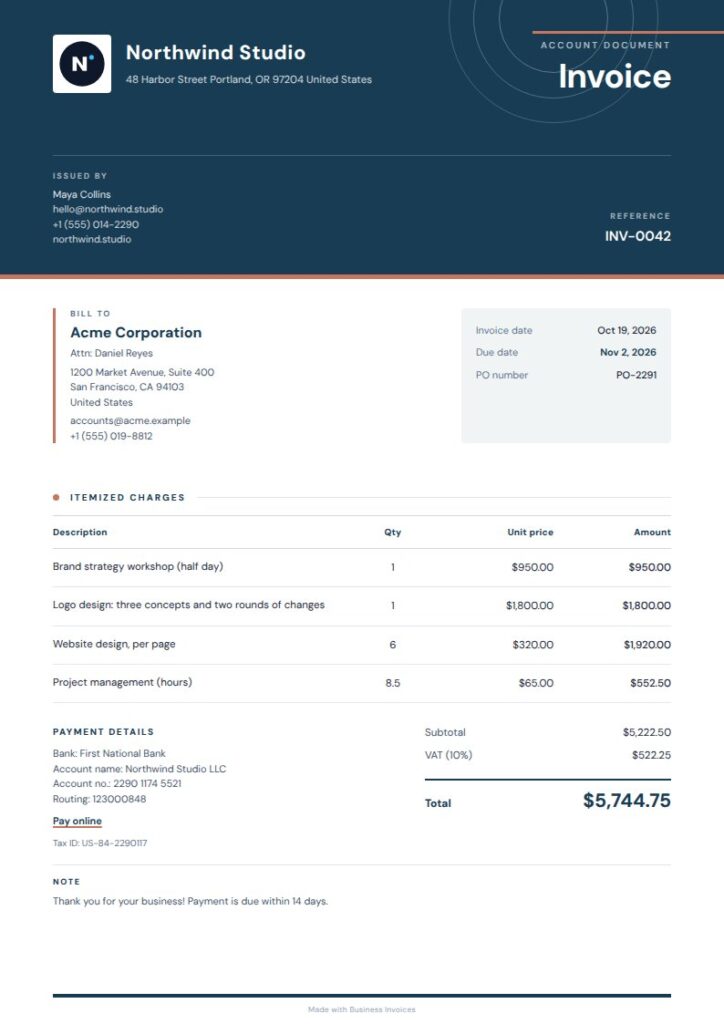
Orbit Euro Invoice Template
Orbit features a deep-blue masthead, fine-line orbit details, and a crisp, paper-like layout. Its modern style can suit euro invoices for software, web development, IT services, or creative work, as its tags suggest. The layout feels professional, with a little visual character. This Pro template can be previewed first. You can adjust the colours, add your logo, and include payment or bank details.
What to include on a euro invoice
Keep the invoice clear: add your business and client details, describe the work or items, and show the amounts and total in euros. You can include payment or bank details and any extra fields your invoice needs.
With Business Invoices, you can add your logo and extra fields to a template. You can also change its colours to suit your business while keeping the charges easy to read.
Choosing a free or Pro design
Anyone can use the free templates. Pro templates are part of the Pro plan, and you can preview them before choosing. Both types let you change colours and add details such as a logo or payment information.
Create invoices in your browser and download them as PDFs. Business Invoices supports any currency, so you can set the invoice currency to euros.
FAQs
Can I create an invoice in euros?
Yes. Business Invoices supports any currency, so you can set your invoice to euros. Create it in your browser, enter the invoice details, and download the finished invoice as a PDF.
What should a Euro Invoice Template include?
Add your business and client details, a clear description of each billed item or service, the amounts, and the total in euros. You can also include your logo, payment or bank details, and any extra fields you need.
Are these euro invoice templates free?
Anyone can use the free templates, and invoice creation is free and unlimited. Pro templates are part of the Pro plan, but you can preview them before choosing one.
Can I change the colours or add my logo?
Yes. You can change the colours of every template and add your logo, payment or bank details, and extra fields. That lets you adapt the invoice layout to your business.