
An invoice for construction work should show what the job involved and how much is due. Choose a layout with clear item rows to list labor, materials, or project stages separately. These templates suit construction contractors and related trades, with space to describe the work and show totals. Pick a free design or preview a Pro template first. In Business Invoices, create an invoice in your browser, change its colours, add your logo and payment details, then download it as a PDF.
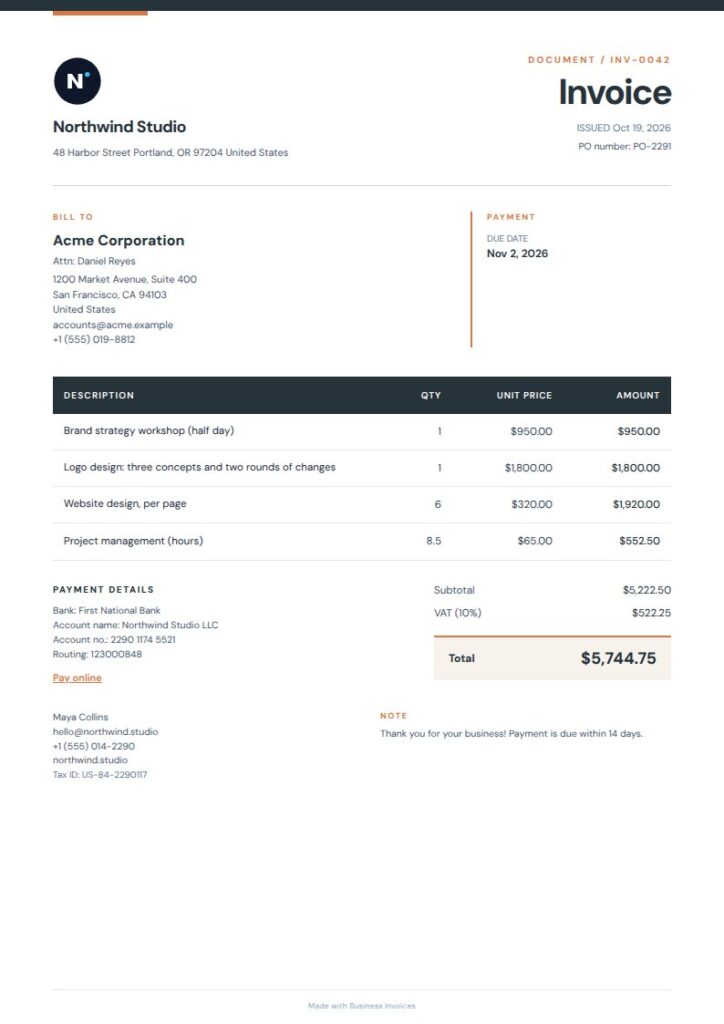
Charcoal Geo invoice for construction work
Charcoal Geo is a practical free option for construction work. It has construction and contractor tags, along with tags for plumbing, electrical work, and handyman services. Its fine-lined rows and bold table work well for invoices with several labor or material entries. A charcoal masthead and warm geometric accent give the page a professional look without crowding the details. Change the colours or add your logo and extra fields.
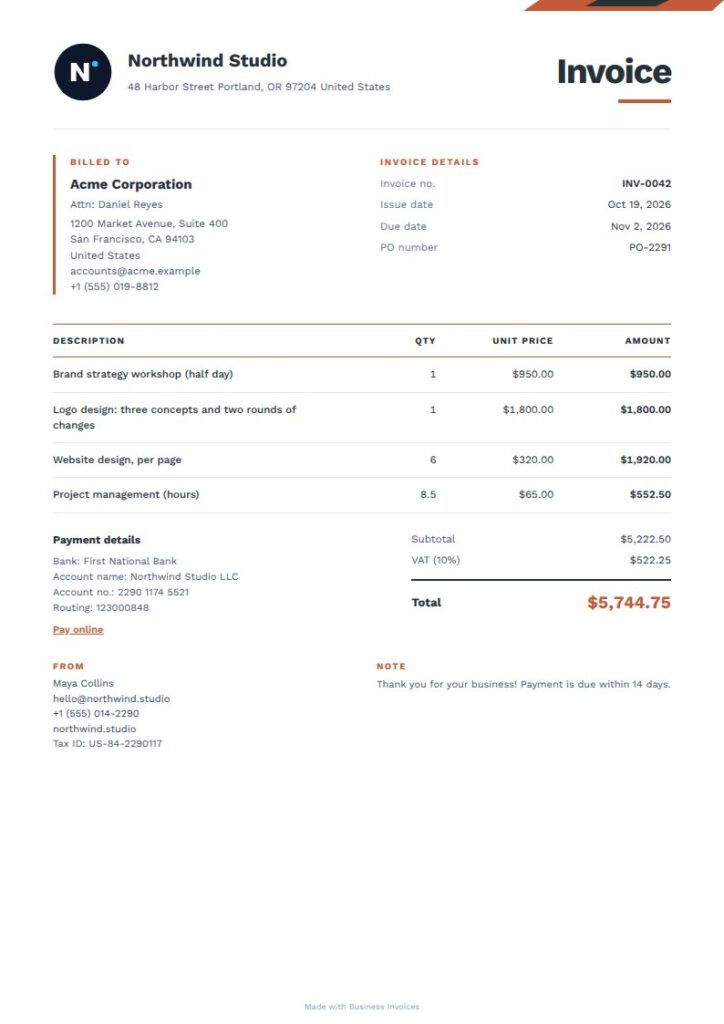
Warm Angle invoice for construction work
Warm Angle's clean layout suits a construction invoice with clear job details and line items. It's tagged for construction, contractors, and trades, while its compact metadata area and ruled table give the information a clear structure. The orange accent adds contrast, and the white page keeps details easy to scan. This is a Pro template, so you can preview it before choosing it.
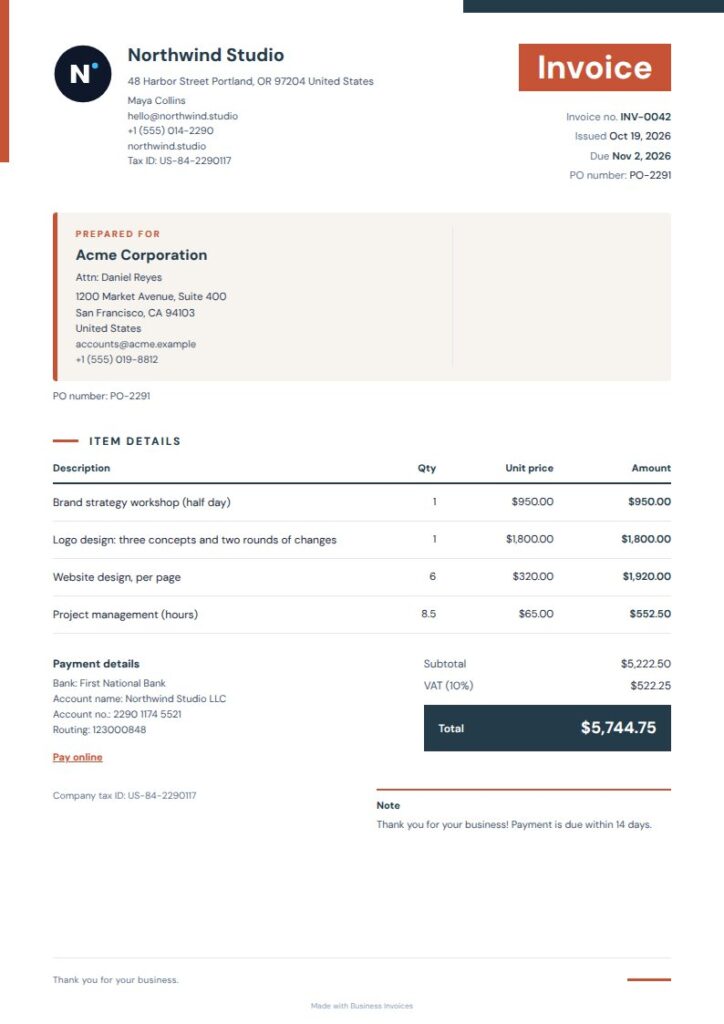
Warm Geometric invoice for construction work
Warm Geometric is a free template tagged for trades such as plumbing, electrical work, and handyman services. That makes it a useful fit for contractors billing construction-related jobs. Its compact masthead and calm summary panel keep the page orderly, with geometric orange accents to distinguish the design. Describe the billed work in the item rows, and add payment details or other fields as needed.
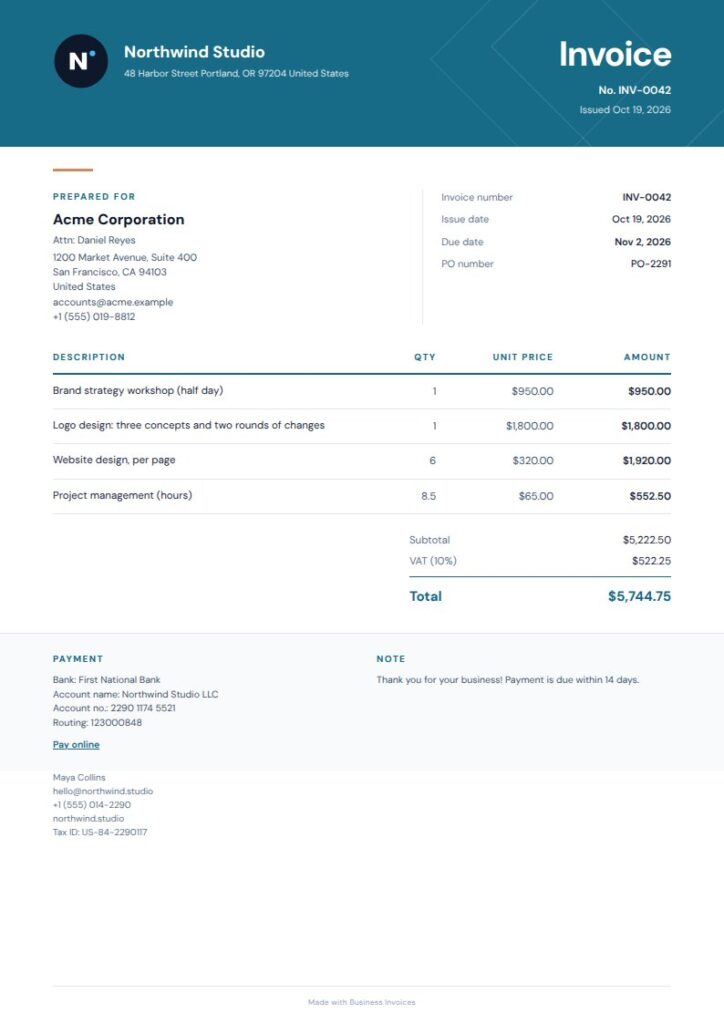
Blueprint invoice for construction work
Blueprint is tagged for construction and contractors, as well as architecture and engineering, which also suit building projects. Its deep blue masthead, open client details, and fine-lined item ledger give you room to show who the work was for and what you billed. A separate total band highlights the balance. Blueprint is a Pro template, and you can preview it before use.
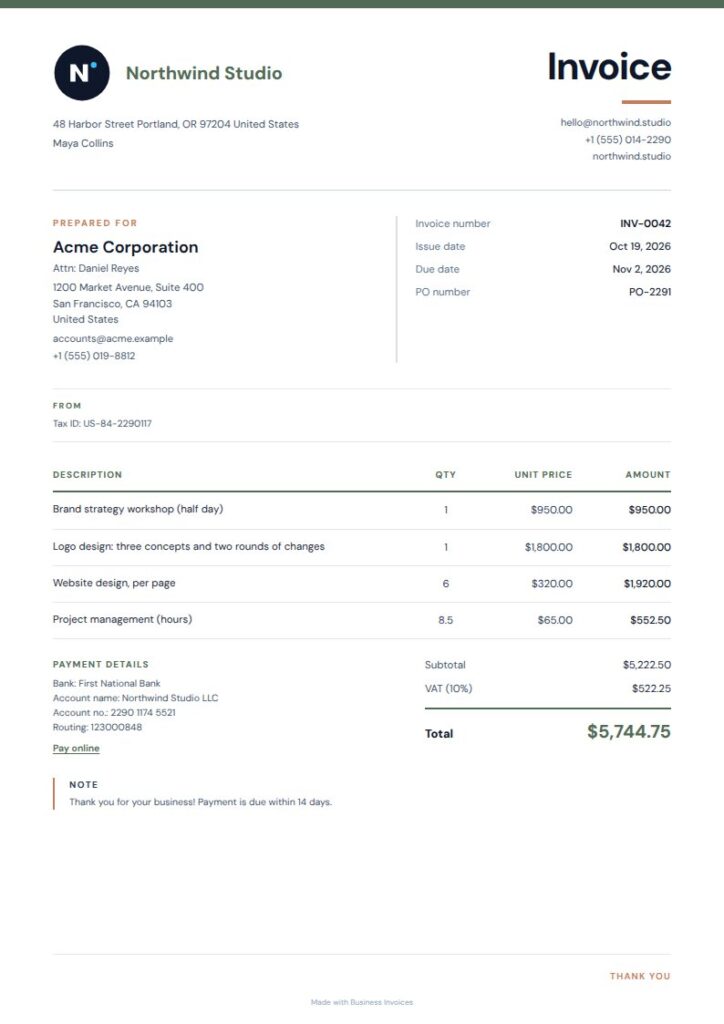
Grove Plain invoice for construction work
For outdoor construction or property work, Grove Plain is a simple free layout with open item rows and a compact summary panel. Its landscaping, gardening, and lawn-care tags make it relevant to contractors handling grounds or exterior jobs. The moss-toned side rail keeps the design restrained, and the open rows leave room to describe separate services. Adjust the colours, add your logo, or include extra fields.
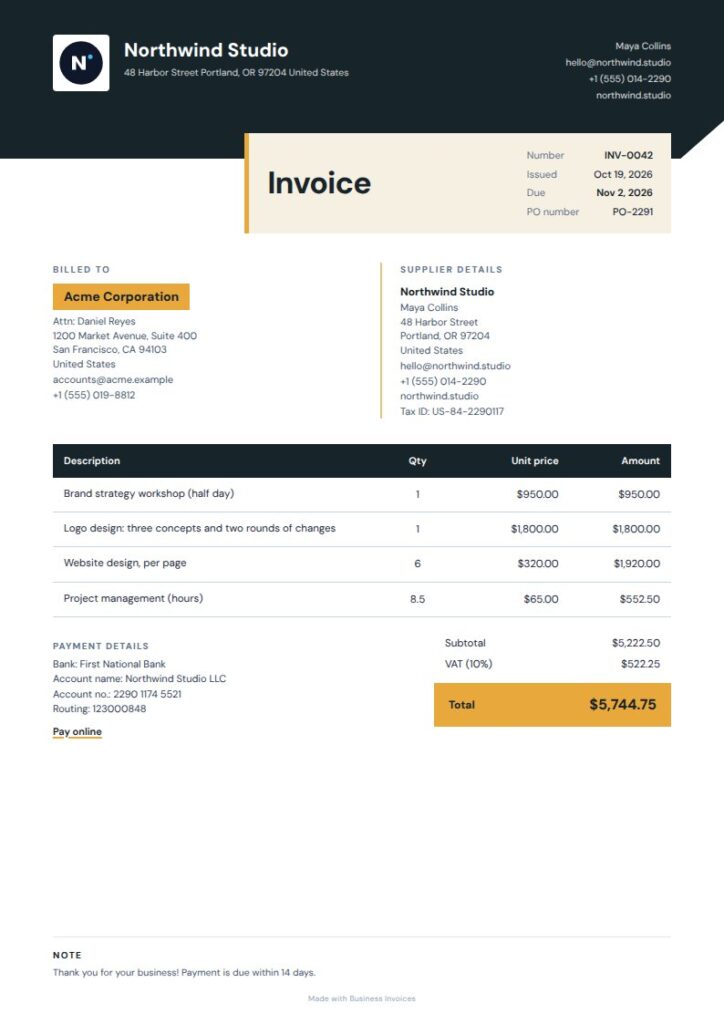
Charcoal Panels invoice for construction work
Charcoal Panels suits construction invoices that call for a bold, structured look. Its tags include construction and contractors. An angled charcoal masthead, warm amber detail panels, and filled ledger header help set apart the page's different sections. The layout also works well for several billable items. It's a Pro template, which you can preview before using.
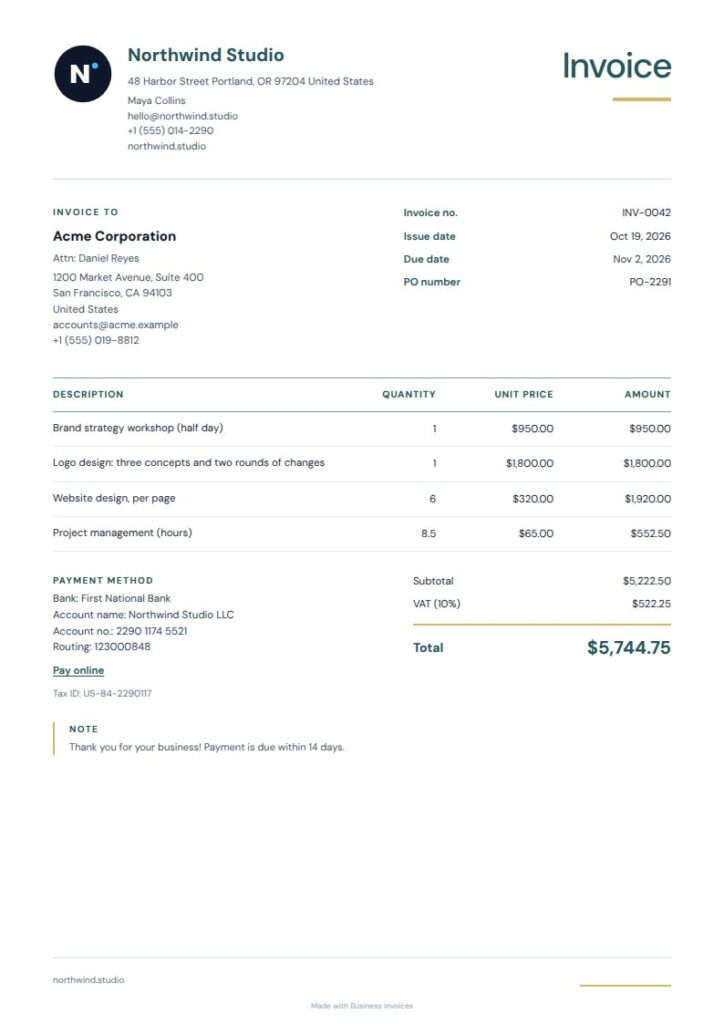
Bloom Simple invoice for construction work
Bloom Simple is a free choice for contractors whose work includes landscaping or gardening. Its crisp item lines help organize services or materials, while a compact identity rail and warm ochre total accent keep the invoice easy to follow. It isn't tagged specifically for construction, but its outdoor-service tags make it suitable for related jobs. Add the project and payment details you need.
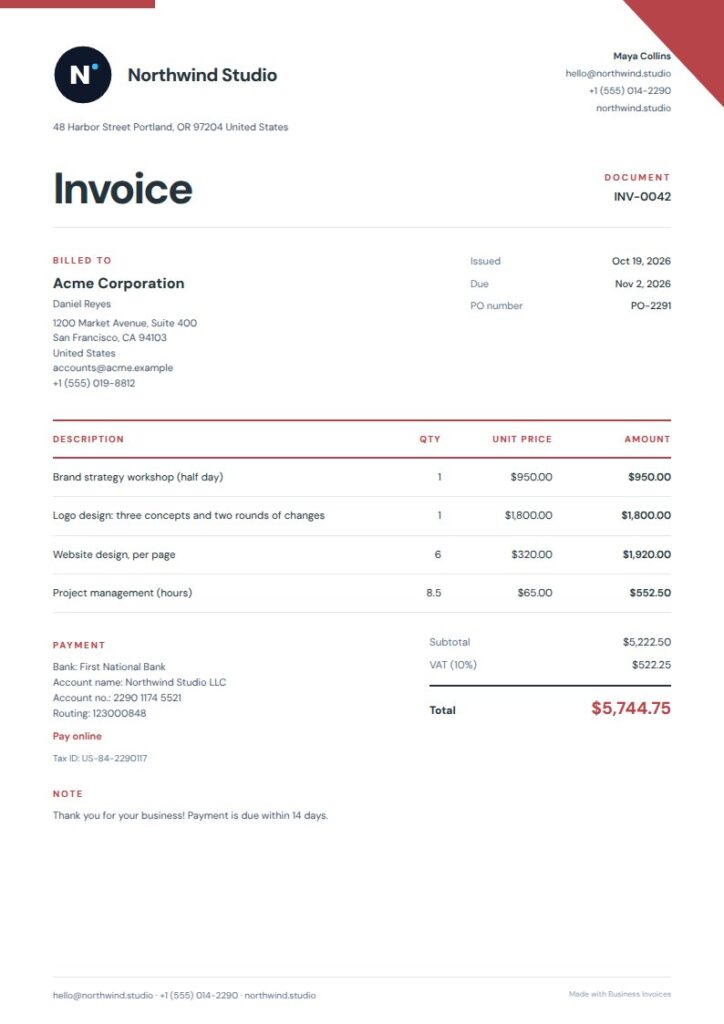
Brickline invoice for construction work
Brickline has construction, contractor, architecture, and trades tags, making it a natural Pro option for building and renovation work. Architectural brick-red angles and an oversized title give the invoice a distinct look, while the offset layout adds structure. It can suit contractors who want job details and item charges in a modern design. Preview it first, then adjust the colours and details for your invoice.
What to include on a construction invoice
Use the item rows to describe the work or materials you're billing for, and make the project and client details clear. Show the amount due, and include payment or bank details if you want them on the invoice.
To identify a work stage or include another job-specific detail, use the extra fields in the invoice maker.
FAQs
Can I make a construction invoice for free?
Yes. Creating invoices in Business Invoices is free and unlimited, and everyone can use the free templates. Choose a free design, enter the job and billing details in your browser, then download the invoice as a PDF.
Can I add materials and labor as separate items?
Yes. Use the template's item rows to enter separate billable items, such as labor and materials. Choose a layout with clear ledger rows so descriptions and amounts are easy to read. You can also add extra fields for details you want to include.
Can I add my company logo and payment details?
Yes. Add your logo, payment or bank details, and any extra fields you need. You can also change the template colours while keeping the job information and charges clear.
Can I use a Pro construction invoice template before signing up?
You can preview Pro templates first. After choosing one to use, enter the invoice details and make changes to the colours, logo, payment information, or extra fields. Free templates are available to everyone.
Can I invoice construction work in a different currency?
Business Invoices works with any currency. Select the currency for your invoice, enter the amounts, and download the completed document as a PDF.