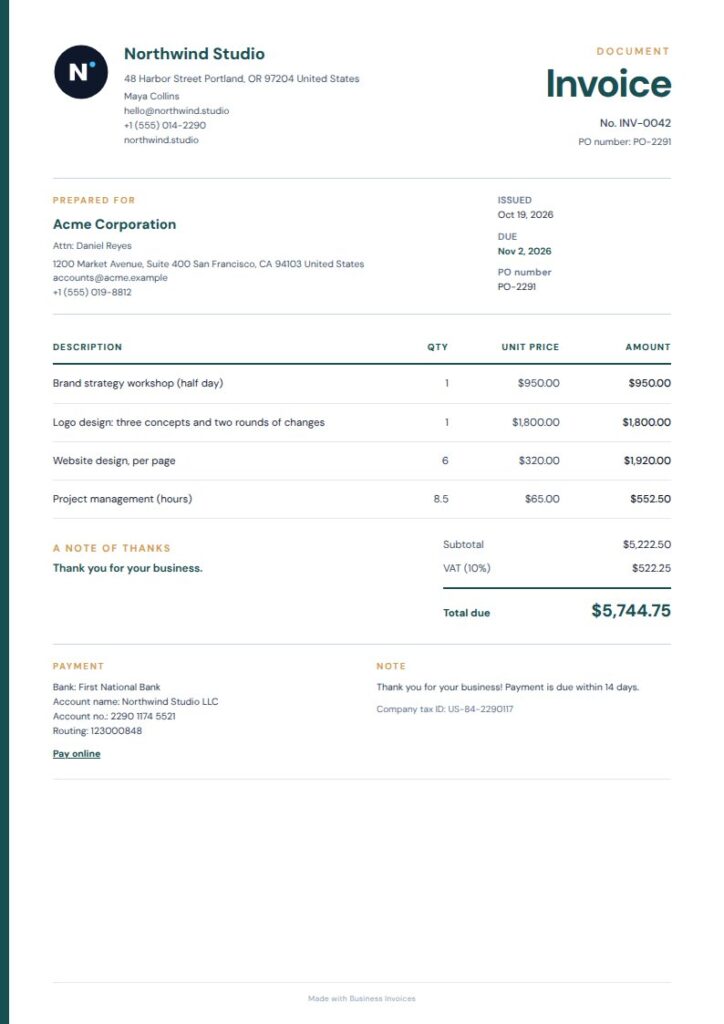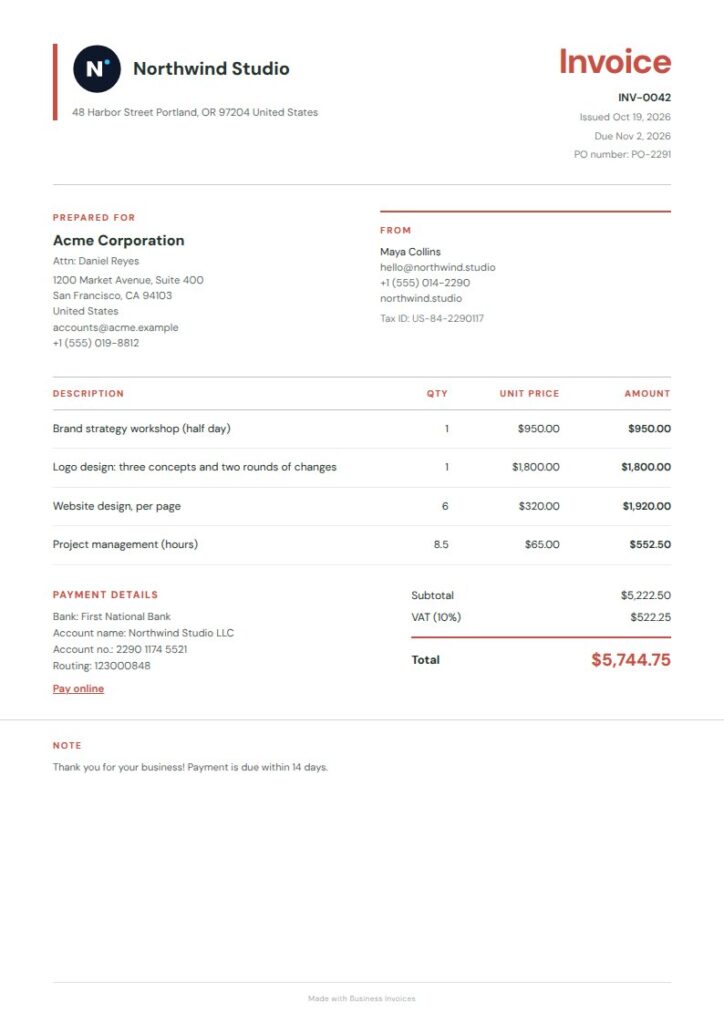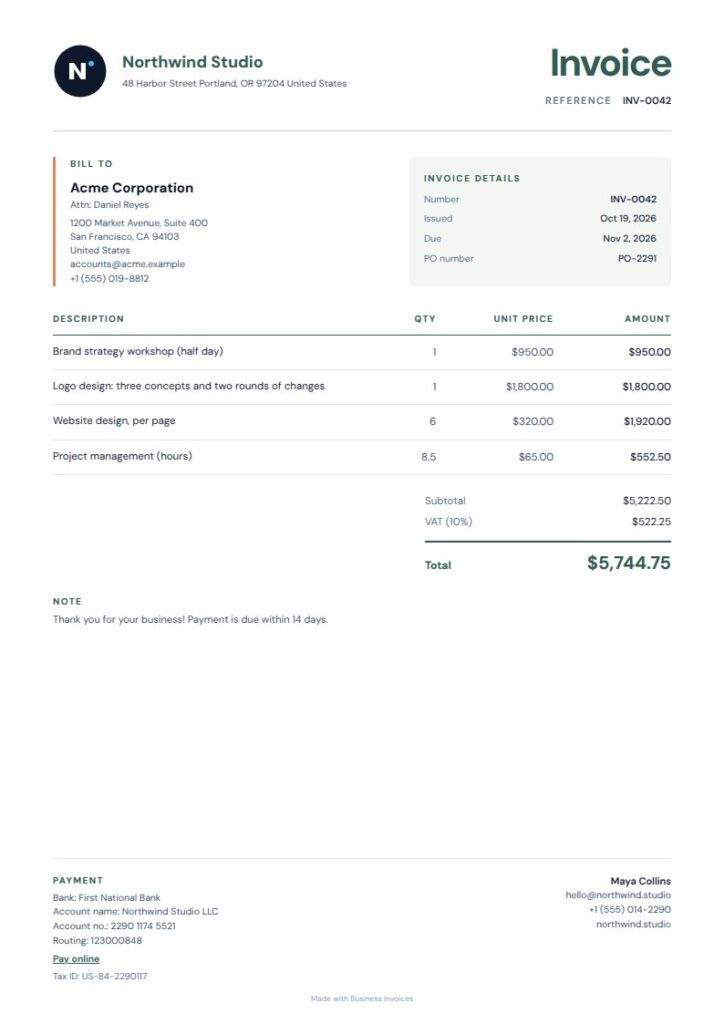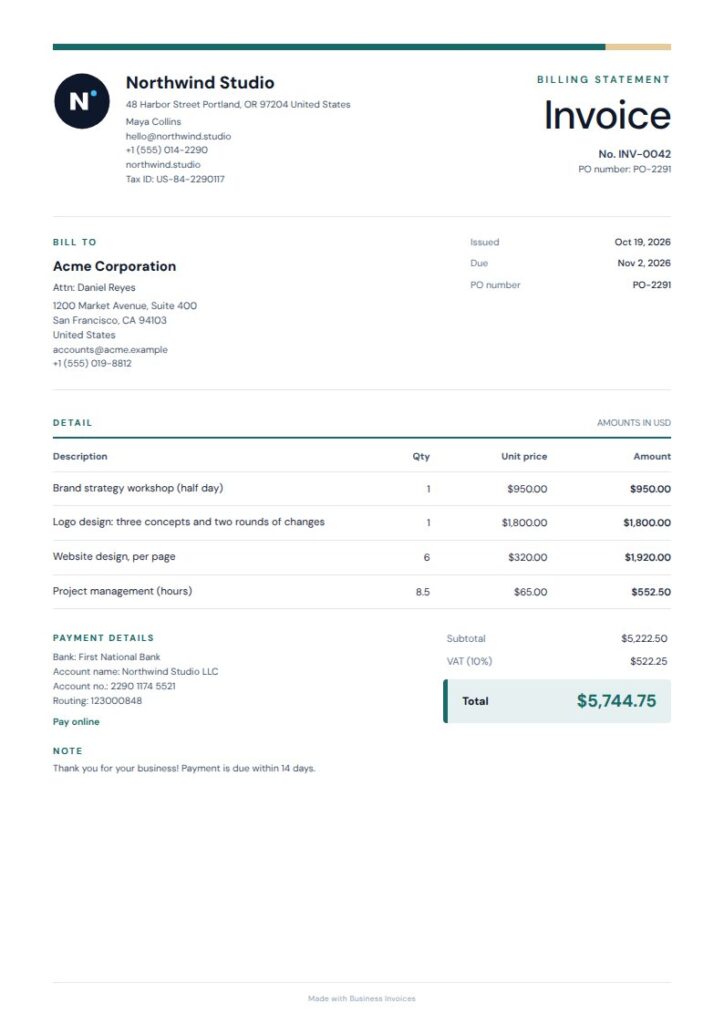
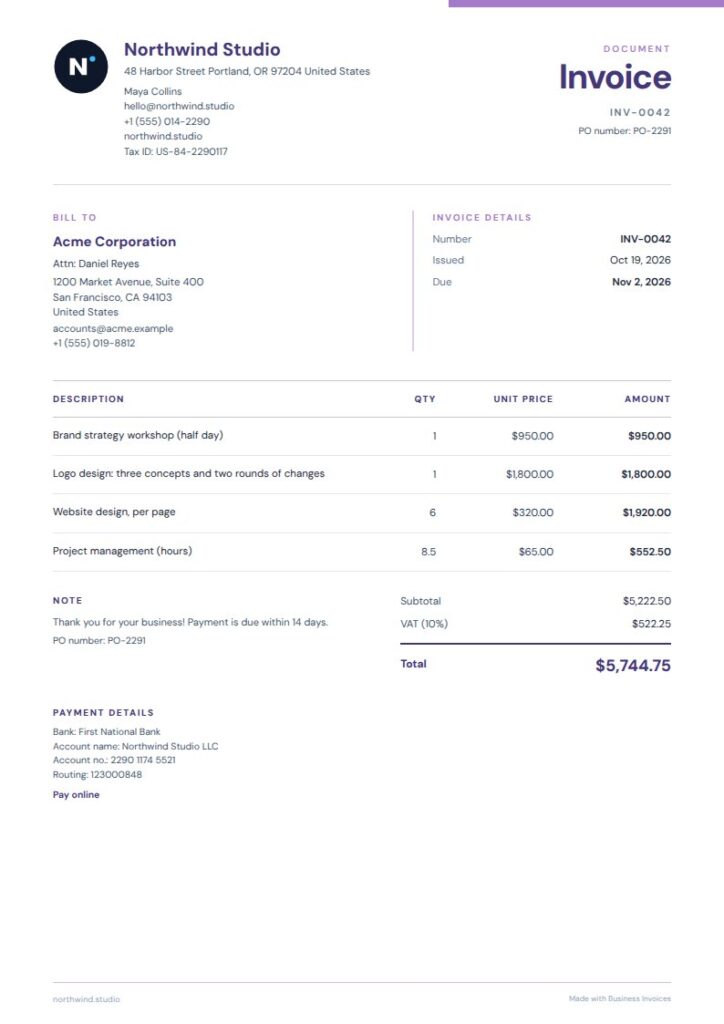
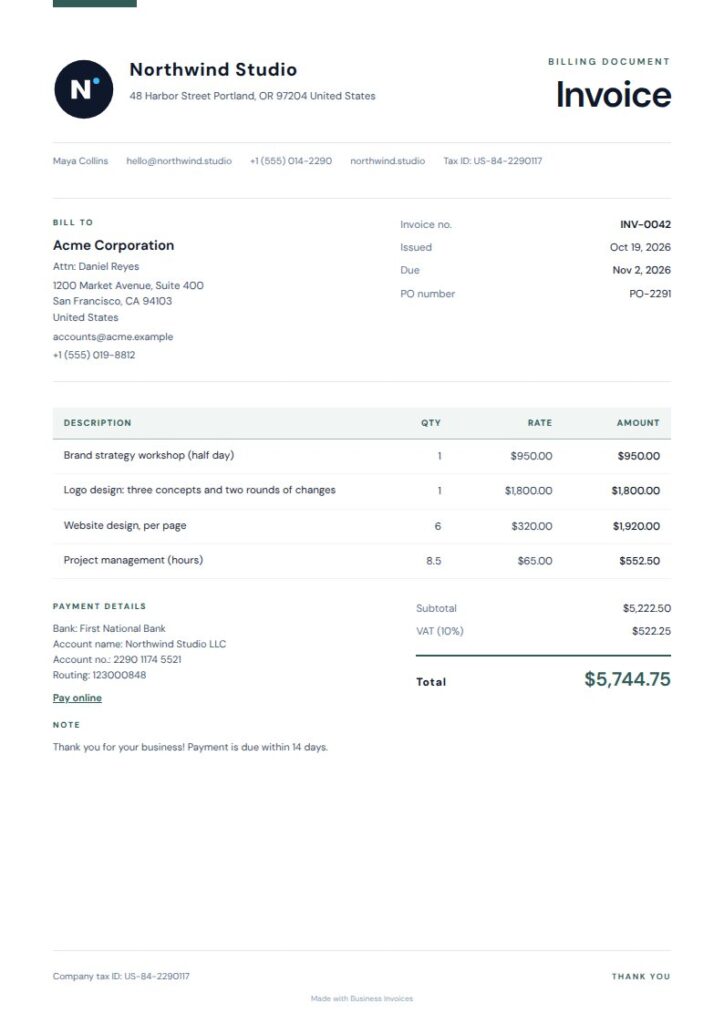
Invoicing software for construction can help you prepare clear invoices, show what each charge covers and send clients a document they can use to arrange payment. The right option depends on how you bill, whether by job, stage of work, materials, labour or a mix. Check that you can describe the work clearly, add the payment details you need and create an invoice in a format your client can use. Business Invoices is an online invoice maker for creating and downloading invoices as PDFs. It isn’t construction-specific, but its invoice templates can be used for construction work.
Create a clear construction invoice with the free invoice maker, then download it as a PDF.
Make an invoiceWhat to look for in construction invoicing software
Begin with how you charge for your work. If an invoice includes several tasks, materials or labour costs, check that you can describe each charge clearly so the client knows what they’re paying for. A project name or reference can also help you tell jobs apart.
Think about the practical details as well. Can you add your business and client information, payment or bank details, and any extra fields you need? Check that the software creates invoices in a format you can send and supports the currency you use.
What to include on a construction invoice
A good construction invoice makes the work and charges easy to identify. Include the relevant business and client details, an invoice reference, a description of the work and the amount due. To show how the total is made up, list clear items such as labour, materials or completed work.
Add payment or bank details if you want them to appear on the invoice. You can also include a project name, site reference or other job information in an extra field, if the invoice maker allows it.
Construction invoices for jobs and stages
If you bill in stages, make clear which stage or portion of work each invoice covers. For a single-job invoice, include a job or site reference and describe the work completed. Clear descriptions help you and the client connect the invoice to the right project.
Before sending an invoice, check that the listed work and amounts match what you intend to charge. If the client needs information that isn’t in the standard layout, you may be able to add it in an extra field.
How to make a construction invoice with Business Invoices
Business Invoices is an online invoice maker, not construction-specific software. Choose a template, enter your details and the client and job information, then add the work and charges. You can change the template colours, add your logo, include payment or bank details and create extra fields.
When the invoice is ready, download it as a PDF. You can make an unlimited number of invoices for free, and everyone can use the free templates. Pro templates are included in the Pro plan, and you can preview them first. The invoice maker works with any currency.
Is a general invoice maker enough?
A general invoice maker may work well if you mainly need to create clear invoices and download them as PDFs. It can be a practical option if you can add the job details and charges you need to show.
If you need construction-specific functions, such as managing project activity beyond invoicing, check that a system offers them before choosing it. Business Invoices creates invoices in your browser, but the available information doesn’t establish that it has those broader construction management features.
Make your construction invoice
Create an invoice for a building job in your browser, add the work and payment details you want to show, then download it as a PDF. The free templates are available to use, and you can make as many invoices as you need for free.
Create an invoiceFAQs
What is invoicing software for construction?
It’s software for preparing invoices for construction work. Some products focus on creating invoices, while others may offer additional job-related functions. Before choosing, think about how you bill, which job details clients need to see and what file format you need to send.
Can I use a general invoice maker for construction work?
Yes, if it lets you describe the work and charges clearly and include the details you need. A general invoice maker may be suitable for straightforward invoicing. Don’t assume it manages construction projects or has other specialist functions unless those are specified.
What should I put on a construction invoice?
Include your business and client details, a clear description of the work, the charges and the amount due. A job name or site reference can identify the project. Add payment or bank details if you want the client to see them on the invoice.
Can I invoice for construction work in stages?
You can create an invoice that identifies the stage or portion of work it covers. Describe the work and charges so the client can see which part of the job the invoice relates to. Check that your chosen software lets you include the details you need.
Can Business Invoices create construction invoices?
You can use Business Invoices to create construction invoices and download them as PDFs. Choose a template, enter the details, change the colours, and add your logo, payment or bank details and extra fields. It’s a general invoice maker, not a construction-specific management system.
Does Business Invoices support different currencies?
Yes. Business Invoices works with any currency. Create the invoice in the currency you use, add the job and payment details you want to show, then download it as a PDF.