
A Photographer Invoice Template should show your services and charges clearly, while still fitting your studio’s style. These options range from simple layouts to editorial designs with a distinctive title or color accent. Choose a Photographer Invoice Template that makes the billed work easy for clients to understand. Then adjust the colors, add your logo, and include payment details or extra fields as needed. Business Invoices runs in your browser, supports any currency, and lets you download the finished invoice as a PDF.
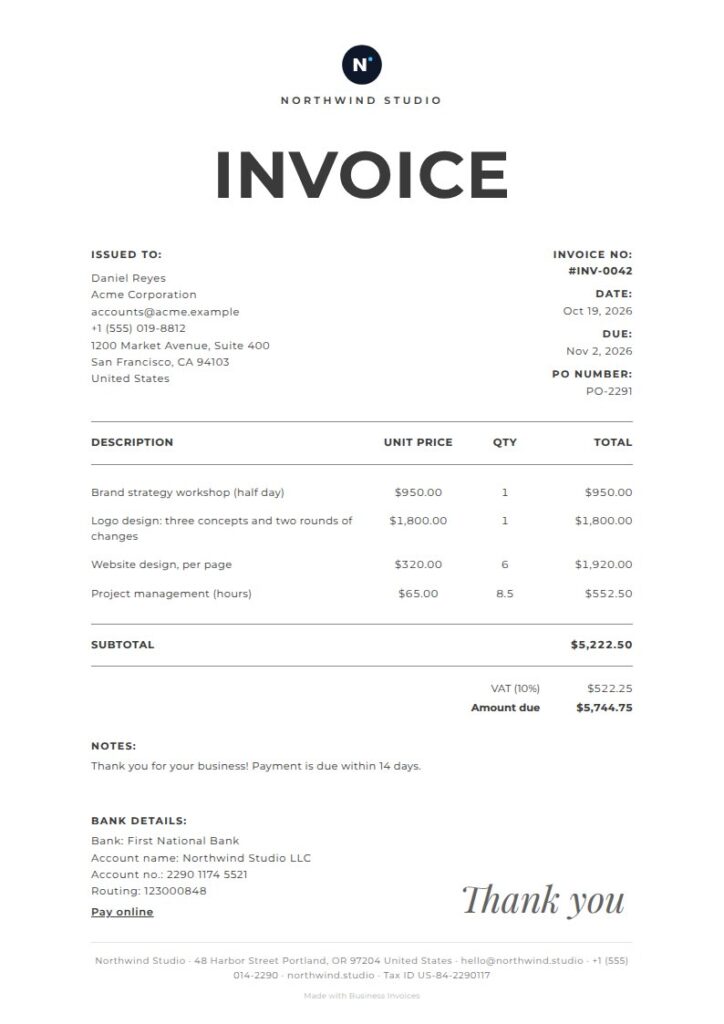
Atelier Photographer Invoice Template
Atelier is a free option for photographers who want an airy, elegant invoice. A large centered title, thin rules, and handwritten-style thank-you note add a personal touch that can suit wedding, bridal, or studio work. Its photography and photographer tags make it a close match for this search. The open layout keeps service descriptions and charges easy to read. Adjust the colors or add your logo to make it your own.
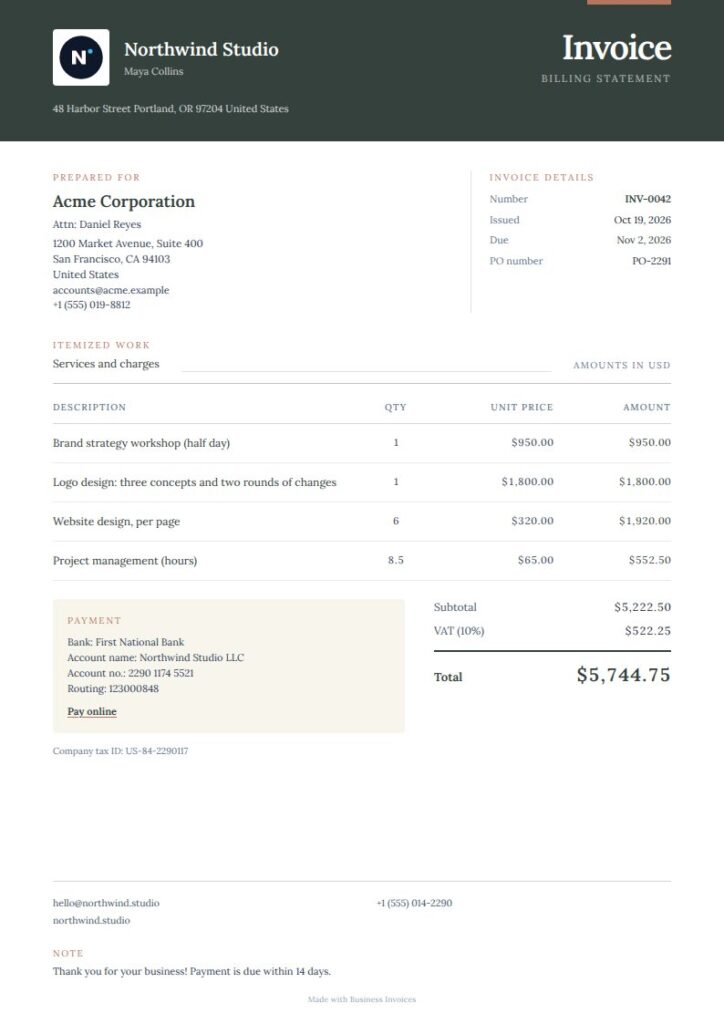
Studio Serif Photographer Invoice Template
Studio Serif has a warm, polished look, with a compact ink header, cream invoice sheet, and fine ruled details. Its photography and photographer tags, along with studio and design, make it a good fit for creative professionals. The classic serif style can work for portrait, wedding, or commercial photography invoices. It’s a Pro template, so you can preview it before deciding if it suits your work.
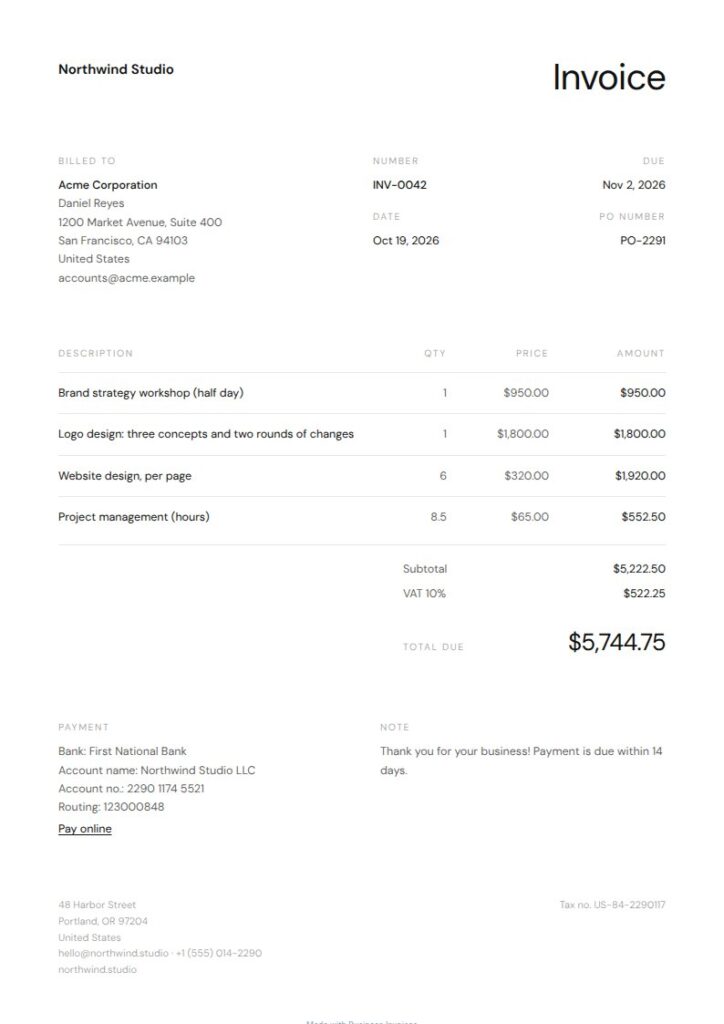
Minimal Photographer Invoice Template
Minimal keeps the invoice simple, with a black-and-white page and no extra decoration. It’s tagged for photography and photographers, as well as freelancers, so it suits independent work without relying on a particular visual theme. The clean layout makes services and amounts easy to read. It’s a free template and a practical choice for routine client invoices.
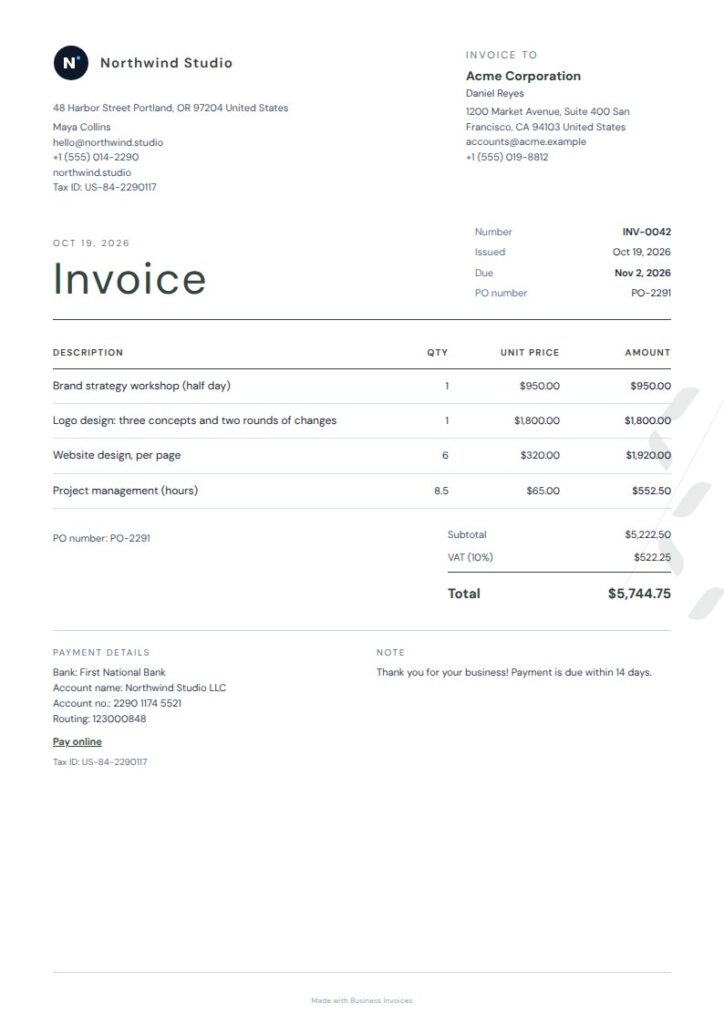
Paperline Caps Photographer Invoice Template
Paperline Caps adds character while keeping its details organized with fine rules. A split masthead and geometric, botanical-style accent give the page an editorial feel, and its photography, photographer, and studio tags suit creative businesses. Choose it if a plain invoice feels too bare, but you still want a professional way to list photography services and charges. It’s a Pro template, and you can preview it before using it.
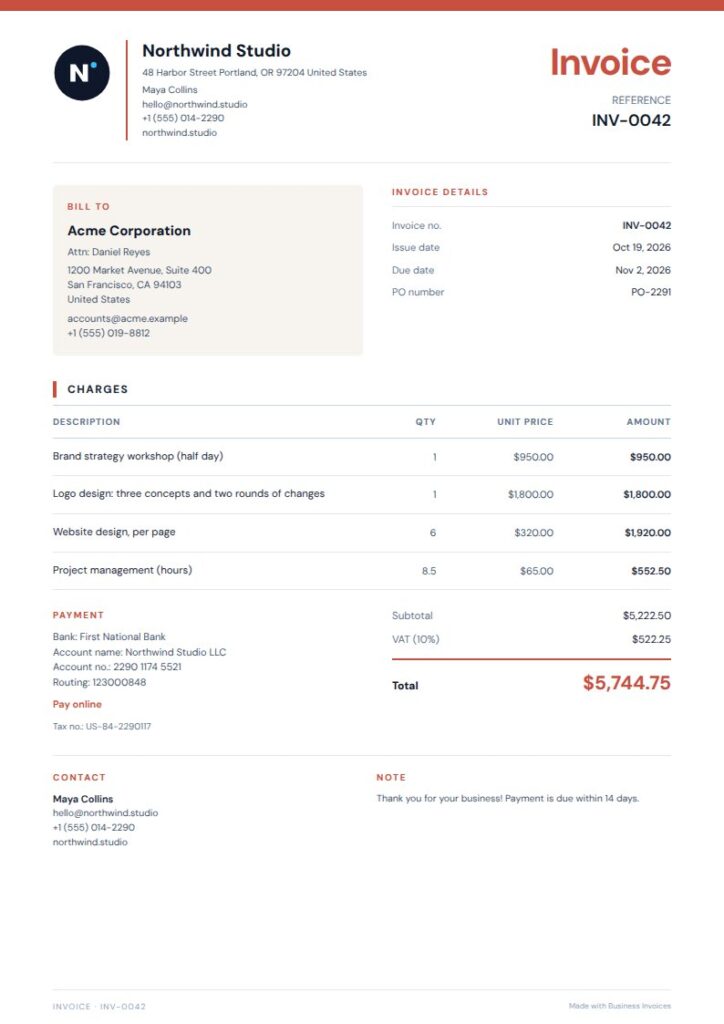
Vermilion Rule Photographer Invoice Template
Vermilion Rule is a free option for photographers, with a slim red accent, framed details, and a two-column closing section. Its tags include photography and photographer, along with freelance and professional services, making it a good fit for independent photographers who want a crisp, structured invoice. The restrained color and simple layout leave space for clear service descriptions without crowding the page. Change the colors and add your business details.
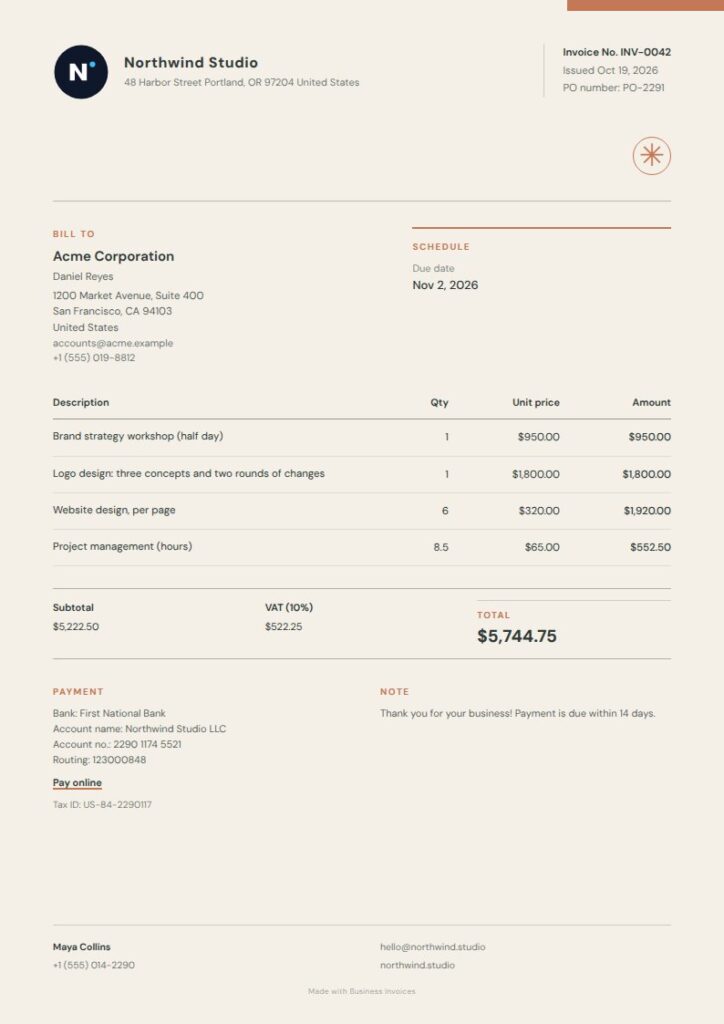
Sand Charcoal Photographer Invoice Template
Sand Charcoal pairs an oversized title with a quiet metadata rail and precisely ruled sections for an editorial look. Its photography and photographer tags make it relevant, while the warm charcoal-and-orange palette adds distinction without losing structure. It’s a good option if you want client and invoice details separated from the service lines. This is a Pro template, and you can preview it first.
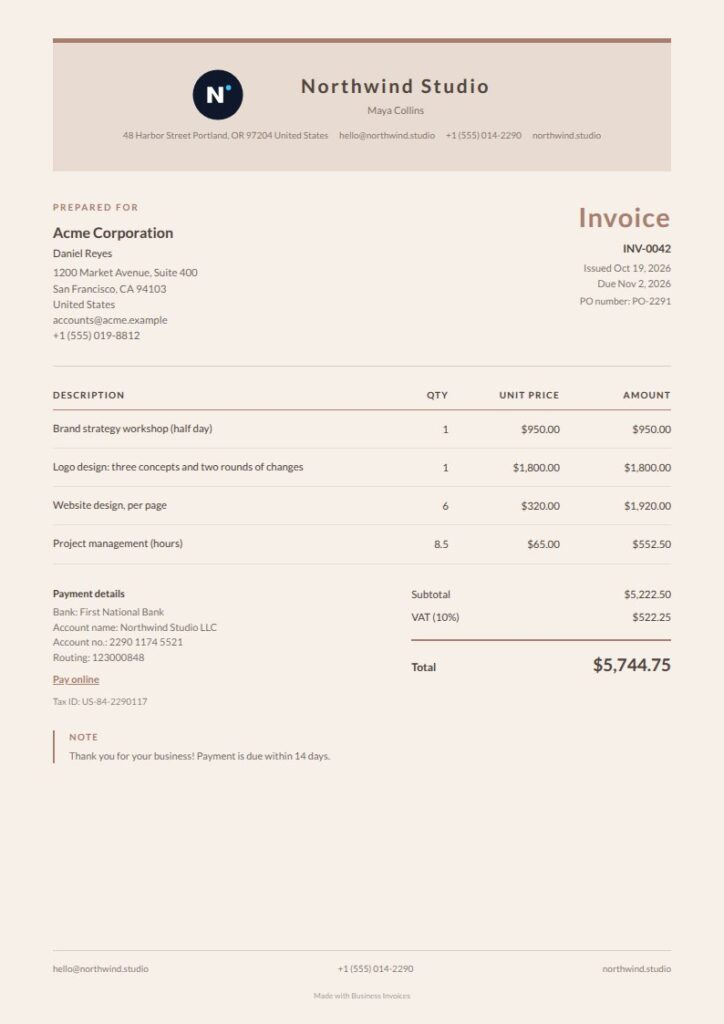
Linen Brown Photographer Invoice Template
Linen Brown is a free option for photographers who prefer a softer, letter-like page. A centered masthead, warm paper tones, and fine ruled details give it a calm, professional look that can suit portrait or creative work. It isn’t tagged specifically for photography, but its minimal style and clear structure make it a useful general invoice template. Add your logo and payment details, then describe the billed work in the item area.
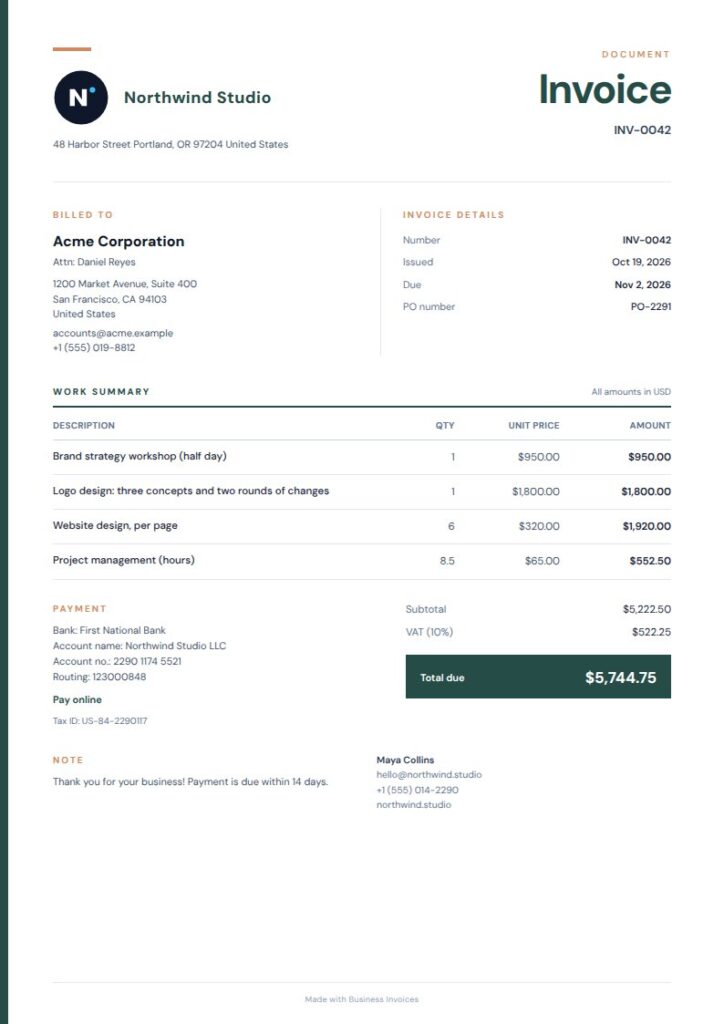
Rail Title Photographer Invoice Template
Rail Title has a clear structure, with a slim color rail, open metadata columns, and a ruled item ledger. Its photography and photographer tags, along with design and studio, make it a strong option for creative businesses. The layout separates invoice details from billed services while keeping the page professional. It’s a Pro template, so preview it to see if the editorial style fits your studio.
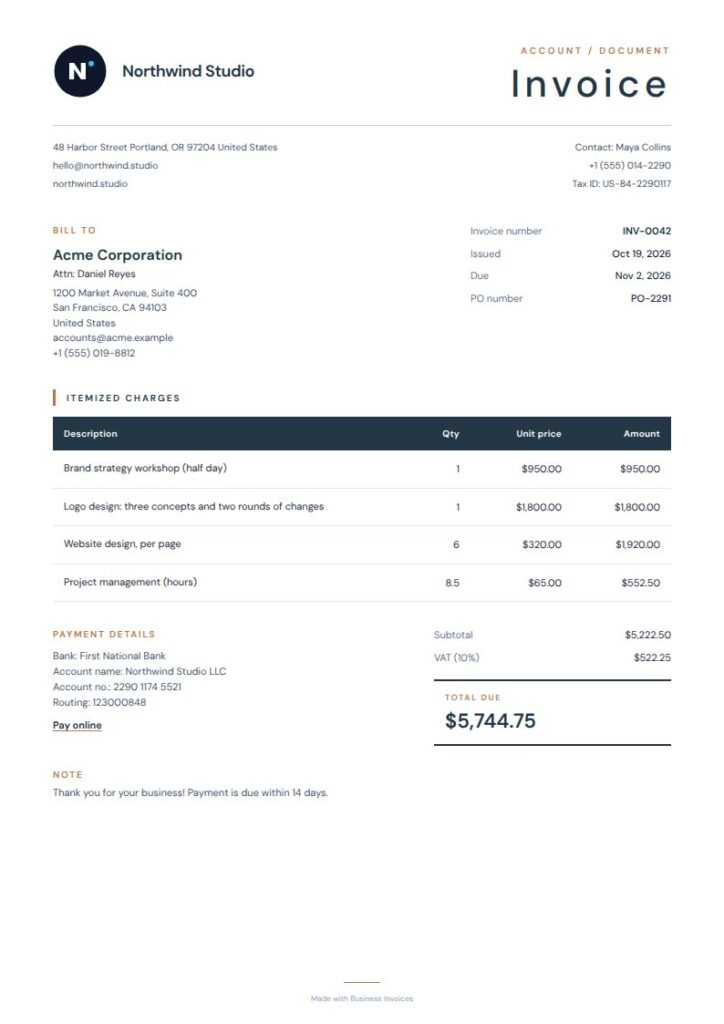
Navy Terracotta Photographer Invoice Template
Navy Terracotta is a free, structured template with a compact masthead, ruled item rows, and a framed balance summary. It isn’t tagged for photography, but its professional editorial design can suit photographers who want to present services and the total due clearly. A warm accent and tidy table add character while keeping the invoice readable. Change the colors and add business or payment details when you prepare it.
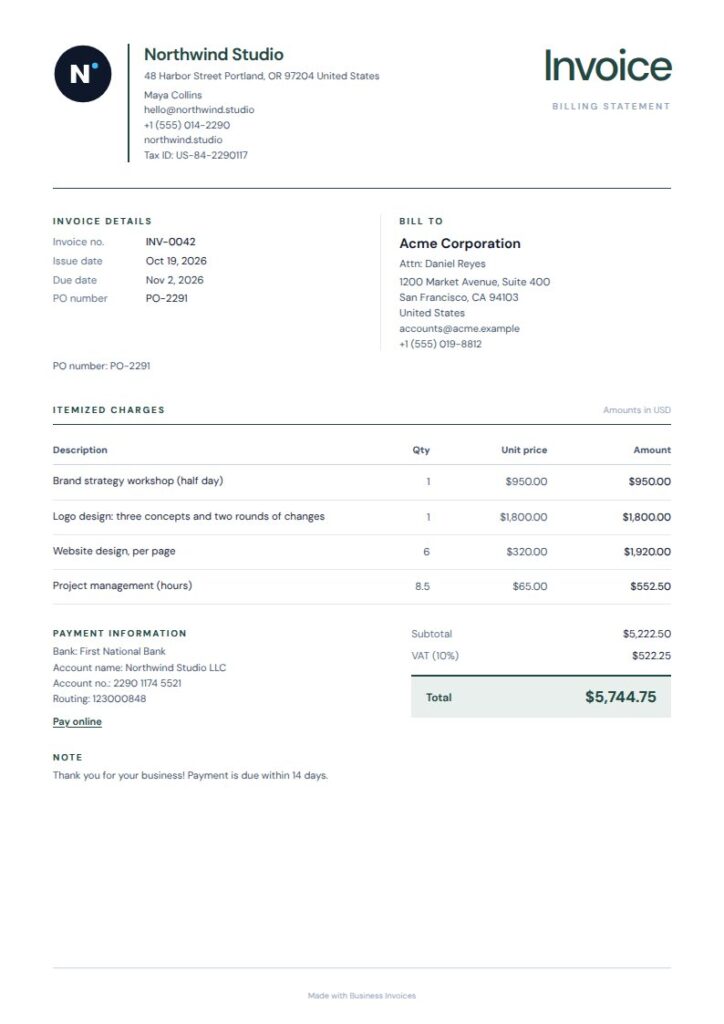
Slate Title Photographer Invoice Template
Slate Title combines a compact masthead and ruled item grid with a contrasting summary panel. Its photography and photographer tags make it a direct match for this search, and the minimal, professional style suits different kinds of photography work. The panel gives the total a clear place on the page, while the item grid keeps billed services organized. It’s a Pro template, available to preview before you choose it.
What to put on a photographer invoice
List the photography work being billed in clear item lines, with an amount for each service. Include the invoice and client details your customer needs to identify the document and the work.
Use extra fields for any other details relevant to the job. You can add your logo and payment or bank details, and change the template colors to fit your business.
Pick a layout for your photography work
A clean, ruled layout makes service descriptions and charges easy to scan. A more expressive title or accent may suit your studio’s identity or a creative service you offer to clients. Choose a style that fits your work and the people you invoice.
FAQs
Can I use a photographer invoice template for different kinds of photography work?
Yes. Choose a layout, then describe the services you’re billing for in its invoice fields. You can edit the templates with your own details and extra fields, so one general design can work for different photography jobs.
Can I add my logo and payment details?
Yes. Business Invoices lets you add your logo and payment or bank details to any template. You can also change the template colors and add extra fields for other information you want to put on the invoice.
Are the photographer invoice templates free to use?
Templates labeled free are available to everyone, and making invoices is free and unlimited. Pro templates are part of the Pro plan, but anyone can preview them before deciding if a design is suitable.
Can I bill clients in different currencies?
Business Invoices supports any currency. Create your invoice in the browser, enter the details and amounts, then download the finished invoice as a PDF.