
A Restaurant Invoice Template should make it clear what you supplied, what the customer owes, and how they can pay. These options are tagged for restaurants and food businesses, with item rows and space for invoice details. Pick a Restaurant Invoice Template that fits your work, from a simple meal invoice to catering, then adjust the colours and add your logo, payment or bank details, and any extra fields you need. Create the invoice in your browser and download it as a PDF. Free templates are available to everyone, and you can preview Pro templates before choosing one.
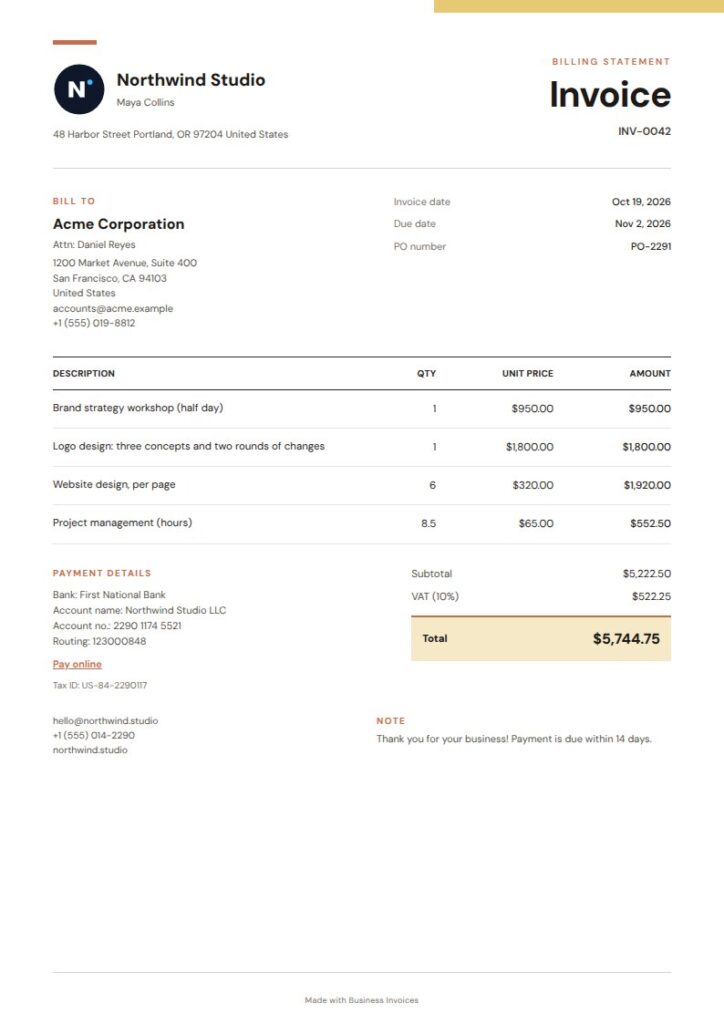
Saffron Restaurant Invoice Template
Saffron is a free option for a restaurant that wants a warm, compact invoice. An offset colour block and fine rules give the page structure, while the ledger-style layout works well for listing meals, drinks, or other supplied items. Its restaurant, food, cafe, and coffee-shop tags make it a close fit for this search. Change the colours and add your business details to make the invoice your own.
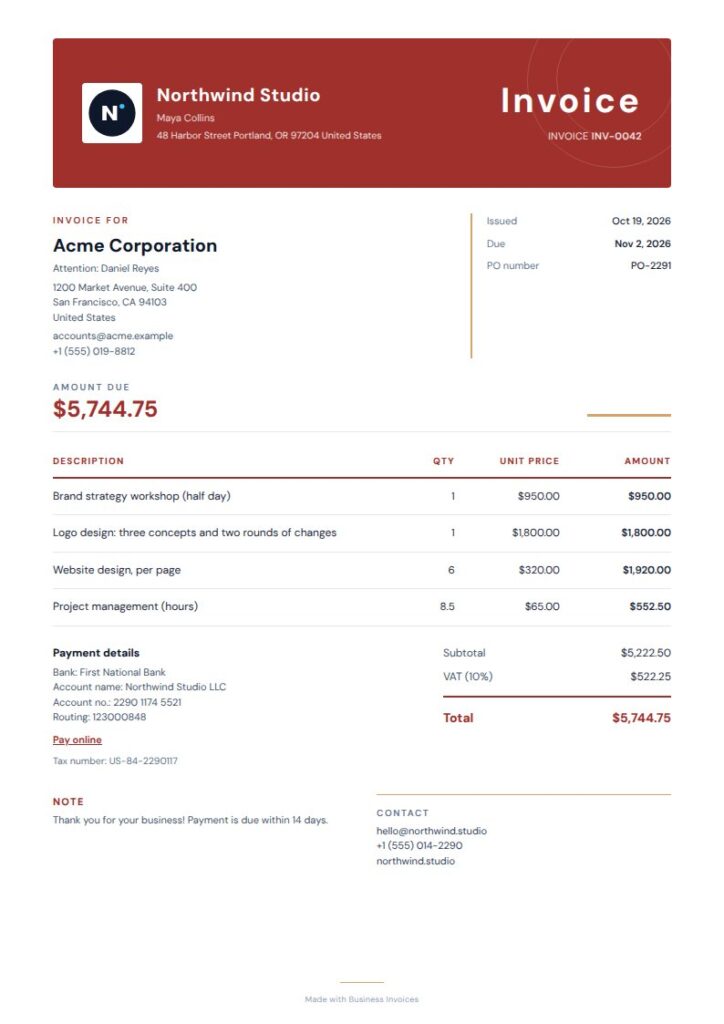
Red Panel Restaurant Invoice Template
Red Panel suits businesses that want a more noticeable header. It pairs a deep-red curved title panel with a ruled table and a solid payment band, separating the invoice identity, item details, and amount due. Its restaurant and food tags make it relevant for restaurant billing, and the orange and red palette gives it a warm food-business feel. This is a Pro template, which you can preview before choosing.
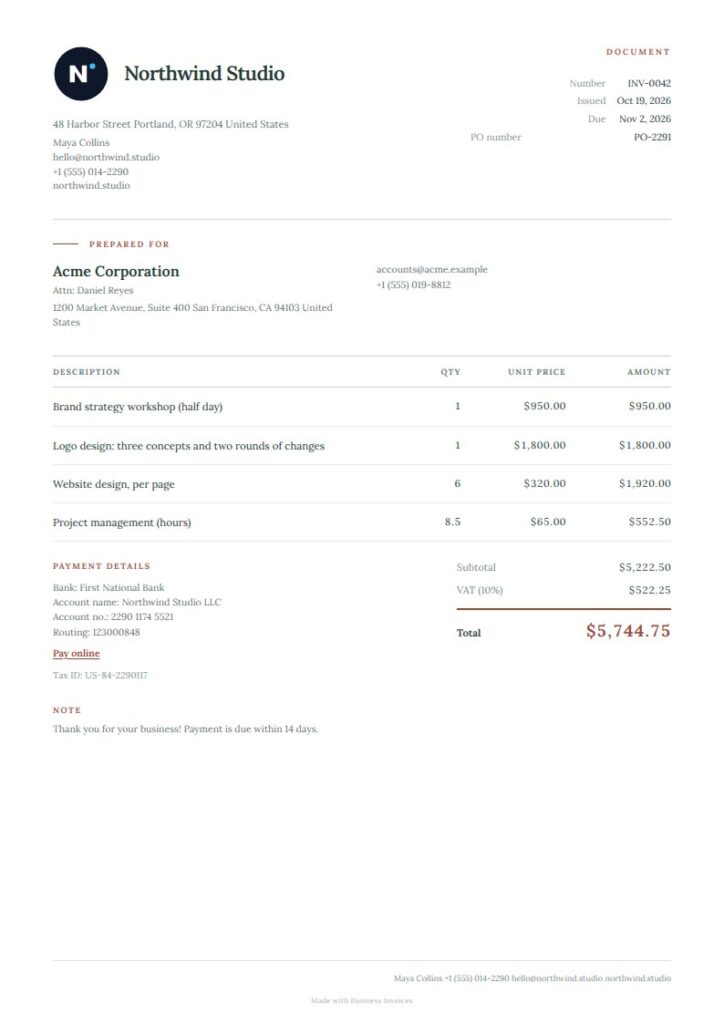
Hearthline Restaurant Invoice Template
Hearthline has a quieter, editorial look for restaurants that want a warm invoice without a busy page. The split header, fine rules, and compact details leave room for business and customer information alongside billed items. Its restaurant and food tags make it a direct match, while bakery and pastry tags may suit food sellers with varied work. This free option uses a restrained clay accent and a clear layout.
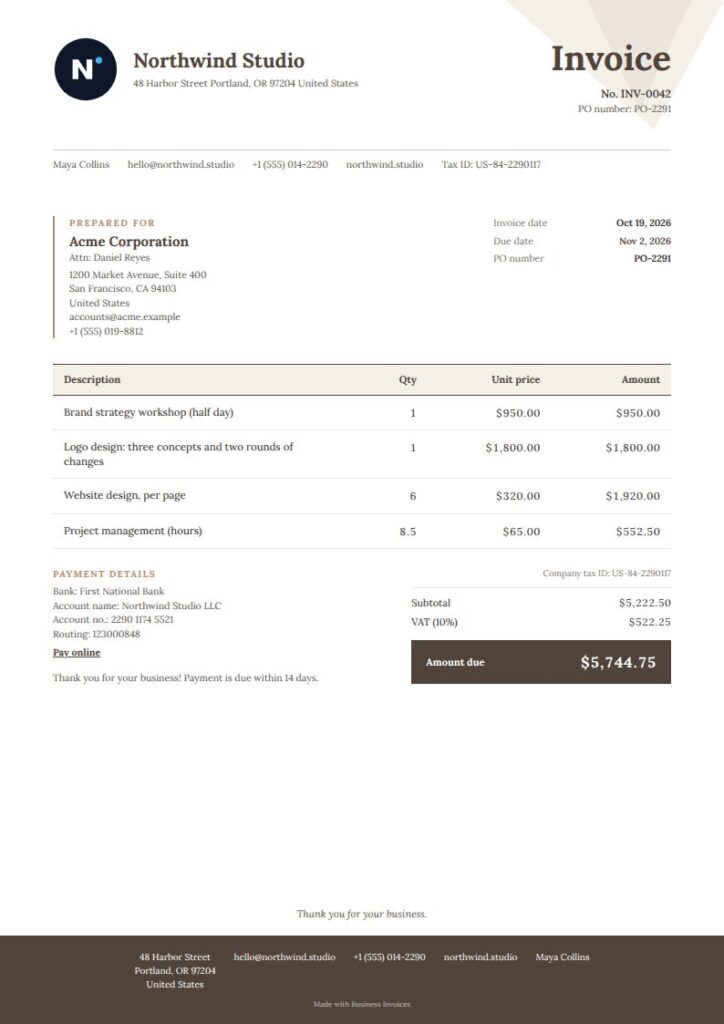
Hearthstone Restaurant Invoice Template
Hearthstone offers a more classic invoice, with a geometric header, ruled line items, and a grounded footer band. Use the line-item area to describe food, service, or catering charges, and keep the closing details together in the footer. Its restaurant, food, and catering tags make it useful for different kinds of restaurant-related billing. Hearthstone is a Pro template that you can preview before deciding to use it.
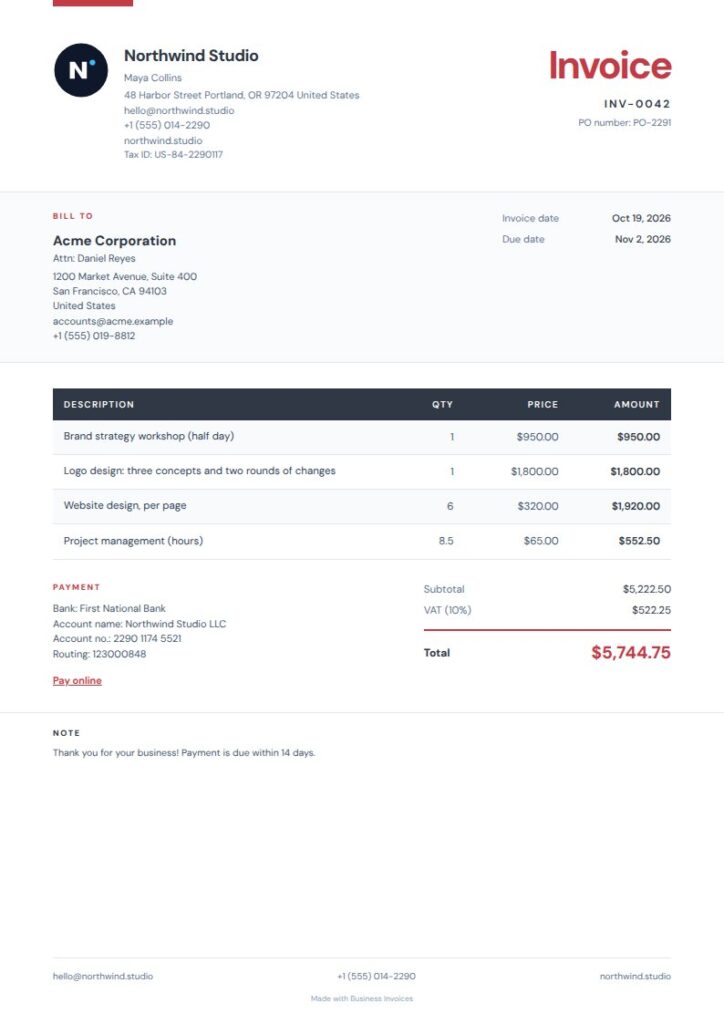
Red Navy Restaurant Invoice Template
Red Navy keeps the page crisp with a narrow vermilion rule, open space for details, and a charcoal item ledger. The ledger works well when you need to list several charges clearly rather than show just one total. Restaurant and food are among its tags, and the red-and-navy palette gives the design a professional feel. This free template doesn't require a Pro plan.
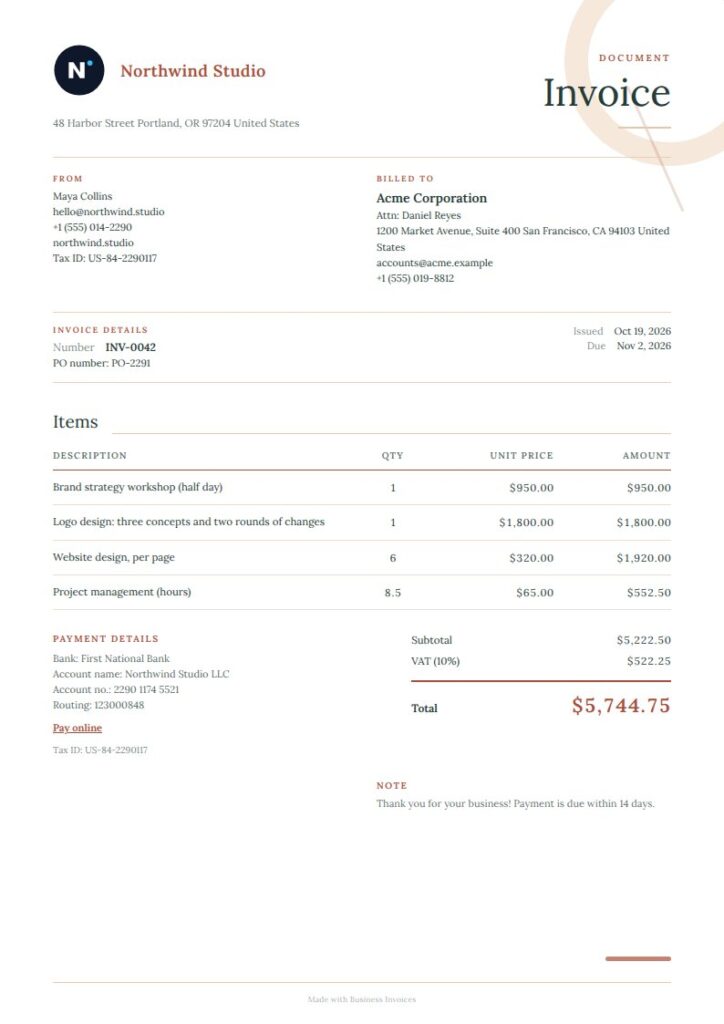
Terracotta Restaurant Invoice Template
Terracotta is a good fit for a restaurant that wants an airy invoice, with a warm clay masthead and open metadata columns. Its fine-lined item ledger gives charges a clear structure, while the editorial design keeps the page easy to scan. The restaurant and food tags make it a direct option for the keyword, while its artisan and home-decor tags reflect a broader service style. This Pro template is available to preview.
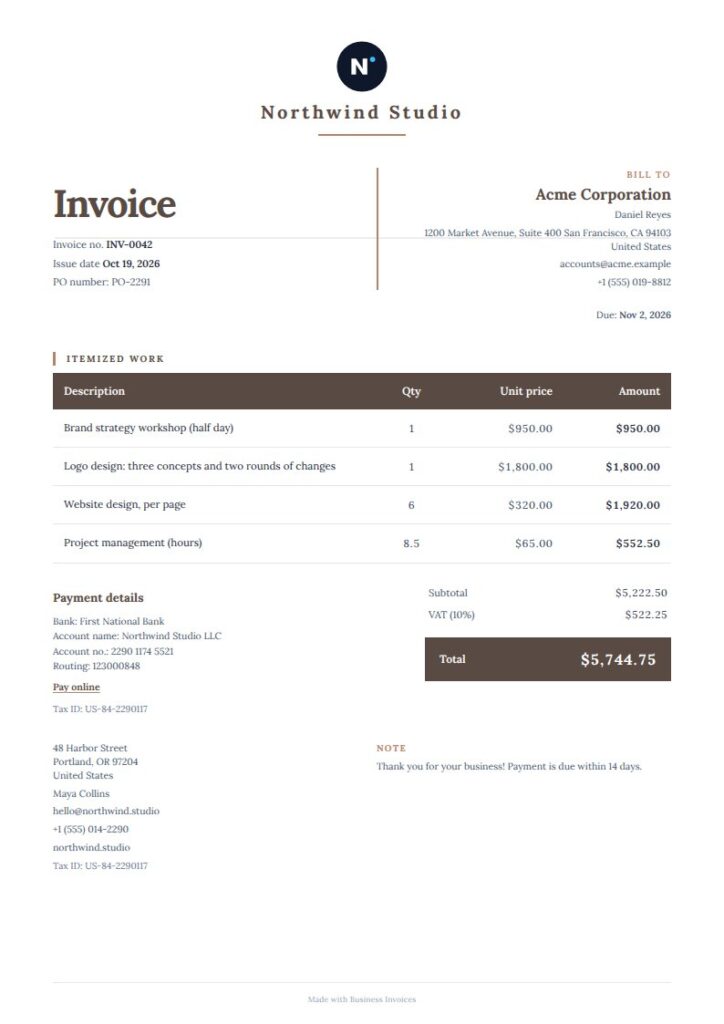
Hearth Clay Restaurant Invoice Template
Hearth Clay is a useful free option when you want the amount due to stand out. Its grounded totals panel, centered identity mark, and crisp ledger rules guide the reader from business details to itemized charges and totals. Its catering and food tags, along with bakery and cake, make it suitable for restaurant and food-service invoices. Classic serif styling and a terracotta tone give the page a warm, traditional look.
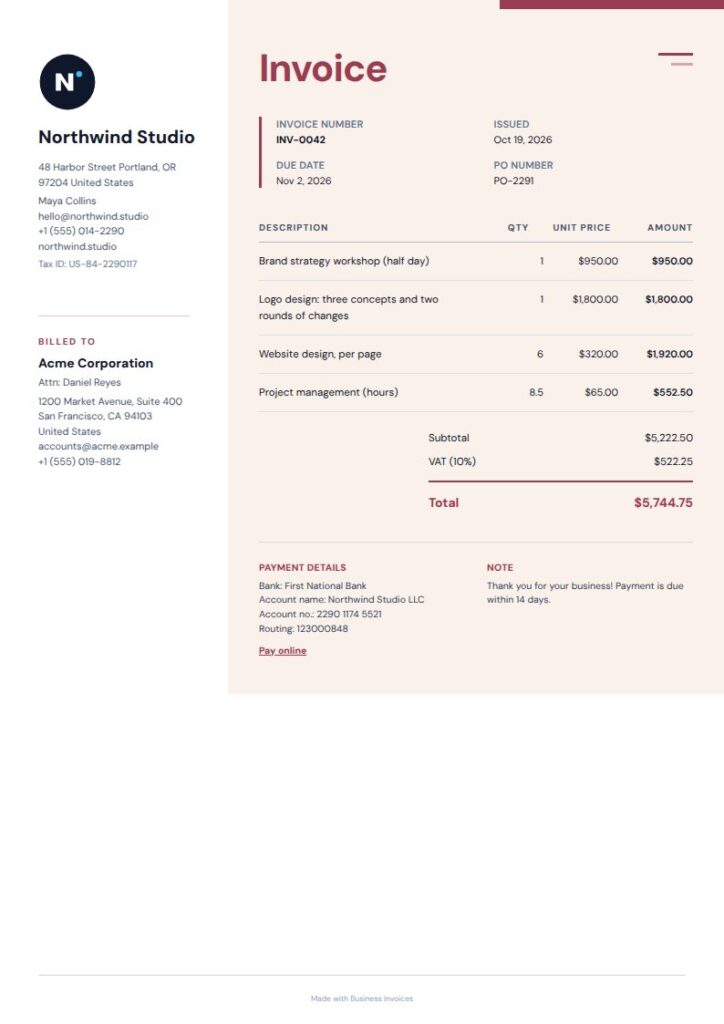
Linen Restaurant Invoice Template
Linen uses a calm, split-page layout, with a narrow client rail beside a warm, open item ledger. This arrangement helps keep customer information separate from restaurant charges. It is tagged for restaurant and food as well as retail, so it may suit businesses that invoice for more than one kind of sale. Linen is a Pro template that you can preview before using.
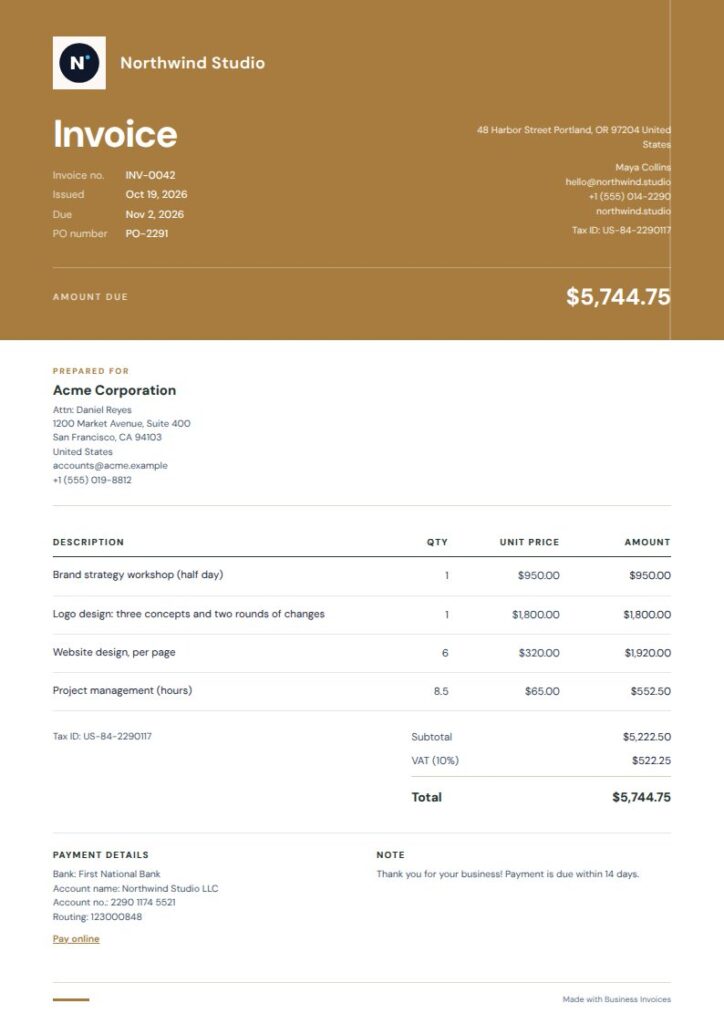
Saffron Masthead Restaurant Invoice Template
Consider Saffron Masthead if you want a compact ochre header and open rows for invoice items. Its two-column closing gives the final details their own space, and the warm editorial styling suits a restaurant or cafe identity. Its tags include restaurant, food, cafe, and coffee-shop. You can preview this Pro layout first and change the colours to better match your business.
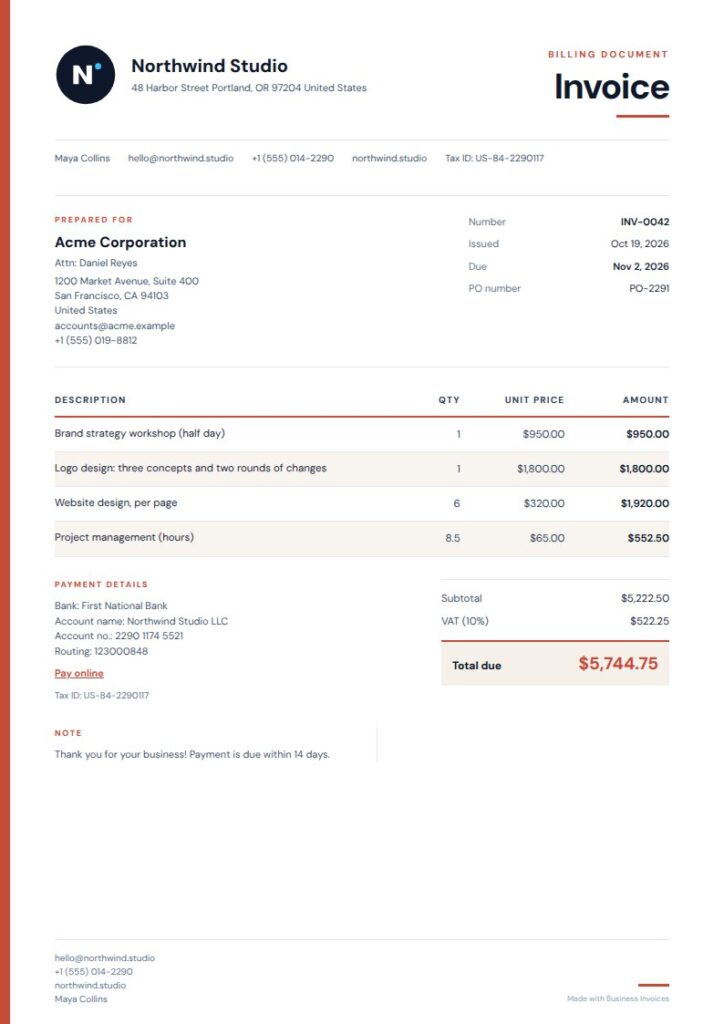
Red Rail Restaurant Invoice Template
Red Rail gives a restaurant invoice a distinct structure with its vermilion side rail, open metadata columns, and striped, ruled items. The rail separates business information from the rest of the page, while the rows help customers scan the charges. Restaurant and food are direct tags, and events may suit restaurants billing for event work. This Pro option can be previewed before you decide if it fits your invoices.
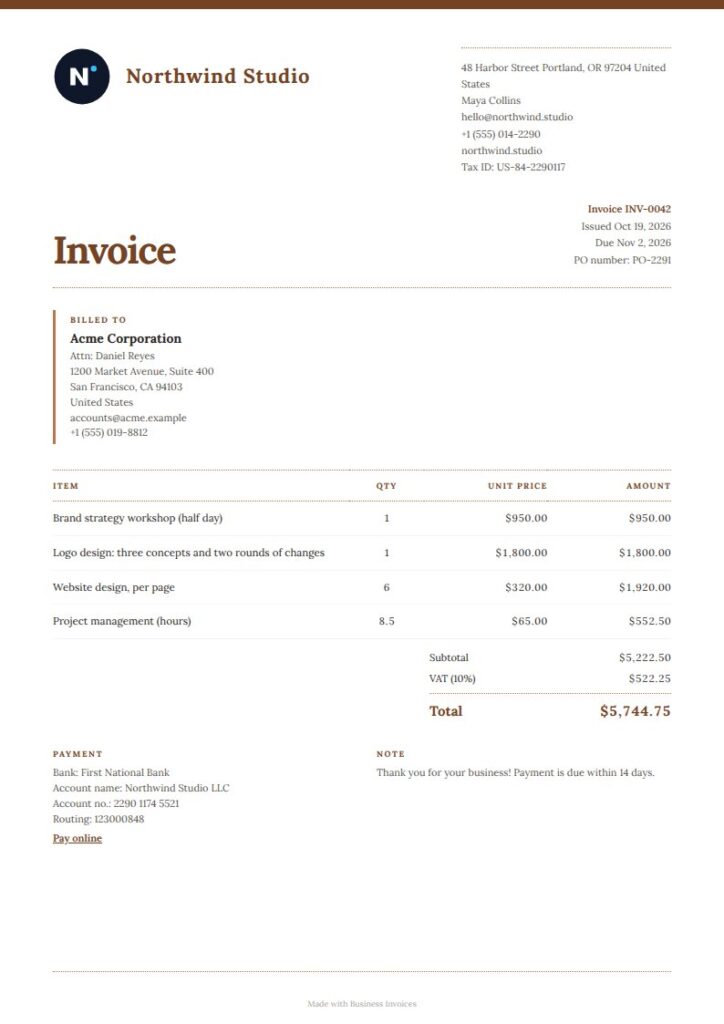
Saffron Rust Restaurant Invoice Template
Saffron Rust is a free template with a warm, classic look. Its compact masthead and ruled item ledger work well for a clear list of food or service charges, and the closing note gives the page a defined finish. It is tagged for bakery, pastry, and cake rather than restaurant, so it may suit a restaurant with a bakery or dessert focus. The rust and cream palette adds to its warm appearance.
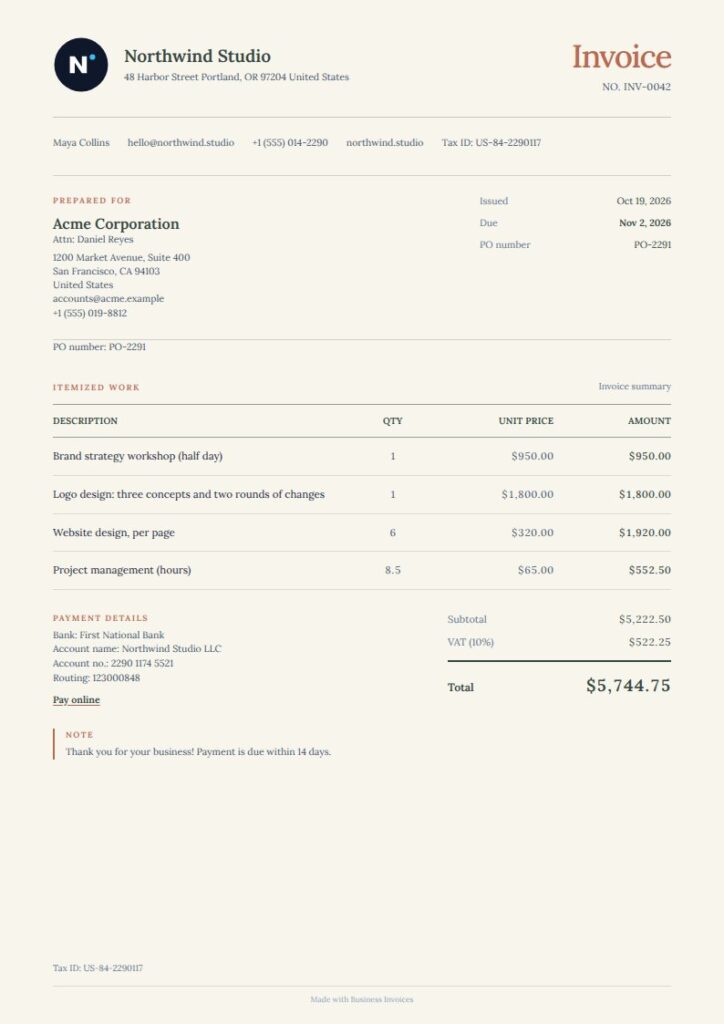
Hearth Teal Restaurant Invoice Template
Hearth Teal has a warm, centered layout for restaurant billing, with a fine-lined item ledger and subtle terracotta accents. Use the ledger to describe each charge, and the hospitality tag makes the template relevant for businesses serving guests. This is a free template. Its cafe and coffee-shop tags make it a natural choice for a restaurant with a cafe-style identity, while its classic styling keeps the page calm and readable.
What to include on a restaurant invoice
Include your business and customer details, invoice information, and a clear description of each billed item. Add quantities and amounts where they help explain the charges, then make the total due easy to find.
You can add your logo, payment or bank details, and extra fields to a template. Choose fields that fit the work, such as a reference for a catering order or event.
Making and choosing a template
Create an invoice in your browser with Business Invoices, then download it as a PDF. The tool works with any currency, so you can prepare invoices in the currency you use.
Everyone can use the free templates, and making invoices is free and unlimited. Pro templates are part of the Pro plan, but you can preview any of them before choosing one.
FAQs
What should a restaurant invoice include?
Include the restaurant and customer details, invoice information, and a clear description of the items or services being charged. Add quantities and amounts where useful, then make the total due easy to see. You can also include payment or bank details and extra fields that help identify the order.
Can I customize a Restaurant Invoice Template?
Yes. Change the template colours, add your logo, and include payment or bank details. You can also add extra fields for information relevant to a restaurant order or catering job.
Can I make a restaurant invoice for free?
Making invoices with Business Invoices is free and unlimited, and everyone can use the free templates. Pro templates are part of the Pro plan, but you can preview them before deciding whether to use one.
Can I download my restaurant invoice as a PDF?
Yes. Create the invoice in your browser and download it as a PDF. Business Invoices works with any currency, so you can use the currency that suits your invoice.