
A Video Production Invoice should show clients what you did and what they owe. You may bill for filming, editing, production time, or separate project stages. Clear descriptions and item rows help clients follow the charges. These Video Production Invoice templates range from restrained layouts for straightforward billing to bolder creative designs. Choose one that suits your work, then add the project details, payment information, and any extra fields you need. You can create an invoice in your browser and download it as a PDF.
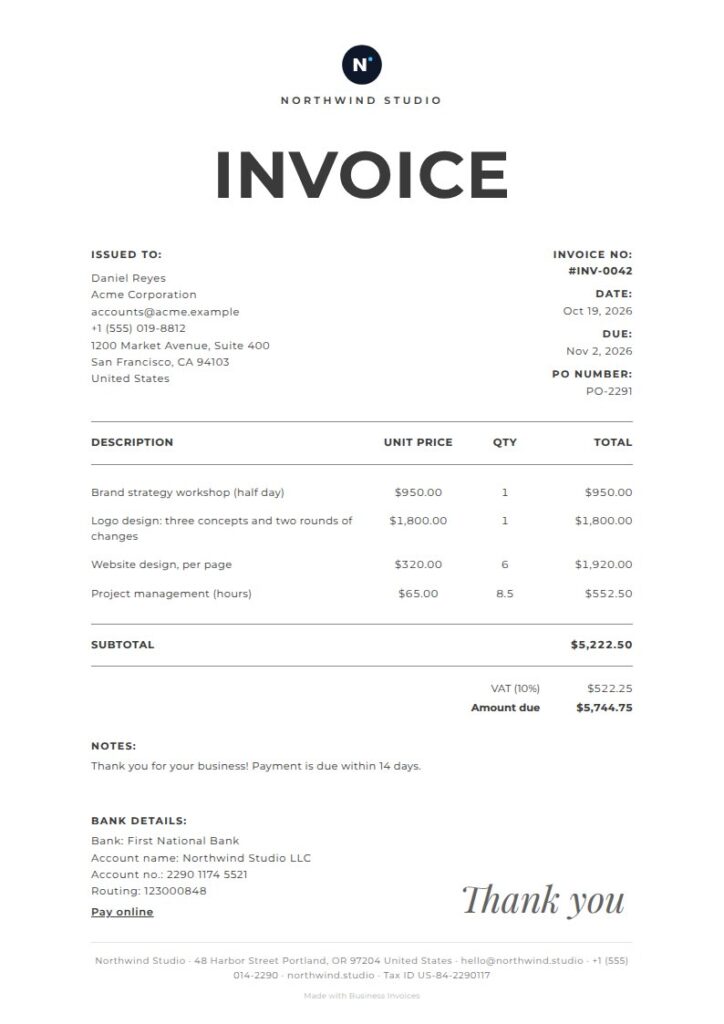
Atelier Video Production Invoice
Atelier’s tags make it a fitting choice for a photographer or creative studio billing for video production. The large centered title, thin rules, and open layout give the details room to breathe. A handwritten-style thank-you adds a personal touch. The simple editorial design works well for separate line items for filming, editing, or other project work without making the page feel crowded.
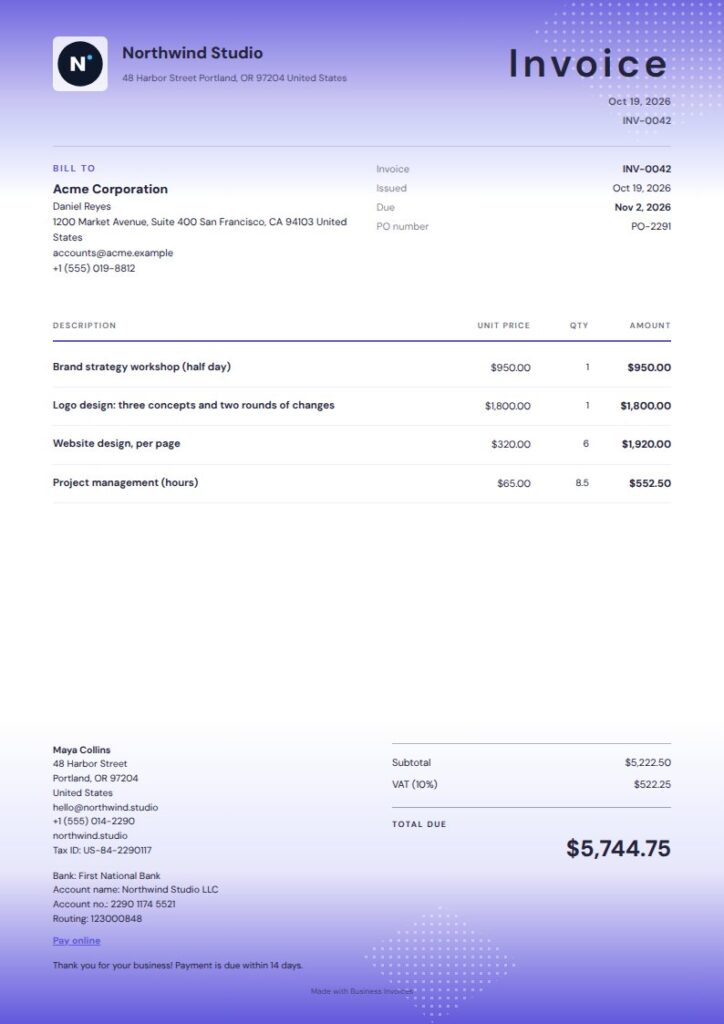
Violet Night Video Production Invoice
Violet Night’s tags for entertainment, music, agency, and creative work suit a video production business. A luminous violet wash and bold editorial type give the invoice a distinctive look. The compact two-column settlement area keeps payment details together, and the ruled layout makes it easier to set out production services clearly.
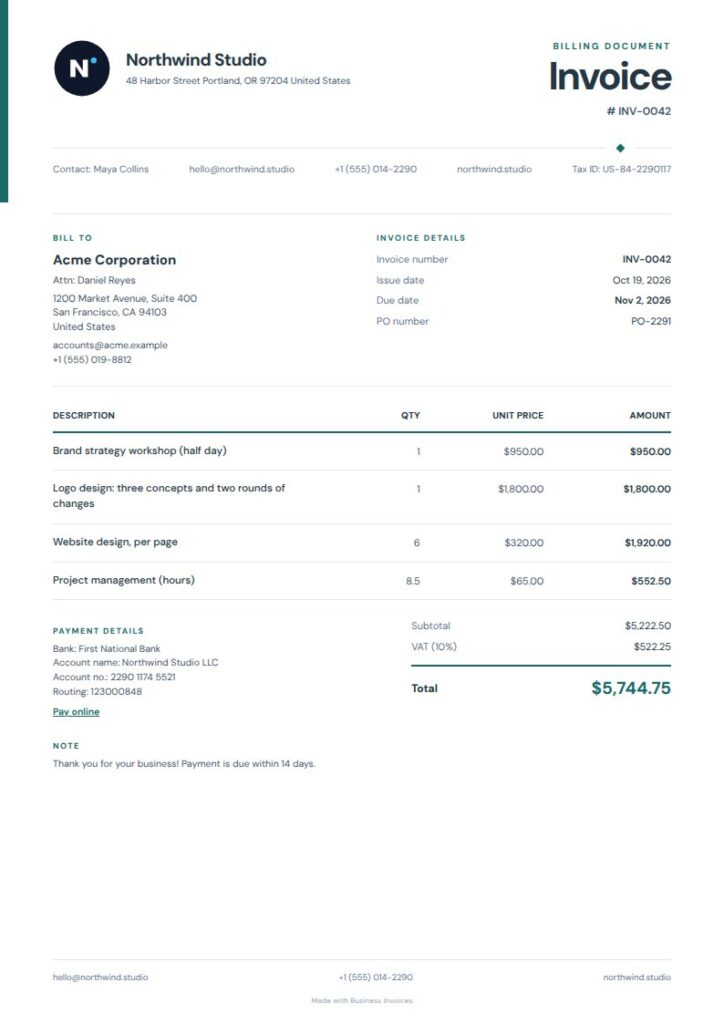
Quiet Rail Video Production Invoice
Quiet Rail is a practical choice for client projects if you prefer a neutral invoice. Its narrow color rail, open metadata area, and softly ruled item ledger leave room for production services and charges. The freelancer and creative-adjacent business tags suit independent video professionals who want a calm, professional page rather than a strongly themed design.
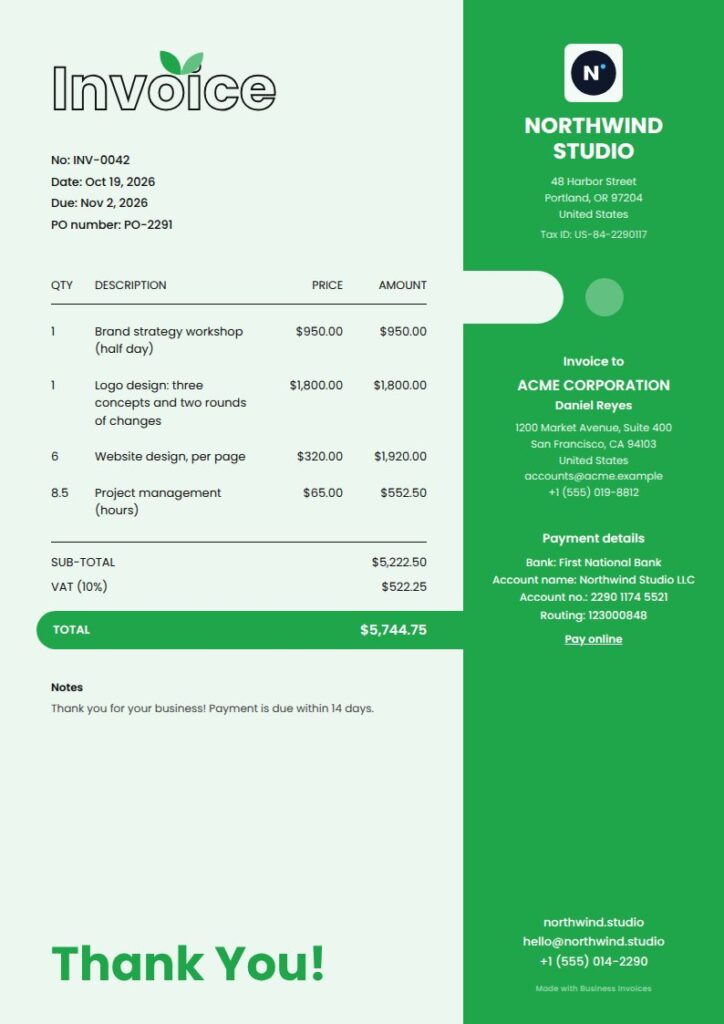
Fresh Video Production Invoice
Fresh’s agency and creative tags suit production companies and independent teams billing for creative projects. The colored side panel, outlined title, and total bar give it a contemporary media-industry feel. The layout separates the invoice identity and total from the service rows, so clients can scan the bill more easily.
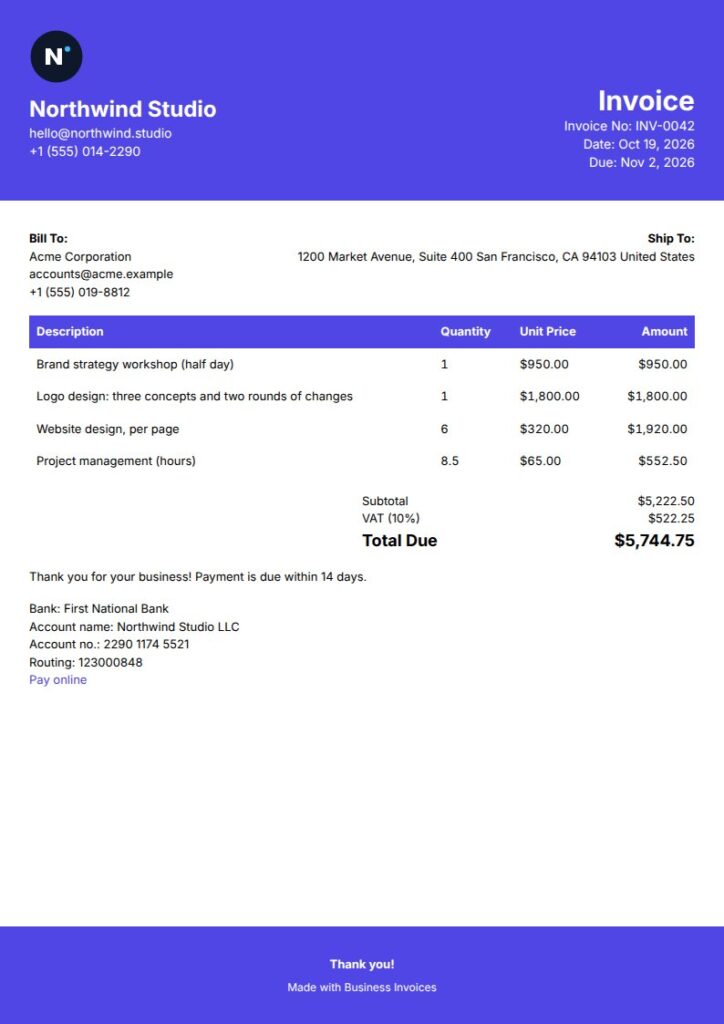
Headline Video Production Invoice
Headline has a crisp, straightforward format with an indigo title treatment, filled table header, and signature line. The design helps distinguish project line items, which is useful when billing for separate stages such as production and post-production. Its freelancer and professional-services tags also make it a fit for independent video makers working directly with clients.
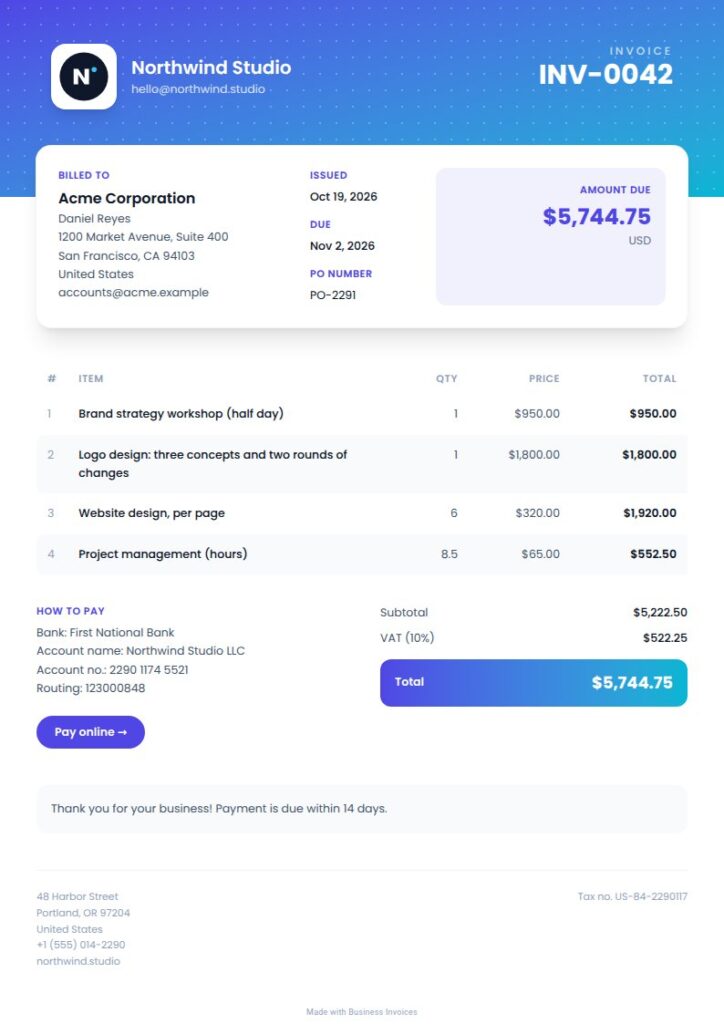
Modern Video Production Invoice
Modern’s agency, creative, marketing, and advertising tags make it a good match for video production services. A gradient header, subtle pattern, striped rows, and total band give the invoice a bright, contemporary look. The row styling helps separate multiple services, with a clear place for the total at the end.
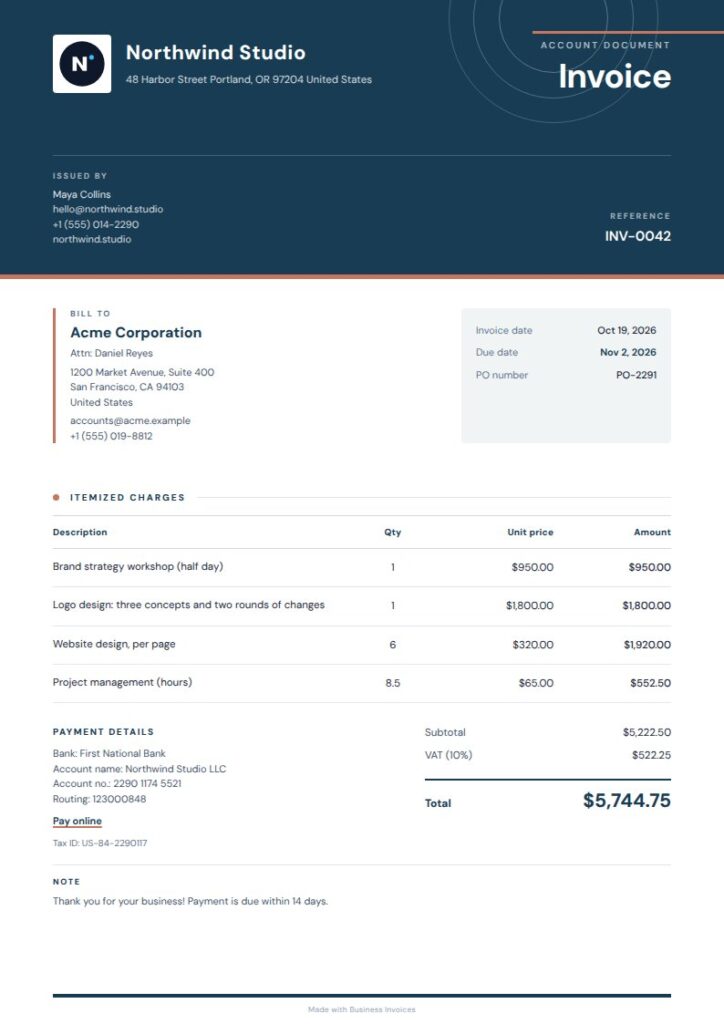
Orbit Video Production Invoice
Orbit pairs agency and creative tags with an editorial layout that feels polished without looking crowded. Its deep-blue masthead, fine-line orbit details, and paper-like page suit invoices for production or editing work sent to business clients. The compact format keeps invoice information and service details together and easy to read.
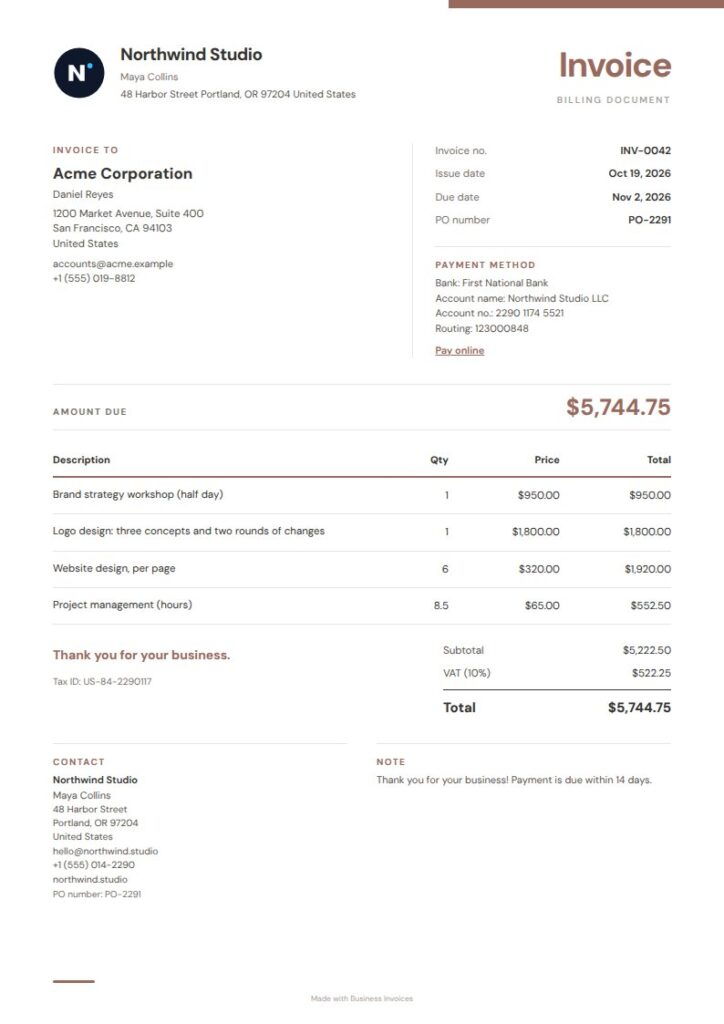
Clay Column Video Production Invoice
Clay Column has a restrained, professional look that keeps attention on the work. Its compact terracotta masthead, open detail columns, and ruled item ledger provide a clear structure for client details and itemized production charges. The freelancer tags also suit an independent operator preparing invoices for different projects.
What to include on a video production invoice
Describe each billed service clearly, such as filming, editing, or another agreed project stage. Include the client and invoice details, the amount for each line, and the total due so the client can see how the charges add up.
You can also include payment or bank details and any extra fields you need. The invoice maker works with any currency.
Make the invoice fit your project
Business Invoices lets you create an invoice in your browser and download it as a PDF. Change the template colours, add your logo, and include payment details or extra fields for the project.
Invoice creation is free and unlimited, and everyone can use the free templates. You can preview Pro templates before using them; they’re part of the Pro plan.
FAQs
What should a video production invoice include?
Include the client and invoice details, a clear description of each service, the amount for each line, and the total due. You can also add payment or bank details and extra fields for project information your client needs.
Can I itemize filming and editing separately?
Yes. Add a separate item row for filming, editing, or each other billed service. Clear descriptions help the client see how the invoice total is made up.
Can I add my logo and payment details?
Yes. Add your logo, payment or bank details, and any extra fields you need. You can also change the template colours to suit your business.
Can I invoice clients in any currency?
Yes. Business Invoices works with any currency. Create the invoice in your browser and download it as a PDF.