
A Virtual Assistant Invoice should make your services, hours or project charges easy for a client to check. A clear layout keeps the document professional and puts the details first. These Virtual Assistant Invoice templates use simple ruled tables and restrained designs suited to freelance and professional services. Choose a free template, or preview a Pro design before you decide. You can change the colours, add your logo and payment details, create the invoice in your browser and download it as a PDF.
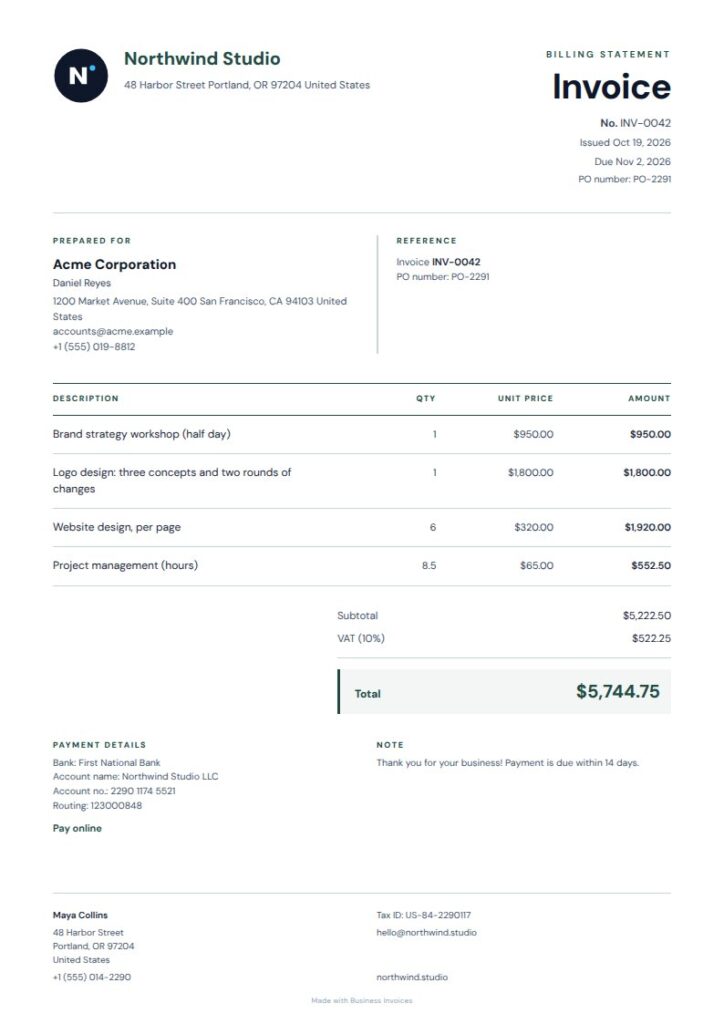
Line Teal Virtual Assistant Invoice
Line Teal suits virtual assistant work with its clean layout, warm paper tone and fine rules. The quiet design keeps attention on the client, services and charges. Its freelancer and consulting tags make it a natural fit for independent administrative support. List tasks, hours or agreed project work on separate rows, then add your logo or payment details.
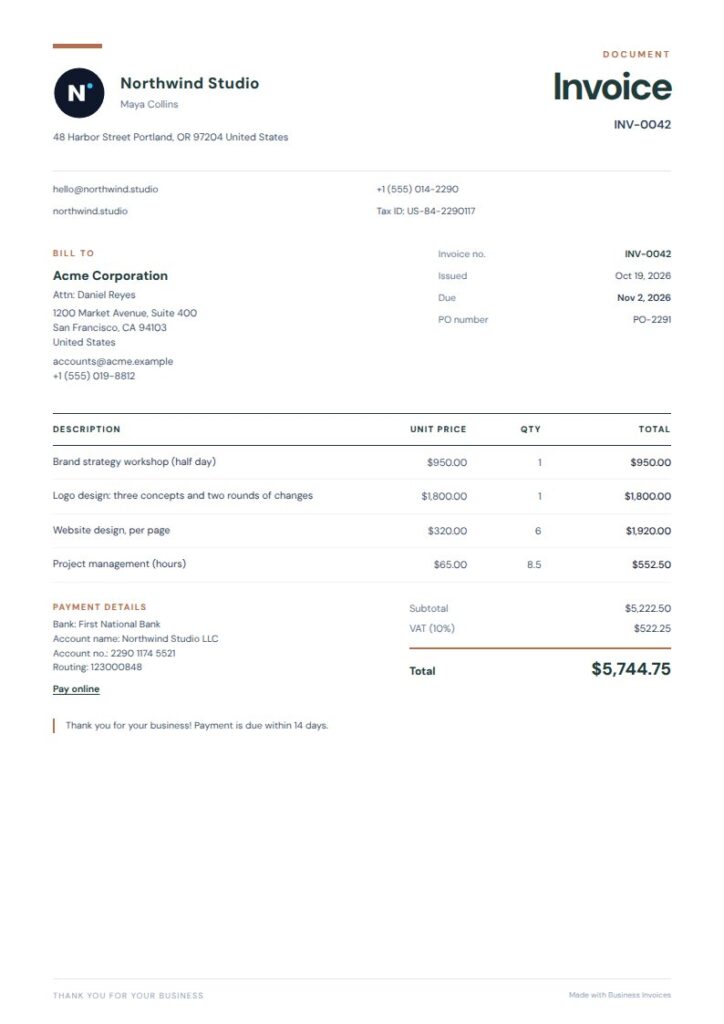
Teal Terracotta Virtual Assistant Invoice
Teal Terracotta gives a Virtual Assistant Invoice a polished, approachable look, with an airy layout and fine rules. Its freelancer, consulting and professional-services tags suit remote support work, and the bold heading makes the document easy to identify. Use the compact item rows to show each service clearly. You can change the colours and add your own details.
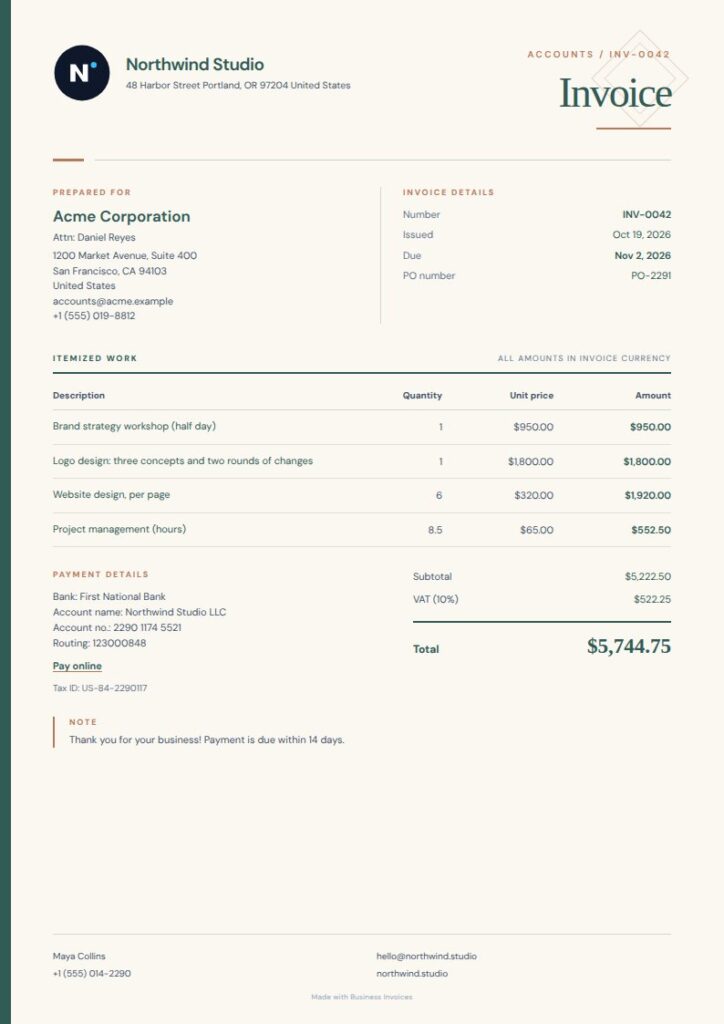
Sable Sidebar Virtual Assistant Invoice
A narrow, earth-toned rail adds structure to Sable Sidebar, while its two-column details layout stays practical. Its consulting and professional-services tags make it a good choice for virtual assistants billing ongoing support or project work. Restrained rules and an ivory background help keep invoice details easy to scan. This is a Pro template, which you can preview before choosing.
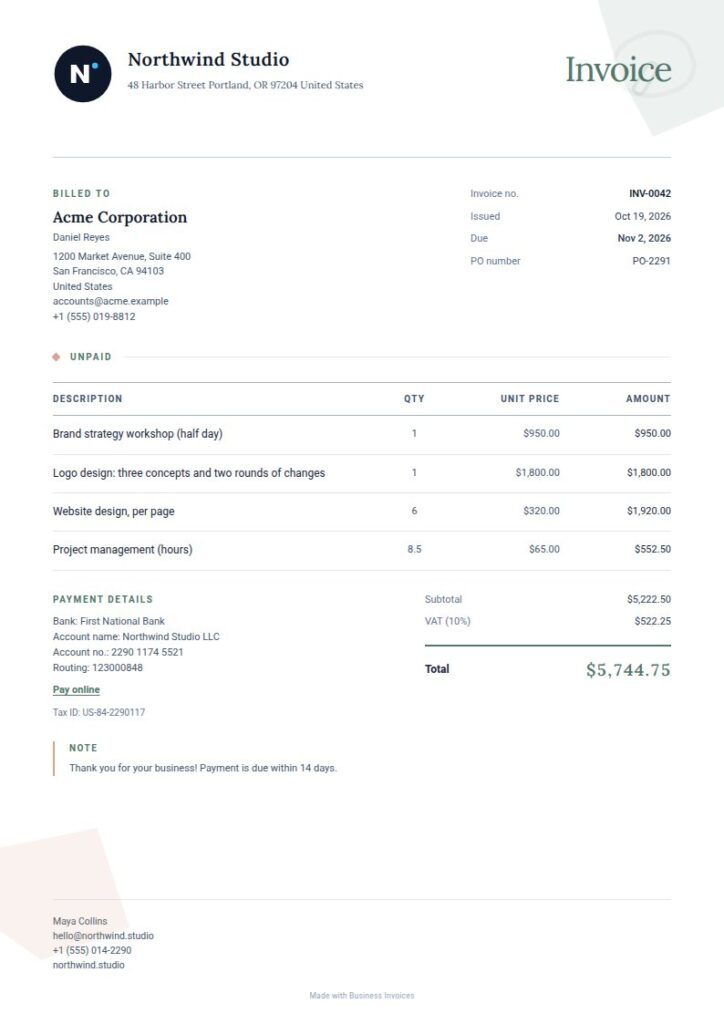
Quiet Shapes Virtual Assistant Invoice
Quiet Shapes pairs airy margins and fine rules with abstract sage corner forms for a refined design with a subtle touch of colour. Its consulting and professional-services tags suit virtual assistant work, and the editorial layout keeps service descriptions and charges readable. It suits freelancers who want a polished invoice without a crowded page. This Pro template is available to preview.
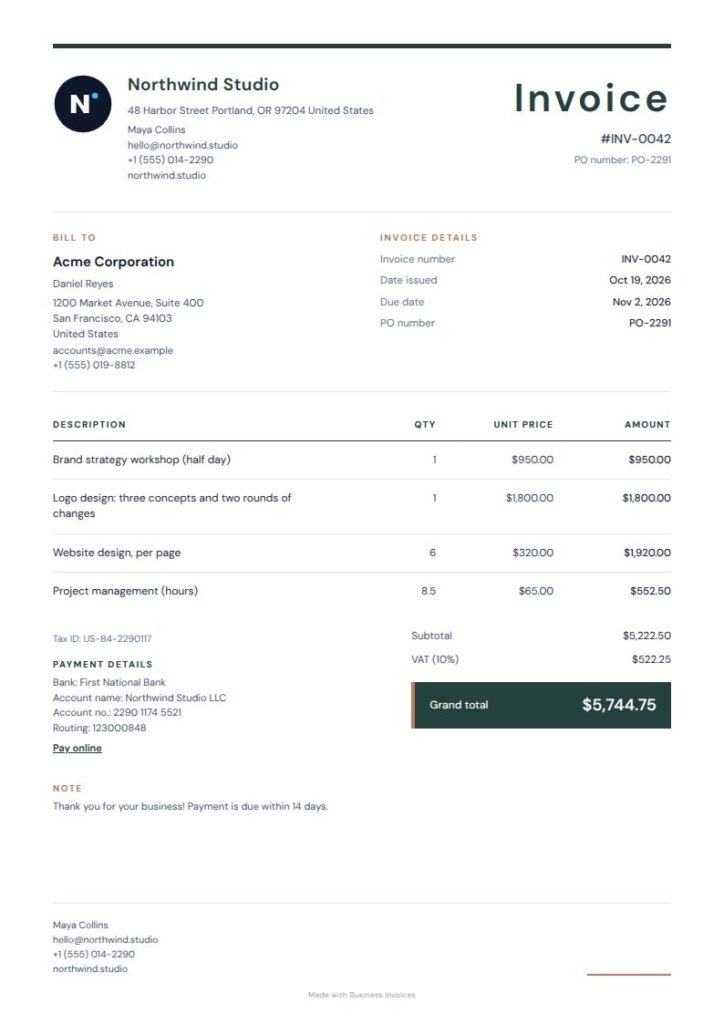
Linen Plain Virtual Assistant Invoice
Linen Plain has an airy page, compact masthead, fine ruled table and warm accent total panel. Its freelancer and consulting tags fit the independent work virtual assistants provide. The uncluttered design leaves room to list each task or service and its charge. This free template lets you create an invoice in your browser and download it as a PDF.
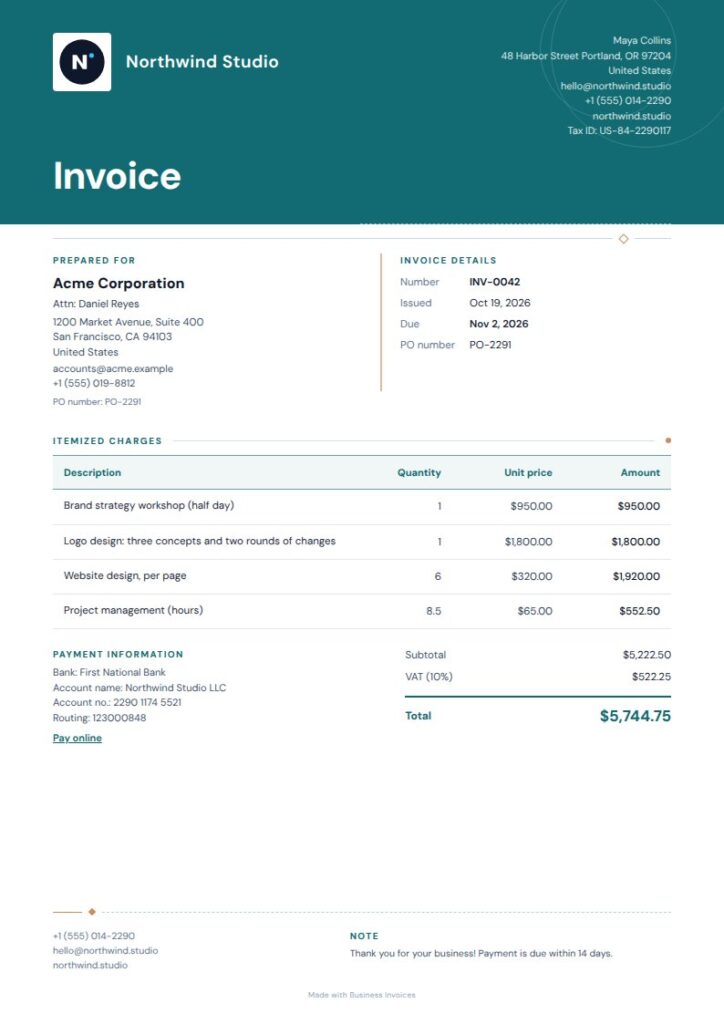
Meridian Arc Virtual Assistant Invoice
Meridian Arc has a distinctive professional look, with a deep teal masthead, fine route-like rules and a calm editorial layout. Its consulting and professional-services tags suit virtual assistants working with clients on different projects. The ruled line items give you a clear way to list work and fees. This Pro template is available to preview before you decide.
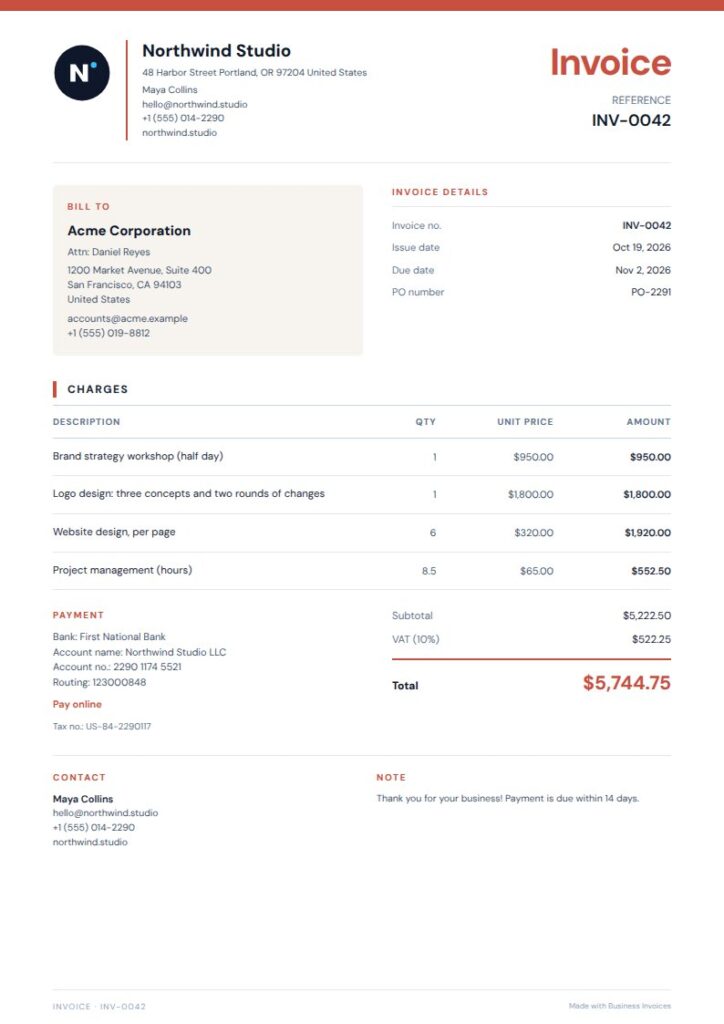
Vermilion Rule Virtual Assistant Invoice
Vermilion Rule uses framed details and a quiet two-column closing section to guide the reader through the invoice. Its freelancer and consulting tags suit virtual assistant services, while the simple style keeps the focus on what you’re billing for. Use the item rows to separate tasks, hours or project charges. This free template lets you create an invoice and download it as a PDF.
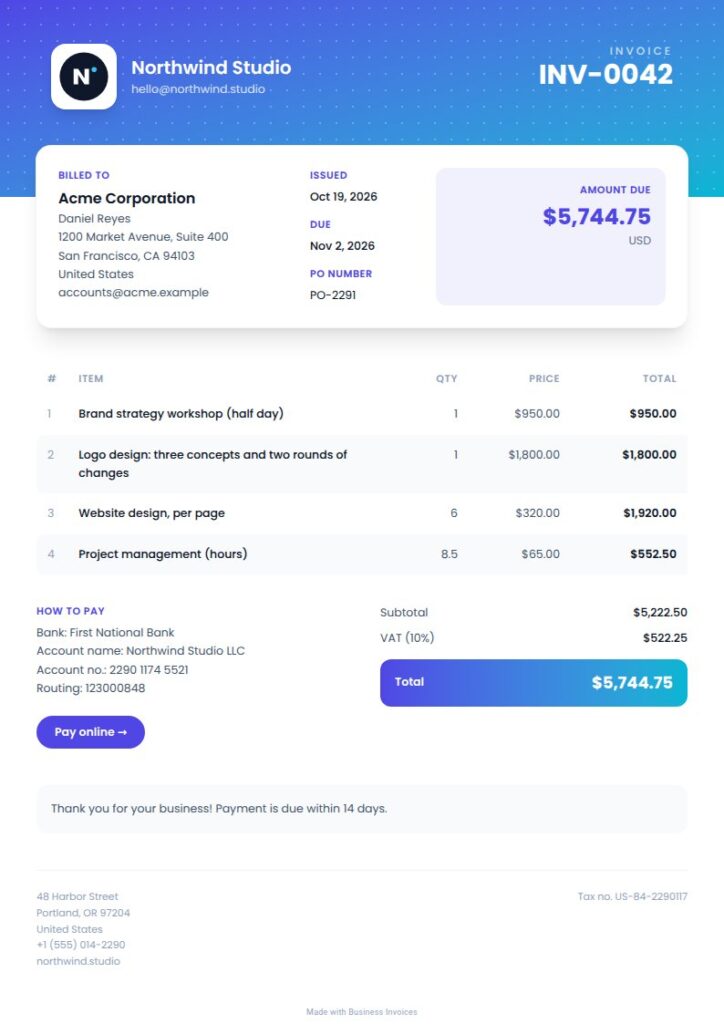
Modern Virtual Assistant Invoice
Modern offers a brighter look, with a gradient header, subtle pattern, striped rows and a total band. Its agency, creative and professional-service-related tags may suit virtual assistants supporting marketing or creative clients. The striped item rows help distinguish services or charges. This Pro template is available to preview before you use it for a client invoice.
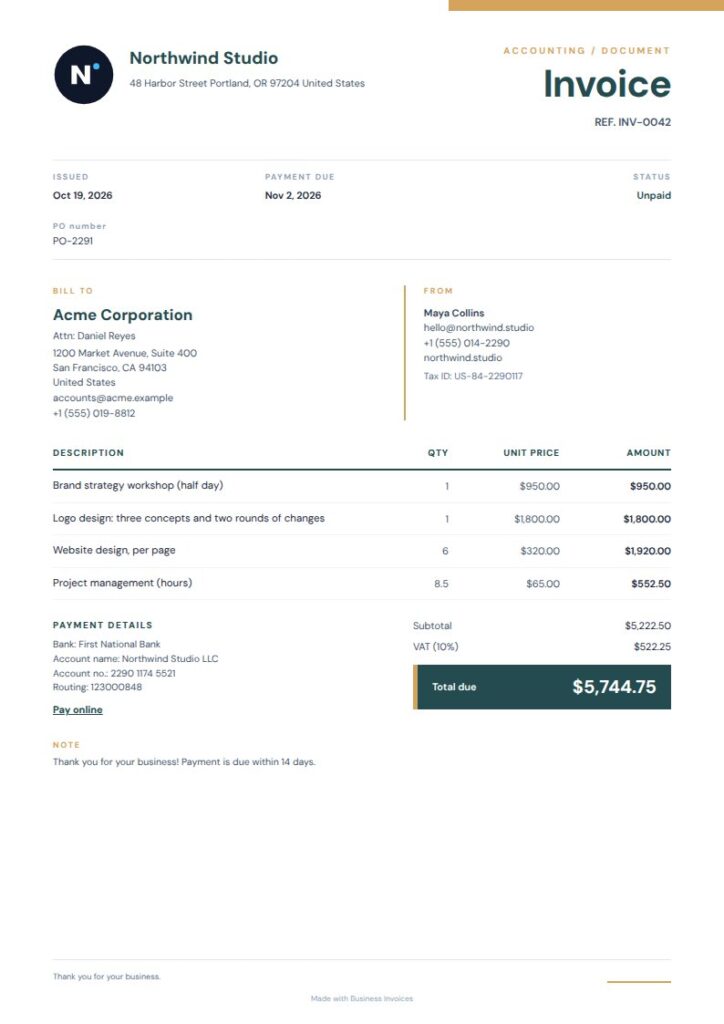
Ochre Total Virtual Assistant Invoice
Ochre Total pairs a calm layout with a slim metadata rail, teal section markers and a warm total panel. Its freelancer and consulting tags suit virtual assistants presenting support services and charges. The simple structure separates client and invoice details from the itemized work. This free template’s colours can be changed to match your brand more closely.
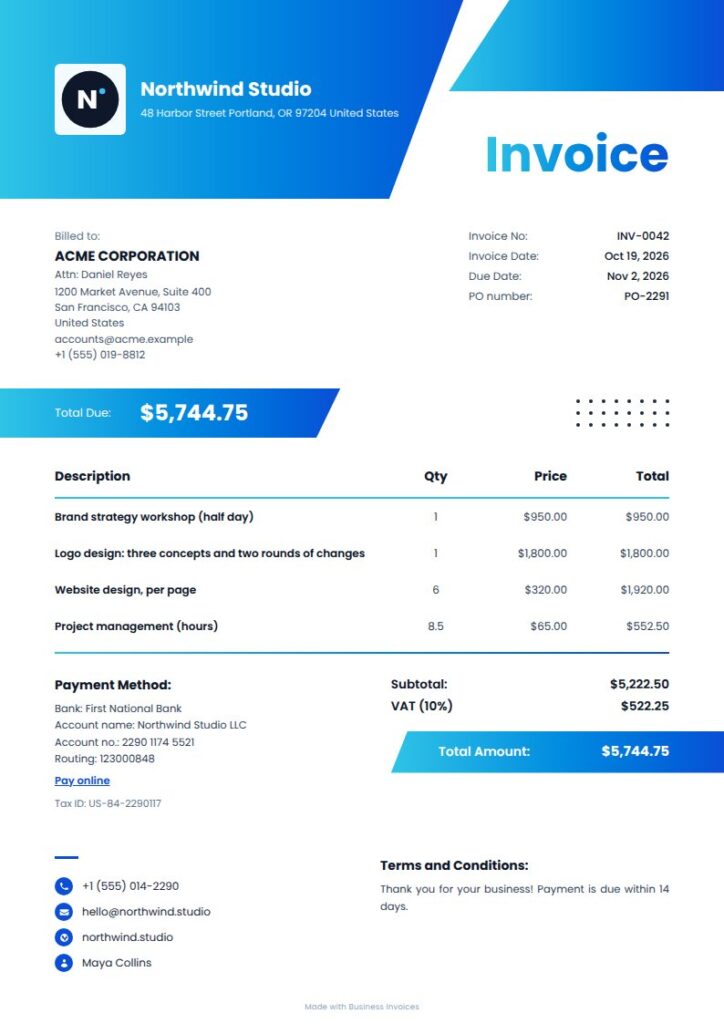
Horizon Virtual Assistant Invoice
Horizon has a vivid, modern style, with a side panel, angled shapes and bold title. It may suit clients in tech, travel or creative fields. Its agency, creative and marketing tags make it a possible fit for virtual assistants supporting those businesses. The total band draws attention to the amount due. This Pro template is available to preview before you choose it.
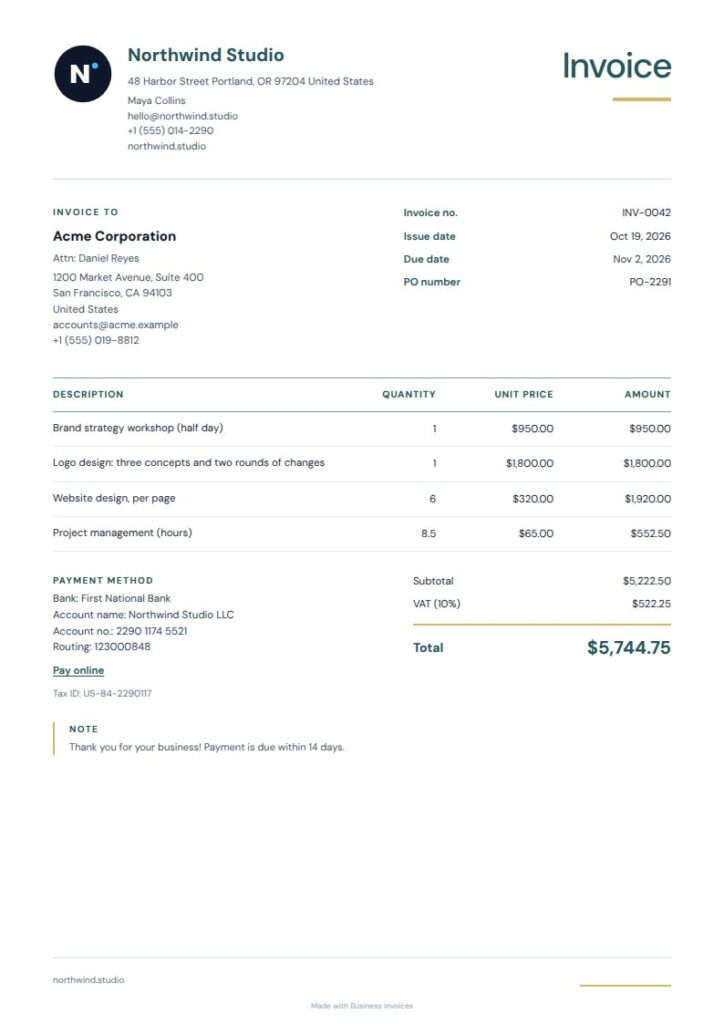
Bloom Simple Virtual Assistant Invoice
Bloom Simple combines an airy ruled layout, compact identity rail, crisp item lines and warm ochre total accent. Its freelancer tag makes it relevant to independent virtual assistants, and the simple design works for a range of client types. Use the item lines to show the services you provided. This free template lets you add a logo or payment details.
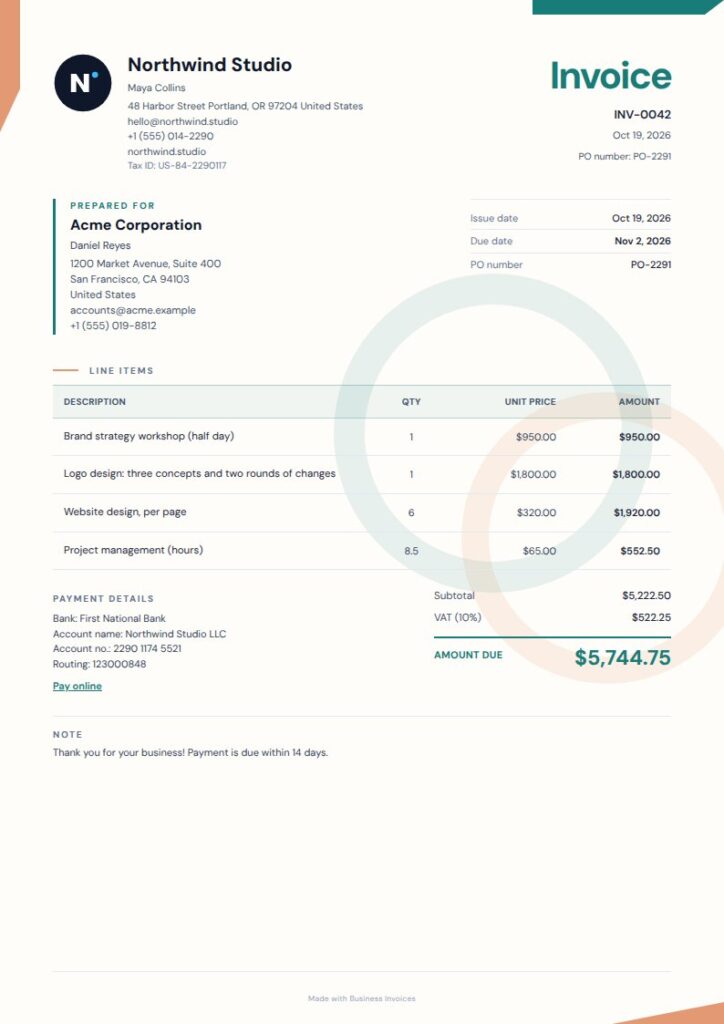
Orbit Ledger Virtual Assistant Invoice
Orbit Ledger pairs offset corner shapes and soft orbital rings with a compact details rail for a modern look. Its agency and creative tags may suit virtual assistants who work with creative businesses, while the ledger-style layout helps organize charges. Choose this Pro design for a more decorative invoice. You can preview it before deciding if it fits your needs.
What to include on a virtual assistant invoice
Include your business and client details, an invoice identifier, the date and a clear description of the work. Show the amount charged for each service or period, and make the total easy to find.
For hourly work, list the hours and rate for each type of service. For a fixed project or recurring service, describe the agreed work and billing period so the client can see what the charge covers. Add payment or bank details if you want them on the invoice.
FAQs
How do I make a Virtual Assistant Invoice?
Choose a template and create the invoice in your browser. Add your business and client details, describe the services, enter the charges and include payment details if needed. Change the template colours or add your logo and extra fields, then download the finished invoice as a PDF.
What should I charge for virtual assistant services on an invoice?
List the charges you and your client agreed on. For hourly work, show the hours and rate. For project or recurring work, describe the service and billing period and include its charge. The invoice maker works with any currency, so you can prepare the invoice in the currency used in your agreement.
Can I add my logo and payment details to a virtual assistant invoice?
Yes. Add your logo, payment or bank details, and any extra fields you need. You can also change the template colours. This lets you include the information your client needs while keeping the invoice suited to your business.
Are virtual assistant invoice templates free?
Everyone can use free templates, and invoice creation is free and unlimited. Pro templates are part of the Pro plan, but you can preview them first. After creating an invoice in your browser, download it as a PDF.